English
200
Other Useful
Features
24 5
3
1
Illumination Control
With the sidemarker lamps of the vehicle ON,
setting the illumination control to AUTO
decreases the illumination brightness of the
CVA-1005.
If the illumination of the unit is too bright during
the night, set the illumination to AUTO.
Note: After carrying out the steps 1 to 3 of "To
switch to the display mode screen or to
the picture mode" explained on page
192, perform the operation described
below.
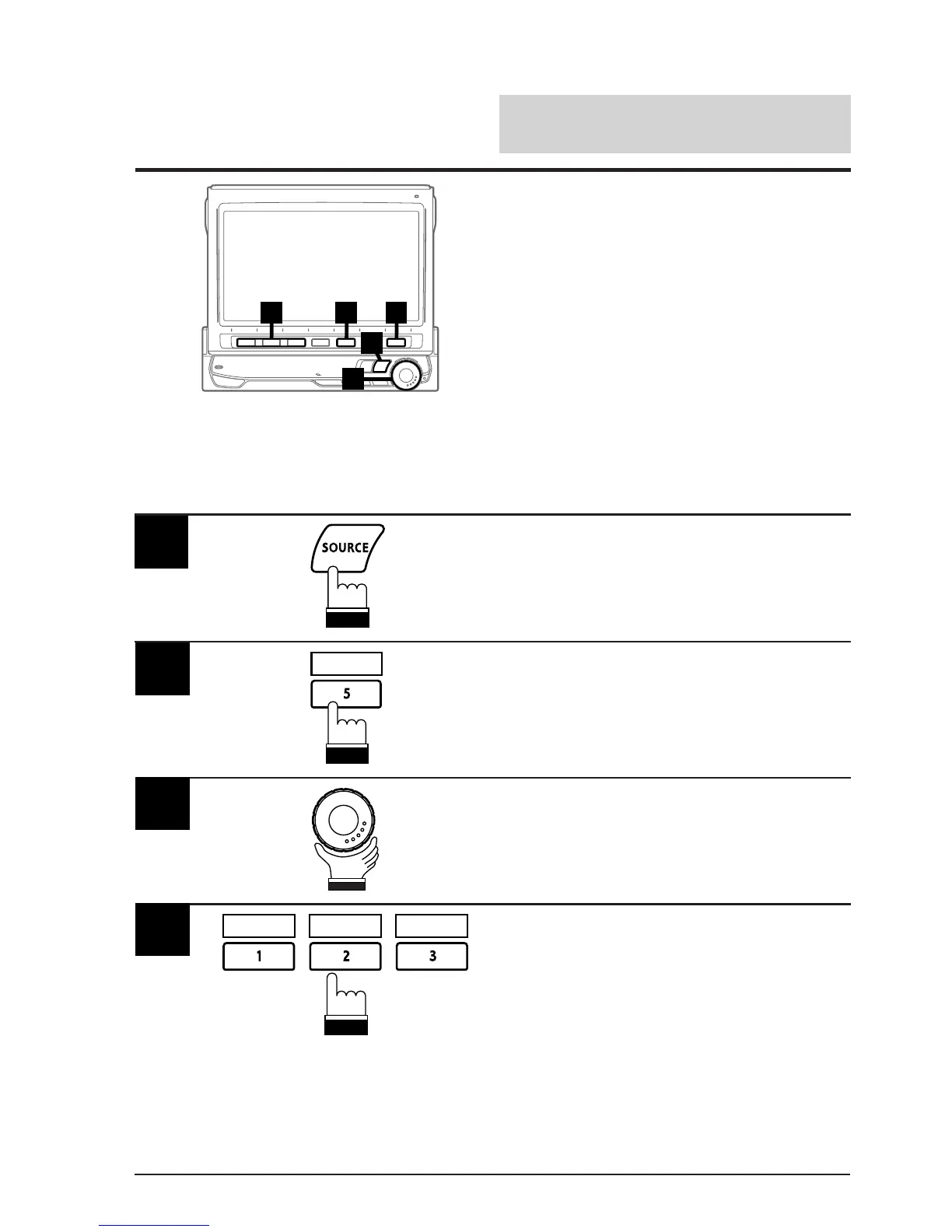
1
Press the SOURCE button.
The main menu appears on the display.
Press the 5 (DISPLAY) button.
The Display mode screen is displayed.
2
DISPLAY
Rotate the rotary encoder and select "DIM-
MER."
The Function Guide is displayed.
3
• Press the 3 (AUTO) button to activate the
Auto Dimmer mode. In the Auto Dimmer
mode, the background illumination of the
monitor is sychronized with the instrument
illumination of the vehicle (the dimmer input
lead should be connected).
• Press the 1 (OFF) button to deactivate the
Auto Dimmer mode to keep the background
illumination bright.
• Press the 2 (ON) button to keep the
background illumination of the monitor dark.
4
ON AUTOOFF
(To be continued)



 To Next Page