English
138
Audio Processor
Operation (Optional)
1
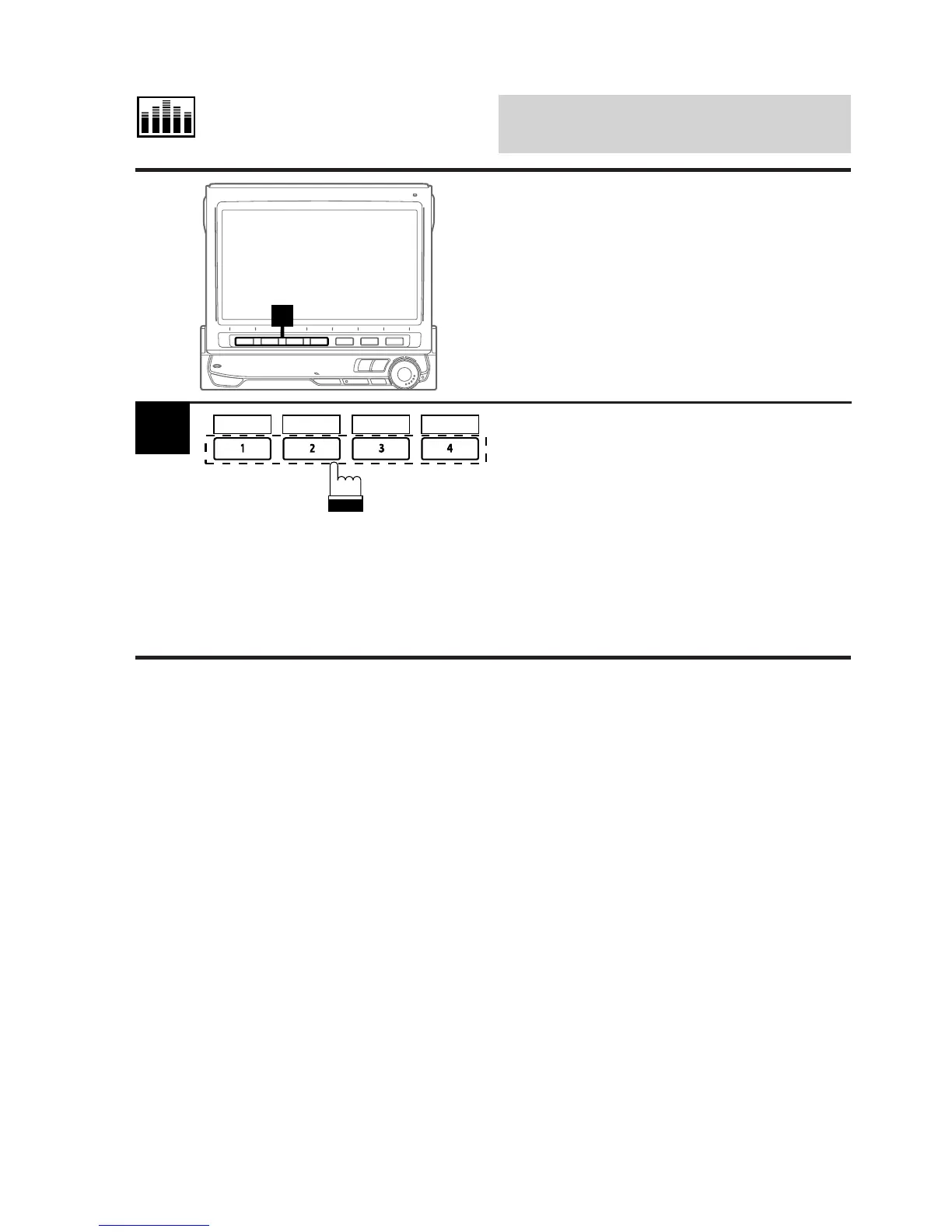
Display the Divider mode screen.
Press the Function button 1 (P.SET1) through
4 (P.SET4) that has your desired divider
settings.
The divider setting stored at the Function button
will be recalled.
Tip: You can also recall your desired divider
settings memorized by pressing the 4
(;P.DN) or 5 (:P.UP) button in the
Divider mode.
1
Recalling Memorized
Divider Settings Using
Function Buttons
P.SET 1 P.SET 4P.SET 3P.SET 2



 To Next Page