28
English
1
Basic Operation
12
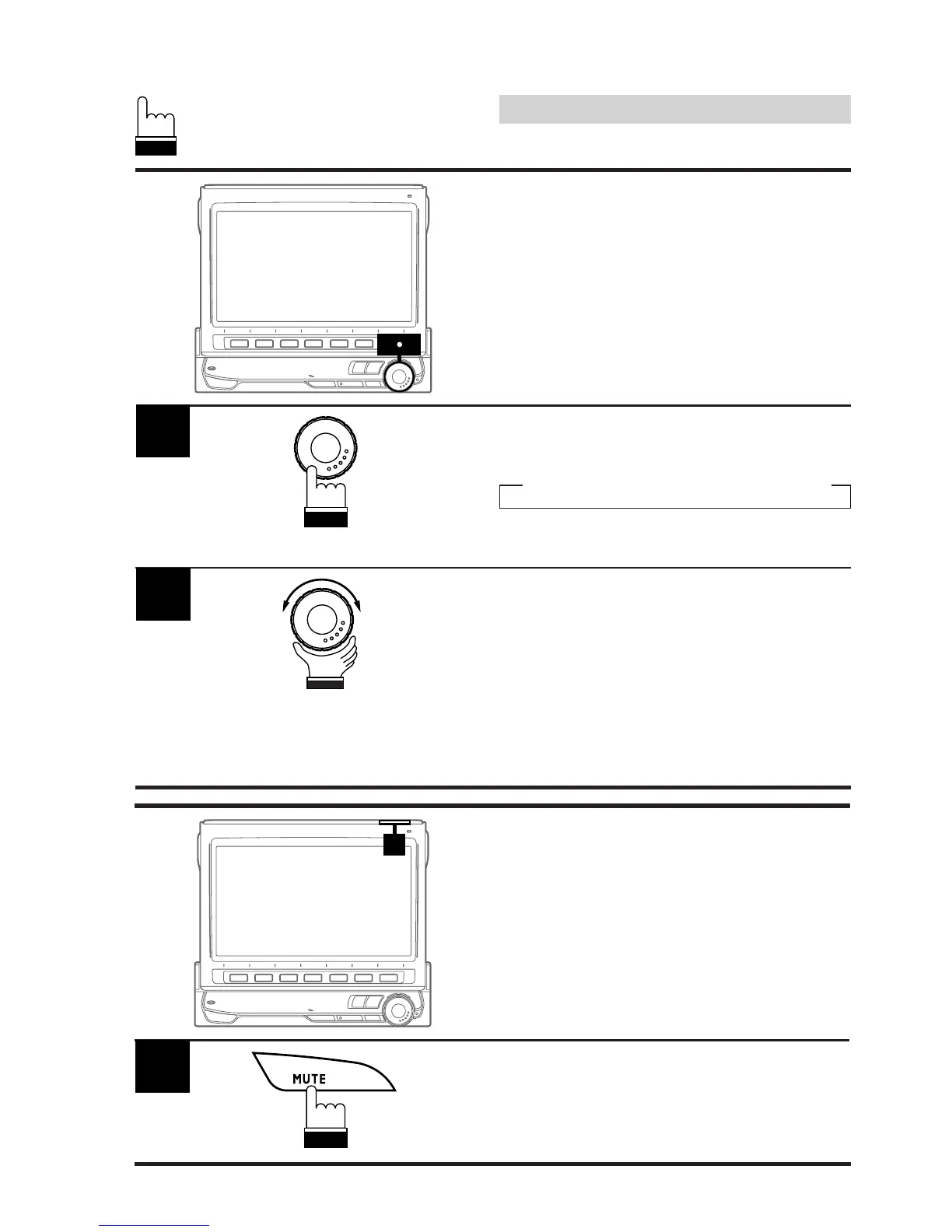
Press the rotary encoder repeatedly until the
mode you wish to adjust is obtained. Each
press changes the modes as follows:
→ BAS. → TRE. → BAL. → FAD. → VOL.
The volume level can be adjusted at any time
by just rotating the rotary encoder.
1
Adjusting the Volume/
Treble/Bass/Balance/
Fader
2
Rotate the rotary encoder to set to the desired
sound within 5 seconds after selecting the
mode.
Note: If the rotary encoder is not turned or
pressed within 5 seconds after selecting
the BAS. (Bass), TRE. (Treble), BAL.
(Balance), or FAD. (Fader), the unit
automatically defaults back to the VOL.
(Volume) mode.
Press the MUTE button to switch between the
Mute On and Off modes.
When the MUTE On mode is selected, the
volume level instantly decreases.
1
Muting the Sound



 To Next Page