English
48
CD Player/Changer
Operation (Optional)
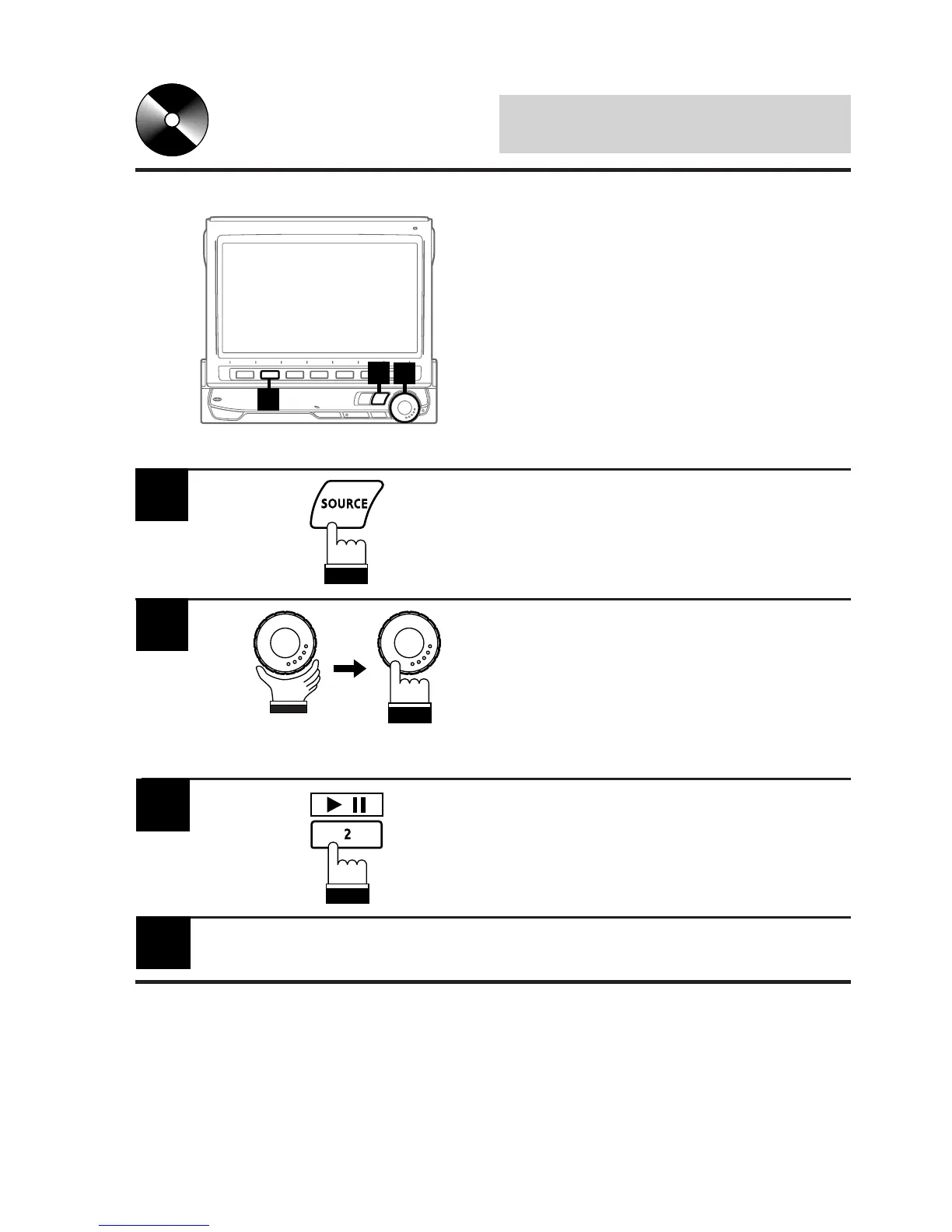
Press the SOURCE button to display the main
menu screen.
1
Rotate the rotary encoder and select the CD
player mode. Then, press the rotary encoder to
execute the selection.
The display shows the CD player mode screen.
Insert a CD into the CD player, the player starts
playing.
2
Playing Optional CD
Player or Changer
When an optional Alpine CD player or CD
changer is connected, you can control it from
the CVA-1005. This section describes operation
assuming that an Alpine CD player is con-
nected.
(When a CD changer is connected, see page
60 to select your desired disc.)
To temporarily pause playing, press the 2 (:/J)
button.
To resume play, press the 2 (:/J) button for a
second time.
3
/
To eject the CD, press the eject button on the
CD player.
4
2
1
3



 To Next Page