English
76
Cassette Player
Operation (Optional)
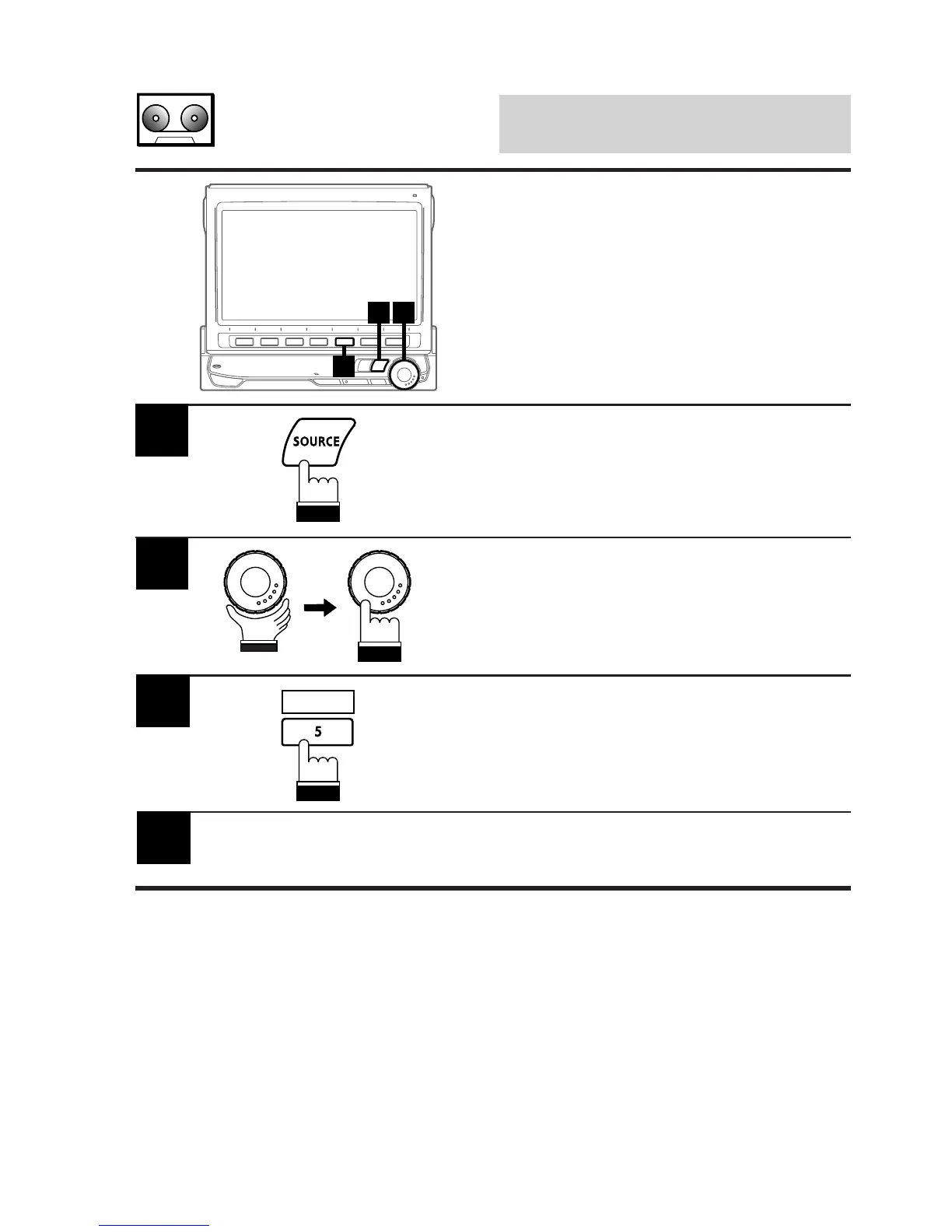
Press the SOURCE button to display the main
menu screen.
1
2
Rotate the rotary encoder and select "TAPE"
from the menu. Then, press the rotary encoder
to execute the selection.
The display shows the cassette player mode
screen.
2
1
3
When you play a cassette tape recorded using
Dolby B Noise Reduction, press the 5 (DOLBY
B) button to activate or deactivate Dolby B
Noise Reduction.
3
To stop tape play and eject the cassette tape,
press the EJECT button on the cassette player.
4
DOLBY B
Controlling Cassette
Player
If an optional Alpine cassette player is con-
nected to the CVA-1005, it can be controlled
from the CVA-1005.



 To Next Page