English
120
Audio Processor
Operation (Optional)
Adjustment of Time
Correction Value
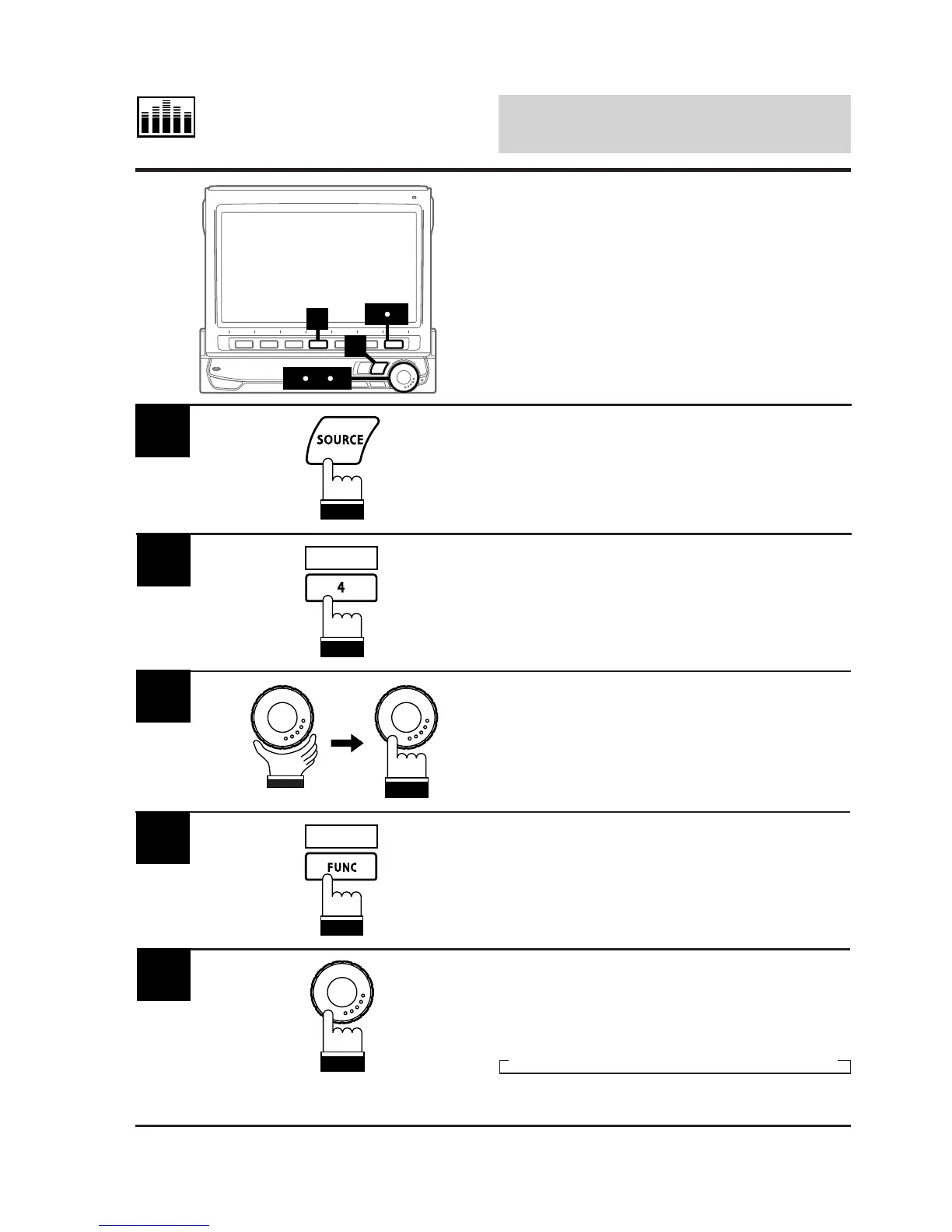
Press the SOURCE button.
The main menu appears on the display.
1
Press the 4 (A.PROC) button.
The Audio Processor List appears.
2
A.PROC
Rotate the rotary encoder and select the "Time-
Corr." (Time-Correction), then press the rotary
encoder .
The display changes to the Time-Correction
mode screen.
3
4
Press and hold the FUNC (RETURN) button for
at least 2 seconds.
The display changes to the Time-Correction
Adjustment mode screen.
RETURN
Press the rotary encoder repeatedly to select
the position (seat) you wish to adjust.
Each press changes the seat positions as
follows:
→ Fr/Left → Fr/Right → Rear/Left → Rear/Right
5
2
1
47
536
(To be continued)



 To Next Page