English
72
MD Player
Operation (Optional)
12
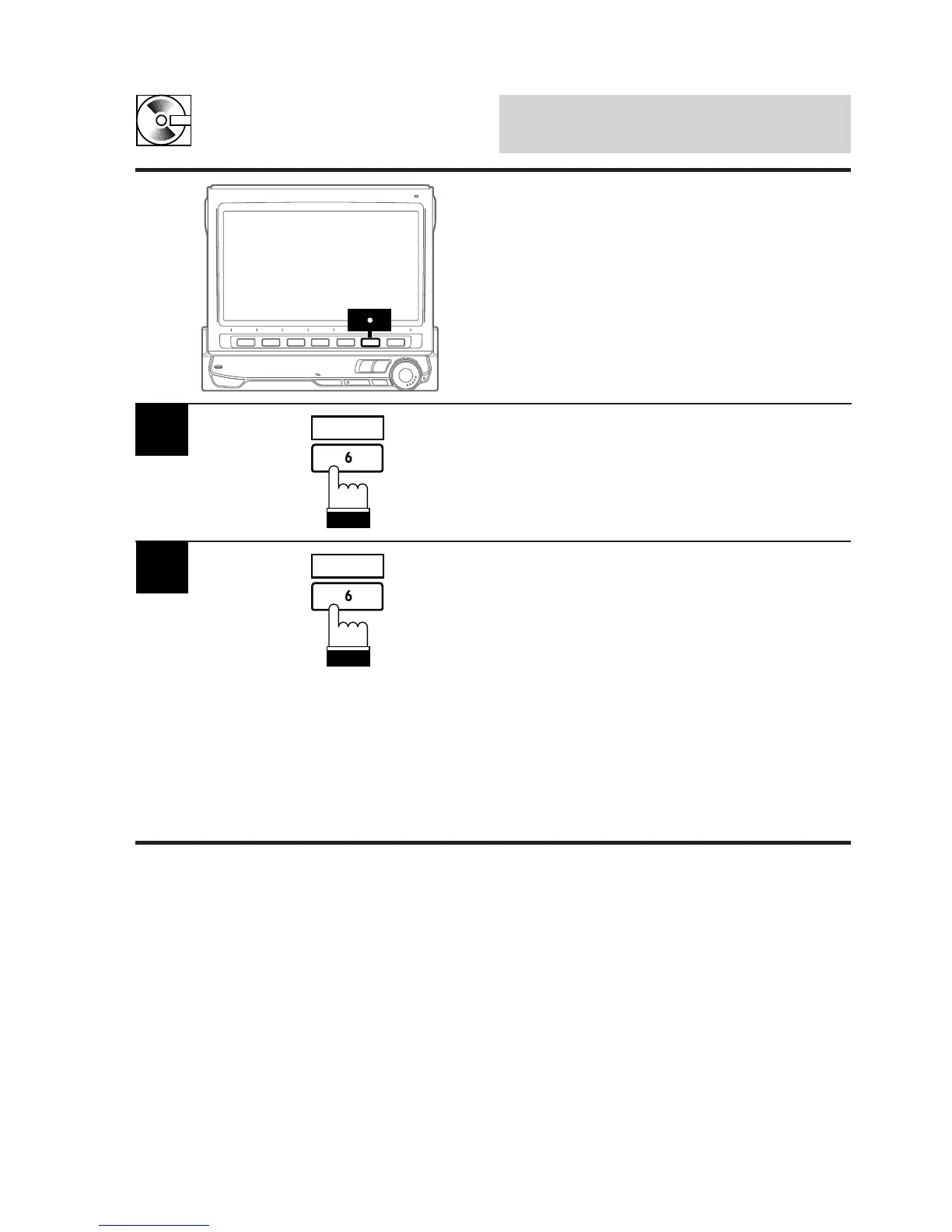
Press the 6 (SCROLL) button repeatedly while
an MD is being played.
Each press toggles between the MD title
scrolling and track title scrolling.
1
SCROLL
Press and hold the 6 (SCROLL) button for at
least 2 seconds to start the auto scrolling.
The title will be scrolled repeatedly.
To deactivate the auto scrolling, press and hold
the 6 (SCROLL) button for at least 2 seconds.
Notes: • Depending on the MD deck used for
recordings/inputting titles, the
characters may not be displayed
correctly.
• If the MD title and track titles are not
memorized, the unit displays "NO
TITLE."
2
SCROLL
Scrolling Displayed Titles
The MD player can scroll titles (disc or track
names) having up to a maximum of 32 charac-
ters.



 To Next Page