English
70
MD Player
Operation (Optional)
1
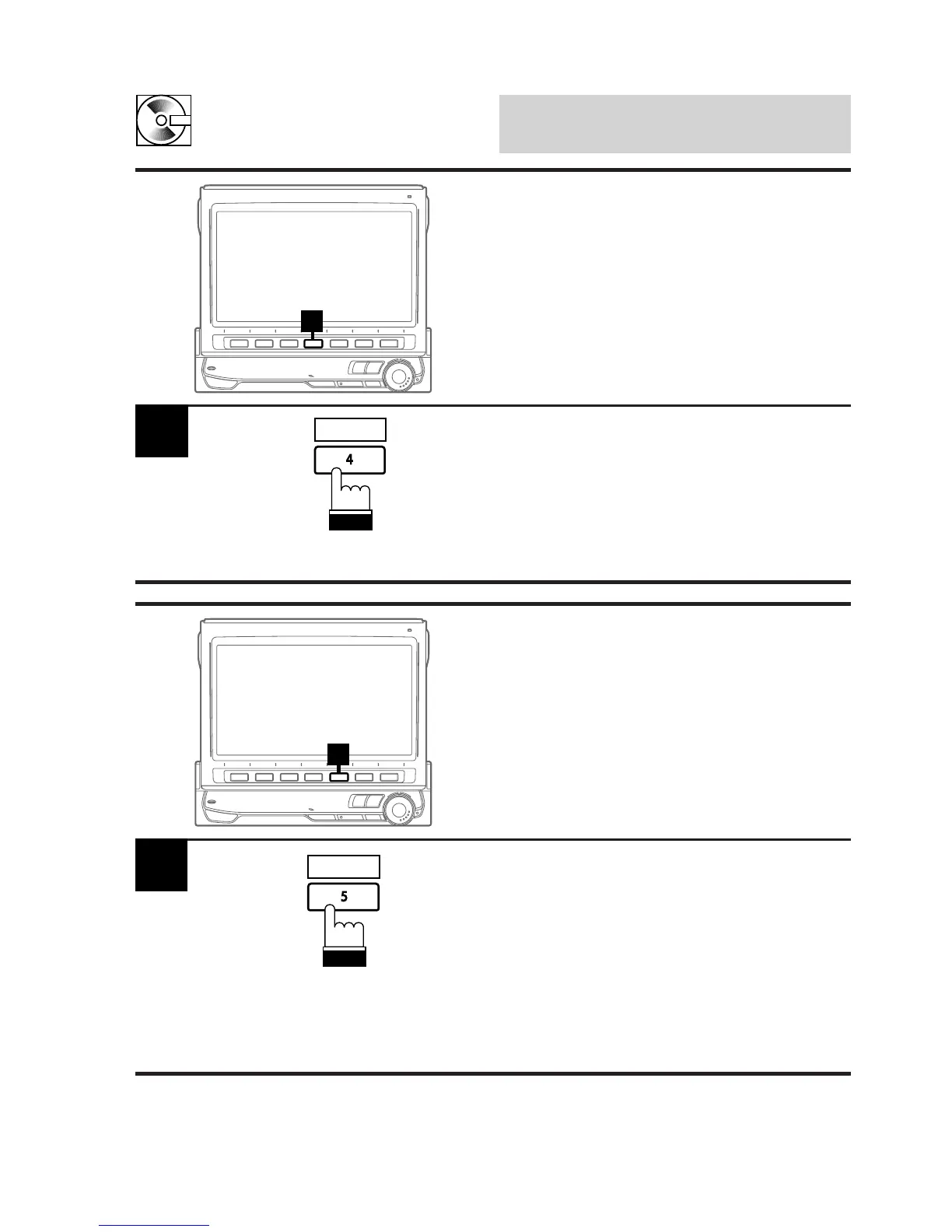
Press the 4 (REPEAT) button to play back
repeatedly the track being played. The
REPEAT indicator appears and the track plays
repeatedly.
Press the 4 (REPEAT) button repeatedly until
the REPEAT indicator disappears to deactivate
the repeat play.
1
REPEAT
Repeat Play
1
Press the 5 (M.I.X.) button in the play or pause
mode. The M.I.X. indicator will illuminate and
the tracks on the disc will be played back in a
random sequence. After all the tracks on the
disc have been played back once, the player
will begin a new random sequence play until the
M.I.X. mode is deactivated.
To stop the M.I.X. play, press the 5 (M.I.X.)
button repeatedly until the M.I.X. indicator
disappears.
1
M.I.X. (Random Play)
M.I.X.



 To Next Page