English
122
Audio Processor
Operation (Optional)
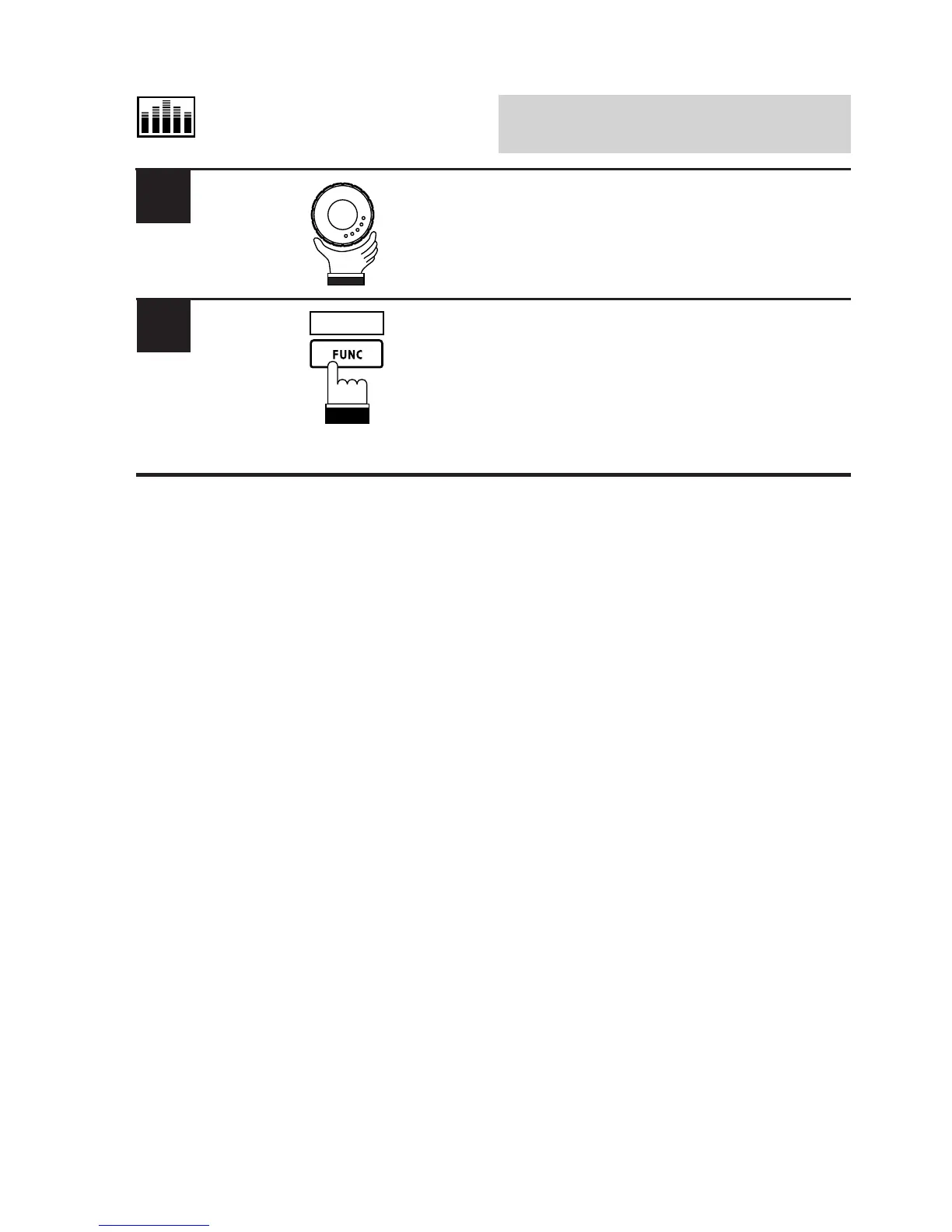
Rotate the rotary encoder clockwise or
counterclockwise to increase or decrease the
Time-Correction value respectively to your
desired value.
When adjustment has been completed, press
the FUNC (RETURN) button. The display
returns to the Time-Correction mode screen.
Tip: When the FUNC (RETURN) button is
pressed, the display returns to the previous
screen.
7
RETURN
6



 To Next Page