English
144
Audio Processor
Operation (Optional)
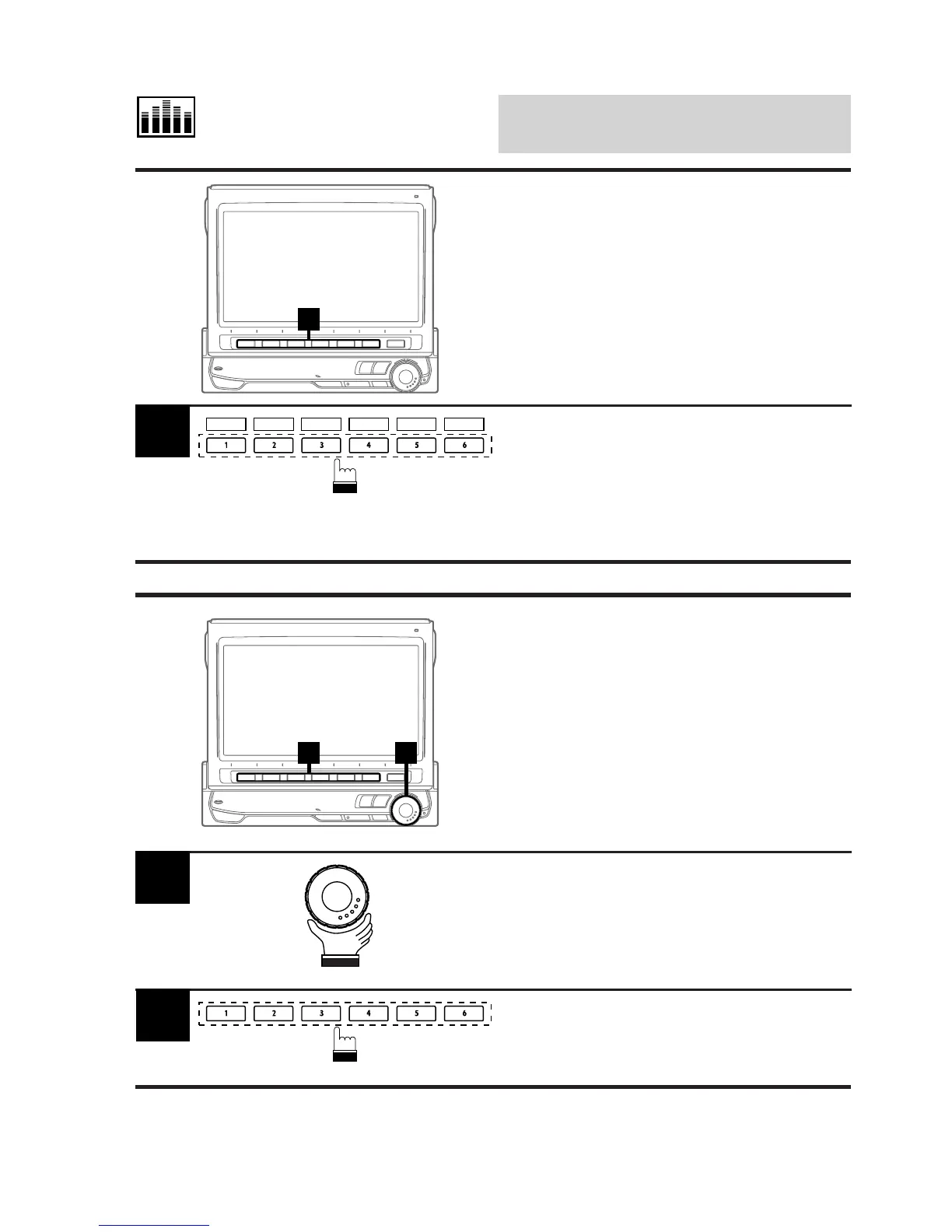
Recalling Memorized
Characteristic Curves
Using Function Buttons
1
Activate the desired mode, DHE, BBE,
surround, time correction or equalizer, then
press the Function button 1 (P.SET1) through
6 (P.SET6) that has your desired characteris-
tic curve.
The selected characteristic curve is recalled.
1
2 1
Display the Audio Processor List screen.
Rotate the rotary encoder and select the
desired mode by moving the cursor. The
Function Guide for the selected mode is
displayed.
1
Press the Function buttons 1 through 6 that
has your desired characteristic curve. The list
shows the details of the curve selected.
2
Selecting Characteristic
Curves from Displayed
Audio Processor List
You can select your desired characteristic
curves directly from the Audio Processor
(A.PROC) List without switching to individual
mode screens.
P.SET 1 P.SET 2 P.SET 3 P.SET 4 P.SET 5 P.SET 6



 To Next Page