English
192
Other Useful
Features
24 5
3
1
Adjusting Brightness of
Picture
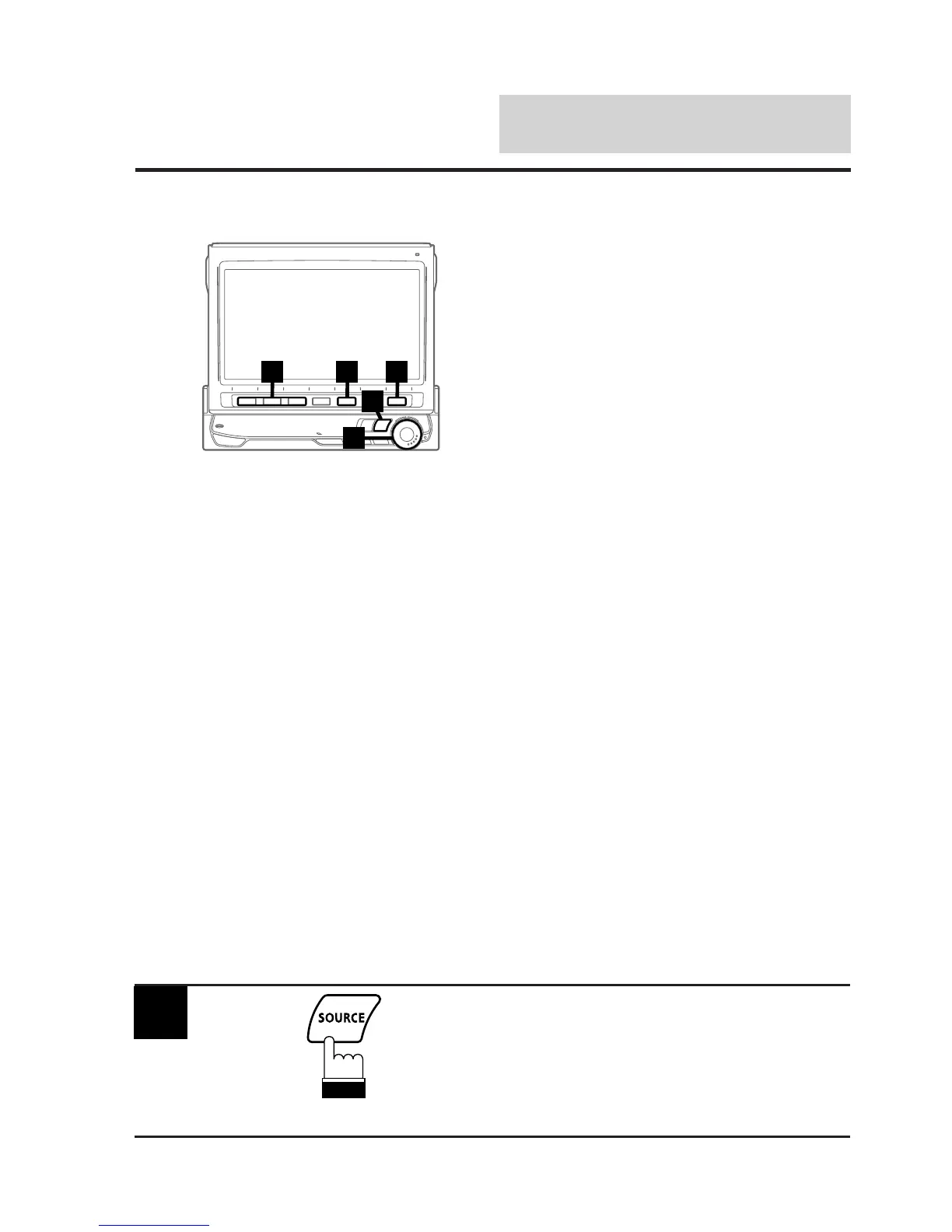
To switch to the display mode screen or to
the picture mode:
To watch a video source, your vehicle must be
parked with the ignition key in the ACC or ON
position. To do this, follow the procedure below.
1. Push the foot brake to bring your vehicle to a
complete stop at a safe location. Engage the
parking brake.
2. Keep pushing the foot brake and release the
parking brake once then engage it again.
3. While the parking brake is being engaged the
second time, release the foot brake.
Note: For automatic transmission vehicles,
place the transmission lever in the Park
position.
Now, the locking system for the display mode
operation has been released. Unless the
ignition key is turned to the OFF position, the
display mode can be activated by engaging the
parking brake without performing the above
procedure (1 through 3).
Each time the ignition key is turned to the OFF
position, perform the above procedure.
Note: Trying to display the picture brightness
adjustment screen while driving will
display the warning-CAN'T OPERATE
WHILE DRIVING.
1
Press the SOURCE button.
The main menu appears on the display.
(To be continued)



 To Next Page