38
English
Radio Operation
2
1
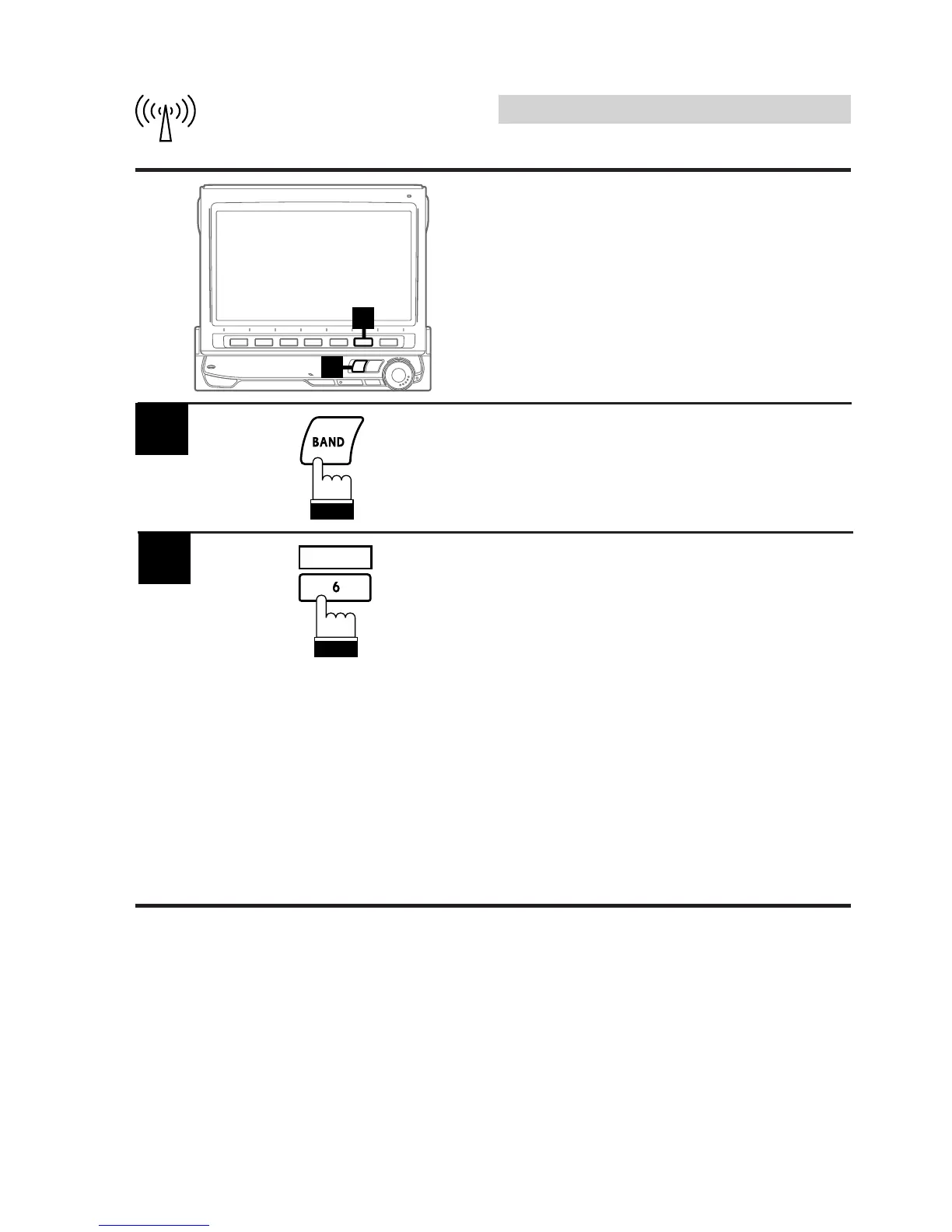
Press the BAND button in the radio mode to
select the desired radio band.
1
Automatic Memory
(A.MEMO) of Station Pre-
sets
The tuner can automatically seek and store 6
strong stations in the selected band in order of
signal strength.
2
A.MEMO
Press the 6 (A.MEMO) button.
The tuner automatically seeks and stores 6
strong stations into the 1 (P.SET1) to 6
(P.SET6) buttons in order of signal strength.
When the automatic storing has been com-
pleted, the tuner goes to the station stored in
the 1 (P.SET1) button.
Notes: • If no stations are stored, the tuner will
return to the original station you were
listening to before the automatic
storing procedure began.
• The radio station names (titles) may
be erased when Automatic Memory
of Station Presets function is
performed.



 To Next Page