40
English
Radio Operation
13
Storing into Direct Ac-
cess Preset (D.A.P.) Band
Any combination of AM and FM radio stations
(up to 6 stations) can be manually preset onto
the D.A.P. band.
3
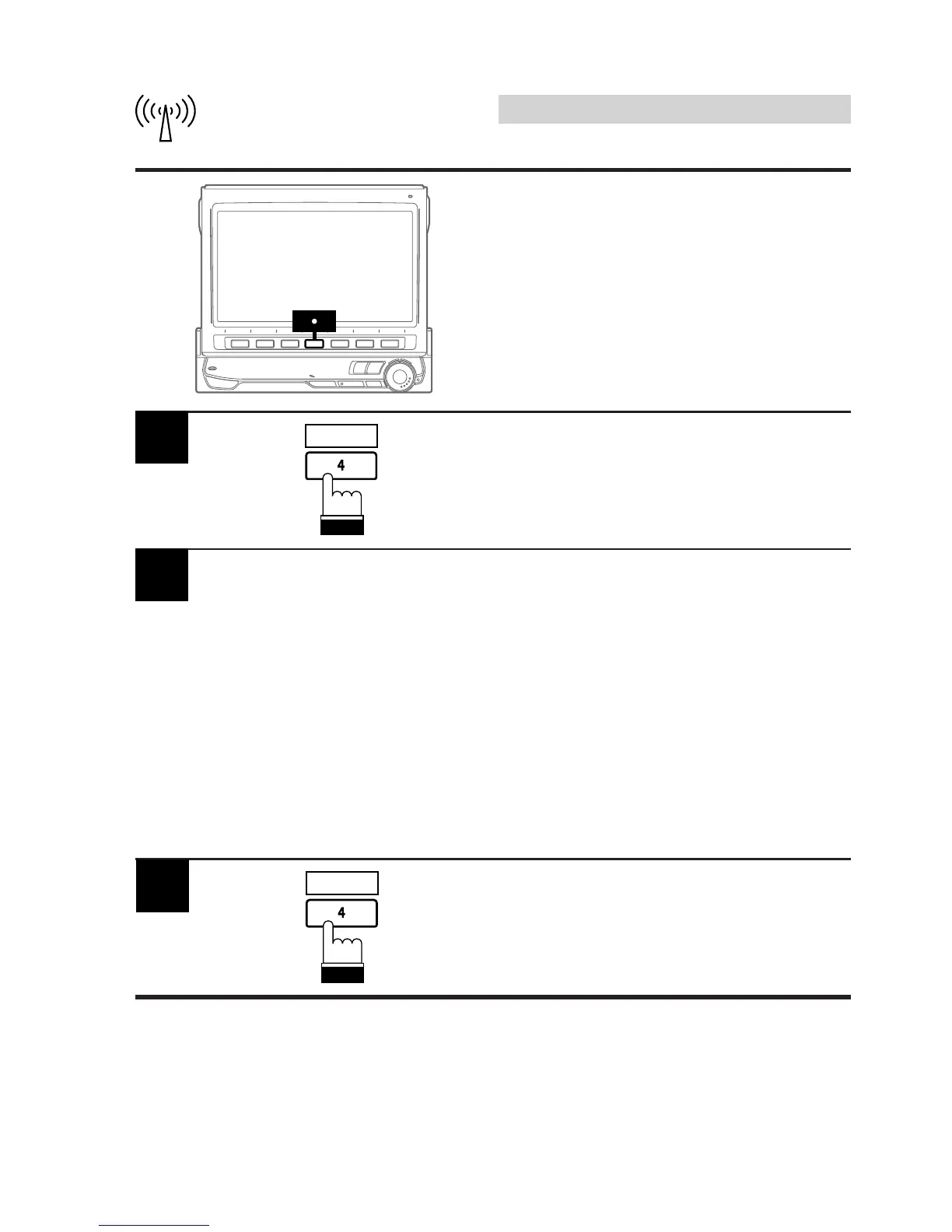
Press the 4 (D.A.P.) button for a second time
to deactivate the D.A.P. mode.
D.A.P.
Press the 4 (D.A.P.) button in the radio mode
to activate the D.A.P. mode.
1
D.A.P.
To memorize stations onto the D.A.P. band,
follow the steps for the Manual Storing of
Station Presets procedure on page 36.
Note: This function can be used together with
the Automatic Memory Preset if you
want to have all AM or all FM stations
stored into D.A.P.
2



 To Next Page