46
English
Radio Operation
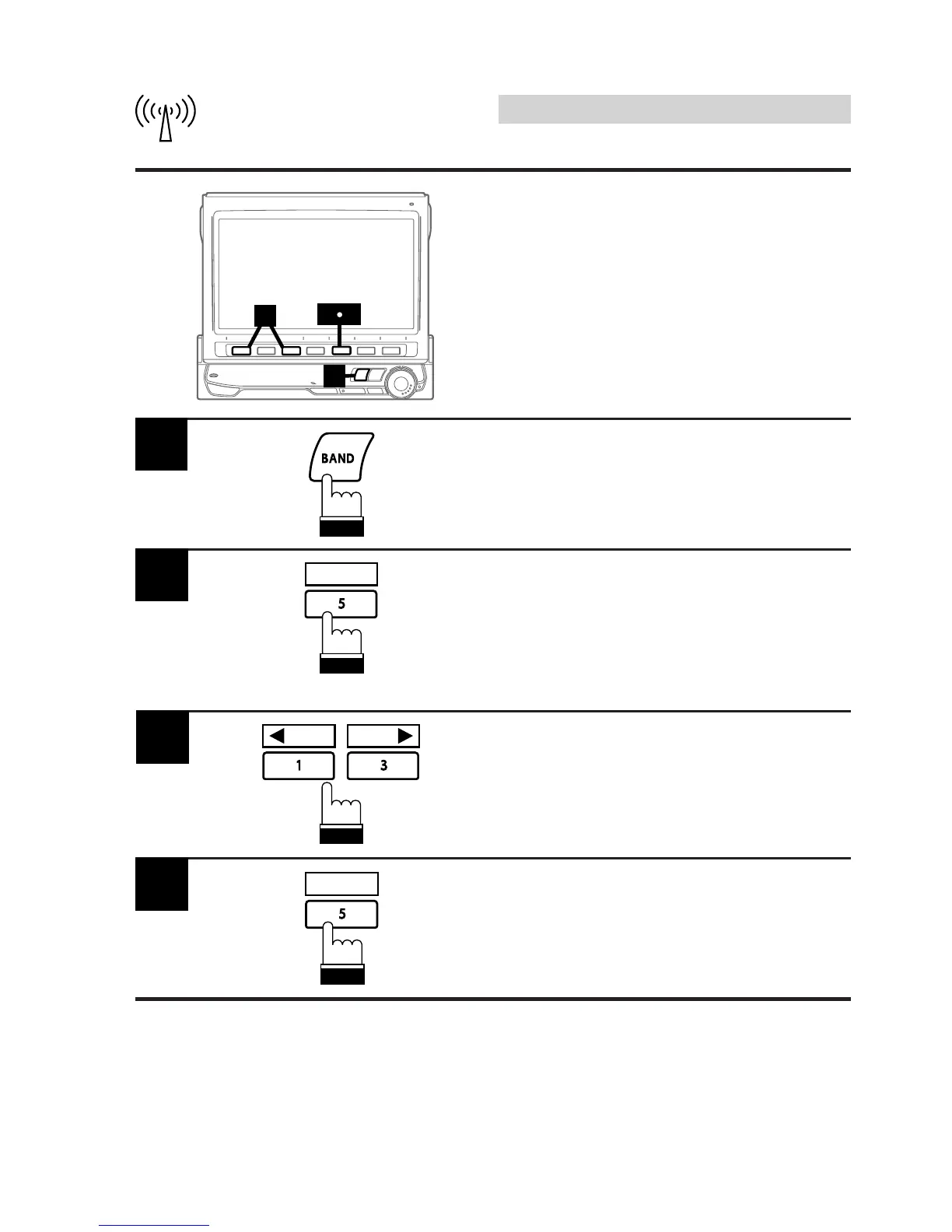
Press the BAND button and select the desired
radio band.
1
Press the 5 (T.R.V.S.) button to activate the
T.R.V.S. mode. The unit starts to automatically
search for local stations receivable and
memorize up to 12 stations.
Note: If no stations are memorized, the
display shows "NO MEMORY."
2
T.R.V.S.
Press the 1 (; P.DN) or 3 (P.UP :) button
and select your desired station.
3
P.DN P.UP
4
To deactivate the T.R.V.S. mode, press the 5
T.R.V.S. button.
T.R.V.S.
3
1
24
T.R.V.S. Search for Local
Stations
Using the T.R.V.S. feature of this unit, you can
automatically seek and memorize up to 12 local
stations (max.) in a memory separate from your
regular preset memory. This keeps the currently
preset stations you normally listen to, intact.



 To Next Page