English
62
CD Player/Changer
Operation (Optional)
When a 12-Disc CD Changer is connected
You can select the disc numbers 1 to 6 in the
same manner as for 6-disc Changer.
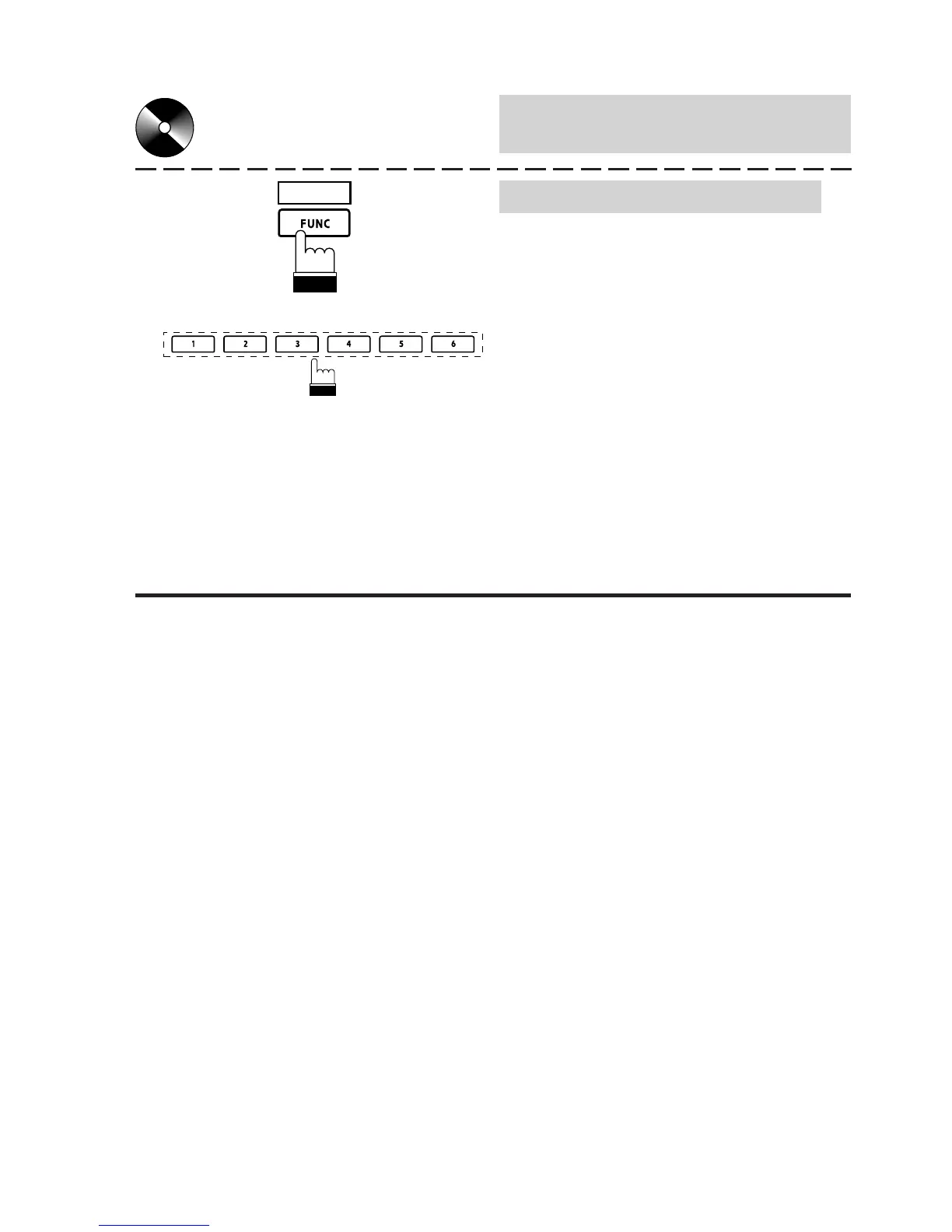
Press the FUNC (PAGE 1/3) button twice to
select the disc numbers 7 to 12. The Function
Guide display changes and now the Function
buttons 1-6 represent disc numbers 7-12.
Press the Function buttons (1 through 6) to
select your desired disc. For example, to select
9th disc, press 3 (DISC 9) button.
Note: To select your desired track number on
the selected disc, lightly press the 1
(g) or 3 (f) repeatedly until your
desired track number is displayed.
PAGE
1/3



 To Next Page