English
78
Cassette Player
Operation (Optional)
3
2
1
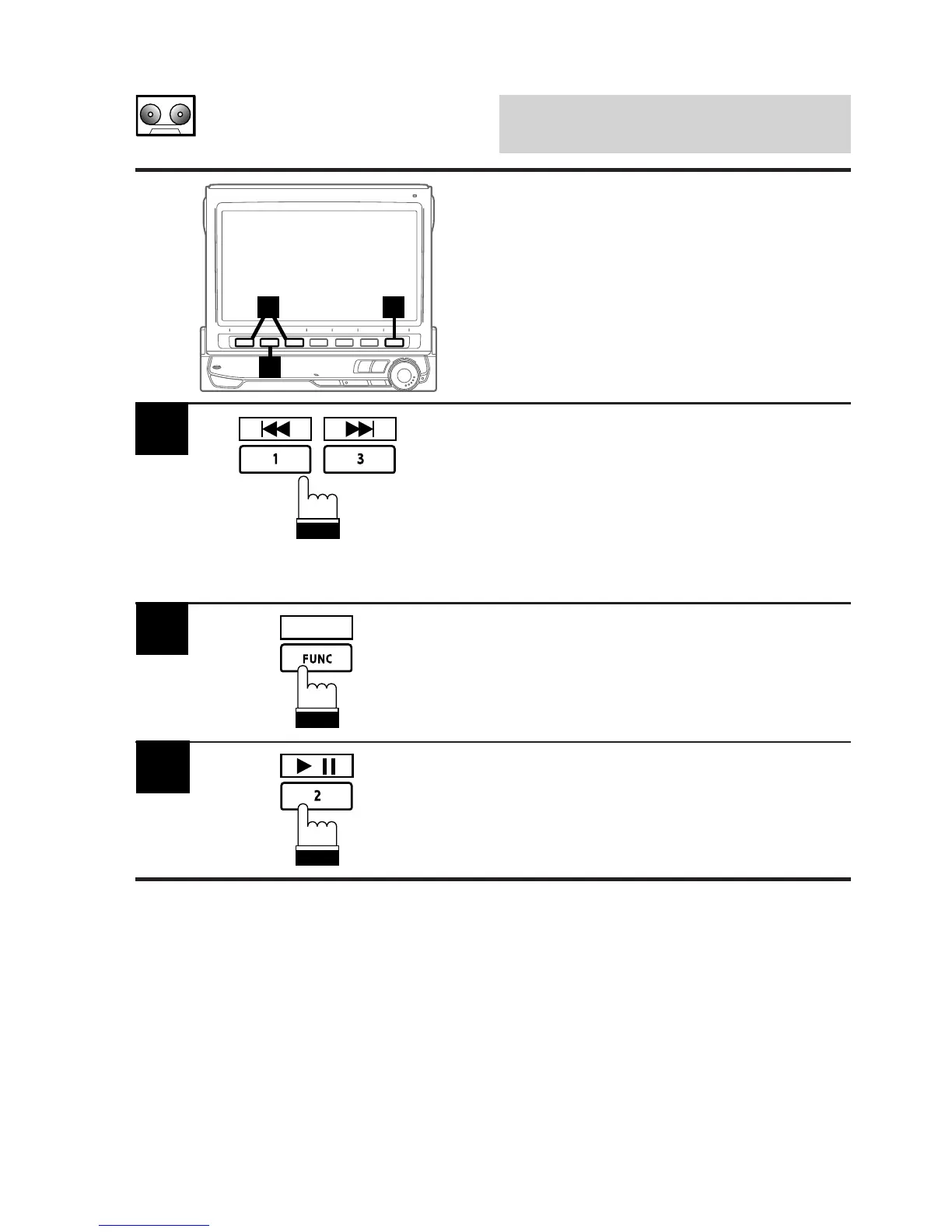
Press and hold the 3 (f) or 1 (g)
button for at least 2 seconds to fast forward or
fast rewind the tape respectively. When the
tape reaches the desired portion, press and
hold the 3 (f) or 1 (g) button again for
at least 2 seconds, or press the 2 (:/J) button
to resume tape play.
1
Press the FUNC (PROG) button to change the
tape direction to play the other side of the tape.
2
PROG
Press the 2 (:/J) button to temporarily pause
the tape play. Press again to resume tape play.
3
/
Fast Forward/Rewind/
Reversing Tape
Direction/Pause



 To Next Page