English
96
Audio Processor
Operation (Optional)
1
4 2 5
3
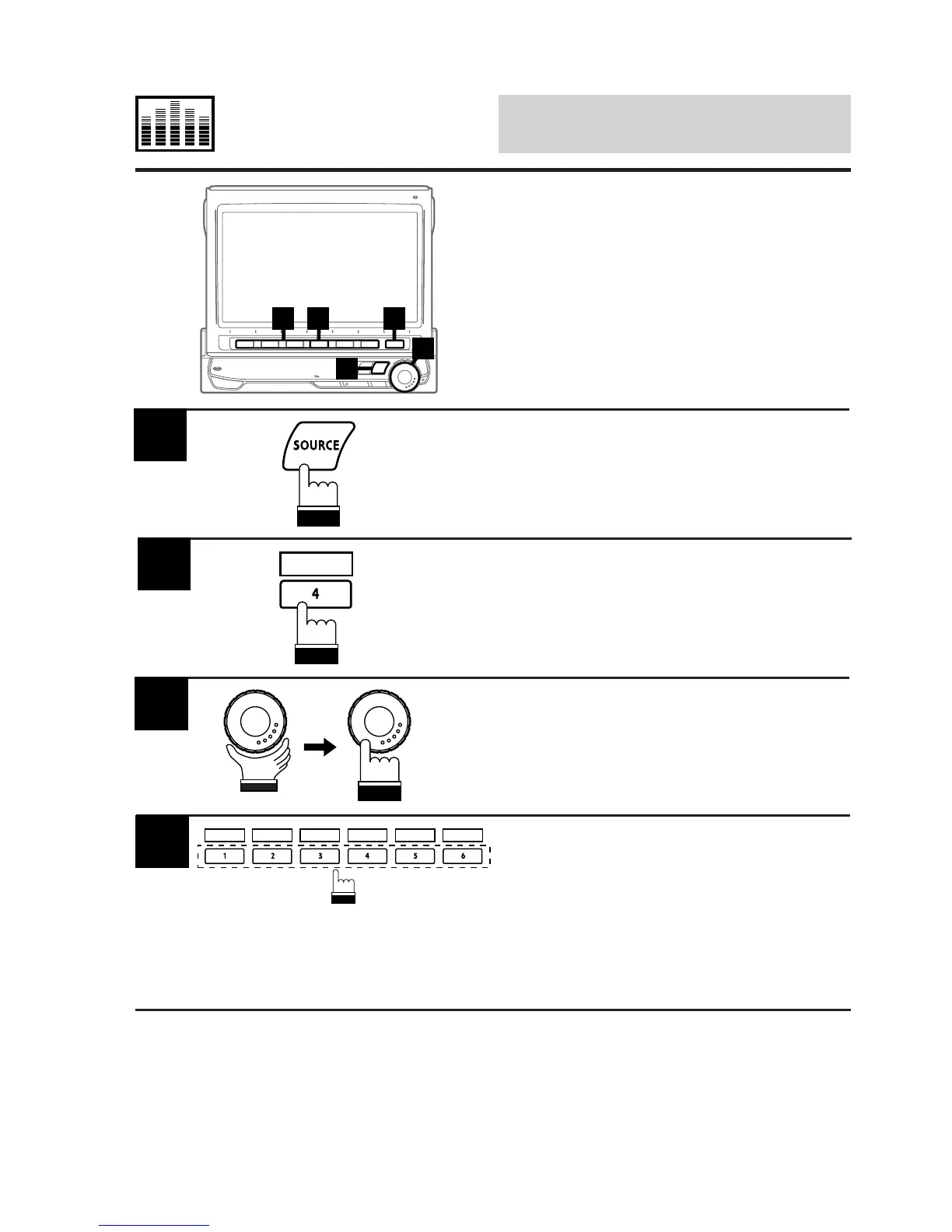
Press the SOURCE button.
The main menu screen appears on the display.
1
Press the 4 (A.PROC) button to display the list
of the Audio Processors (A.PROC).
2
A.PROC
Rotate the rotary encoder and select "Equal-
izer." Then press the rotary encoder to execute
the selection.
The display changes to the Equalizer mode
screen.
3
Select a desired Equalizer characteristic curve
and press the corresponding Function button
(1 (FLAT) through 6 (NEWS)).
You can select your desired equalizer charac-
teristic curve from 6 preset characteristic
curves; FLAT, MALE, FEMALE, POPS, ROCK
and NEWS.
4
FLAT MALE FEMALE POPS ROCK NEWS
(To be continued)
Selecting Factory
(Maker's) Equalization
Presets
If an optional Alpine Equalizer is connected to
the CVA-1005, the Equalizer can be controlled
from the CVA-1005.
Six equalization curves are preset on the
Equalizer at the factory.



 To Next Page