malletKAT User Manual (ver.07-17-18)
Complete list of the sound patches in the Ketron SD1000:
https://www.alternatemode.com/downloads/ketron/KETRON-SD1000_mK_vK_UserKits.pdf(https://www.alternate
mode.com/downloads/ketron/KETRON-SD1000_mK_vK_UserKits.pdf)
The default settings on your malletKAT have been carefully chosen to make your
playing sound great without any need for additional programming. But when you ARE
ready to start truly tailoring your malletKAT to your own individual needs, you will find it
is capable of a great many amazing things!
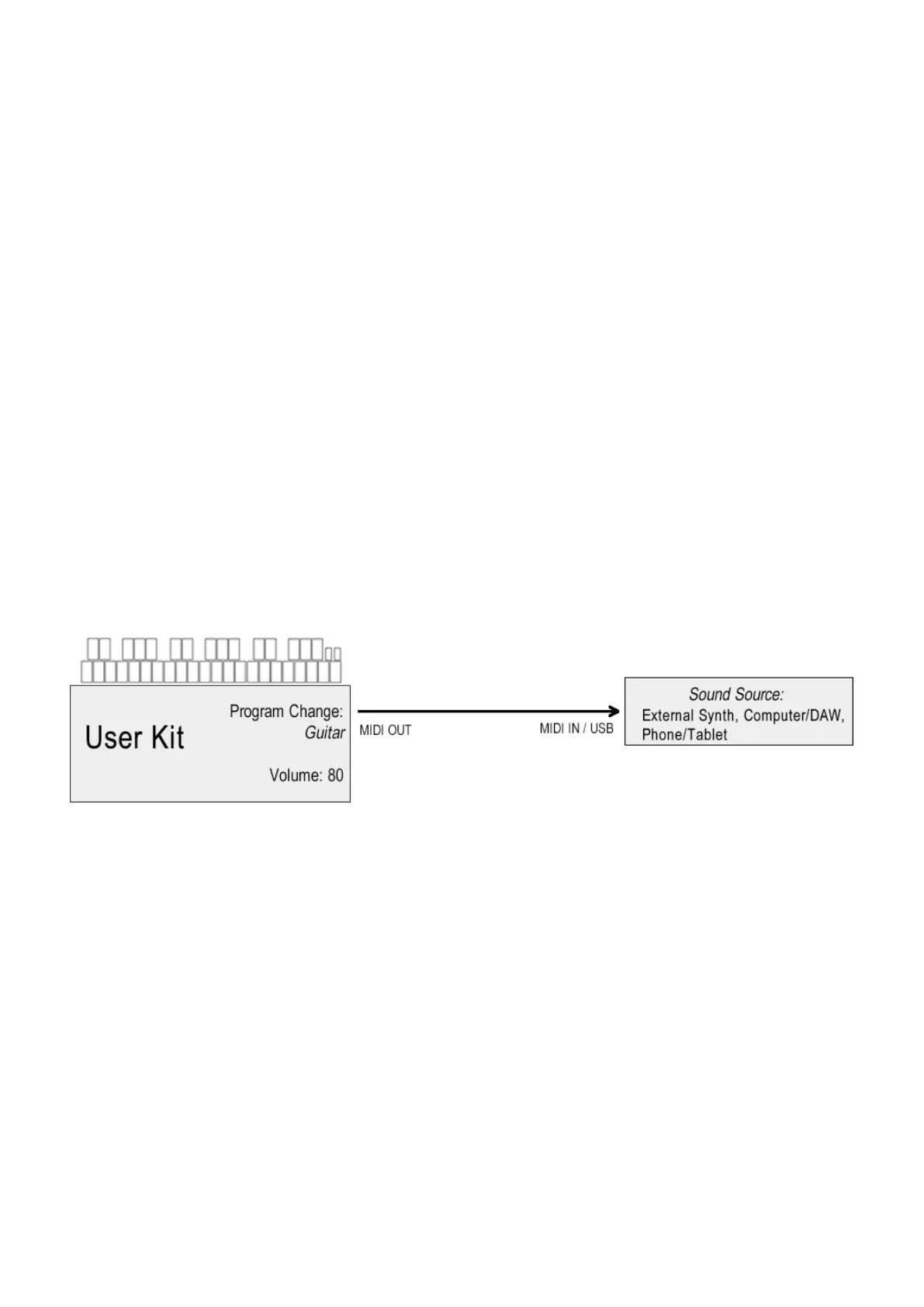
Here is an overview of how a User Kit works:
When the instrument is first turned on and initialized, or a new User Kit has been selected, the malletKAT sends
an initial packet of information your sound source containing things like:
Program Change information — setting the patch to use on your synthesizer (vibraphone, xylophone, piano,
etc…)
Volume — setting the MIDI initial volume for the selected patch. This initial volume can be adjusted later by
attaching a controller pedal to the malletKAT.
When you begin to play your malletKAT, communication continues to your external source containing things like:
Note Number — what pitch did you hit (A natural, B-Flat)?
Velocity — how hard did you hit it?
MIDI Channel — if your sound source accepts different MIDI channels (there are 16). More on this later…
Other important functions stored in a User Kit include the settings that are particular to the instrument, or the
patches you are using. These include things like:
Octave — the octave range that the malletKAT is using must be translated before it is sent out.
Gate Time — the total length of time a note will sound when a pad is struck (without using a sustain pedal)
14 / 109



 To Next Page