malletKAT User Manual (ver.07-17-18)
5. User Setup Playing Modes
This section describes the various performance modes available to each of
your User Kits (Setups)
5.1. Pressure Modes (Normal/Dampen/DeadStroke/Aftertouch)
Pressure Modes in this section are accessed from the “white key” shortcut
pads.(https://alternatemode.com/online-docs/malletkat/#how-to-edit-malletkat-settings)
malletKAT Express users must also use the Sustain One pedal to access these. See the notes on editing with a
malletKAT Express(https://alternatemode.com/online-docs/malletkat/#malletkat-express-accessing-editing-
functions)
The malletKAT can detect continuous pressure on a pad. This gesture of applying pad pressure can be
interpreted by the malletKAT to perform specific functions such as mallet dampening, dead stroking or aftertouch.
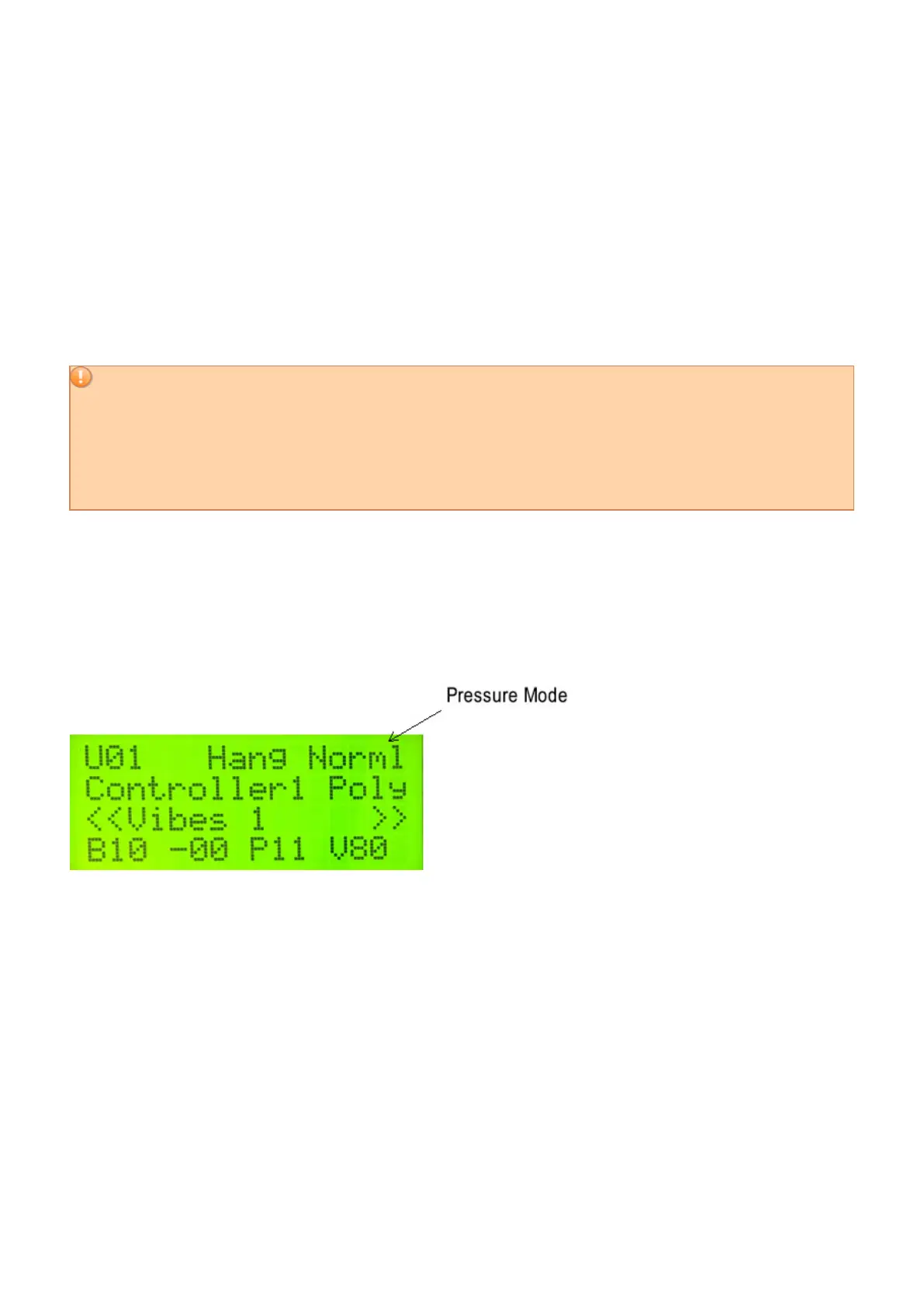
On the first line of the display on the far right of the screen, you can see the Pressure Mode assigned to this User
Setup.
NORMAL Mode (Norml)
40 / 109



 To Next Page