malletKAT User Manual (ver.07-17-18)
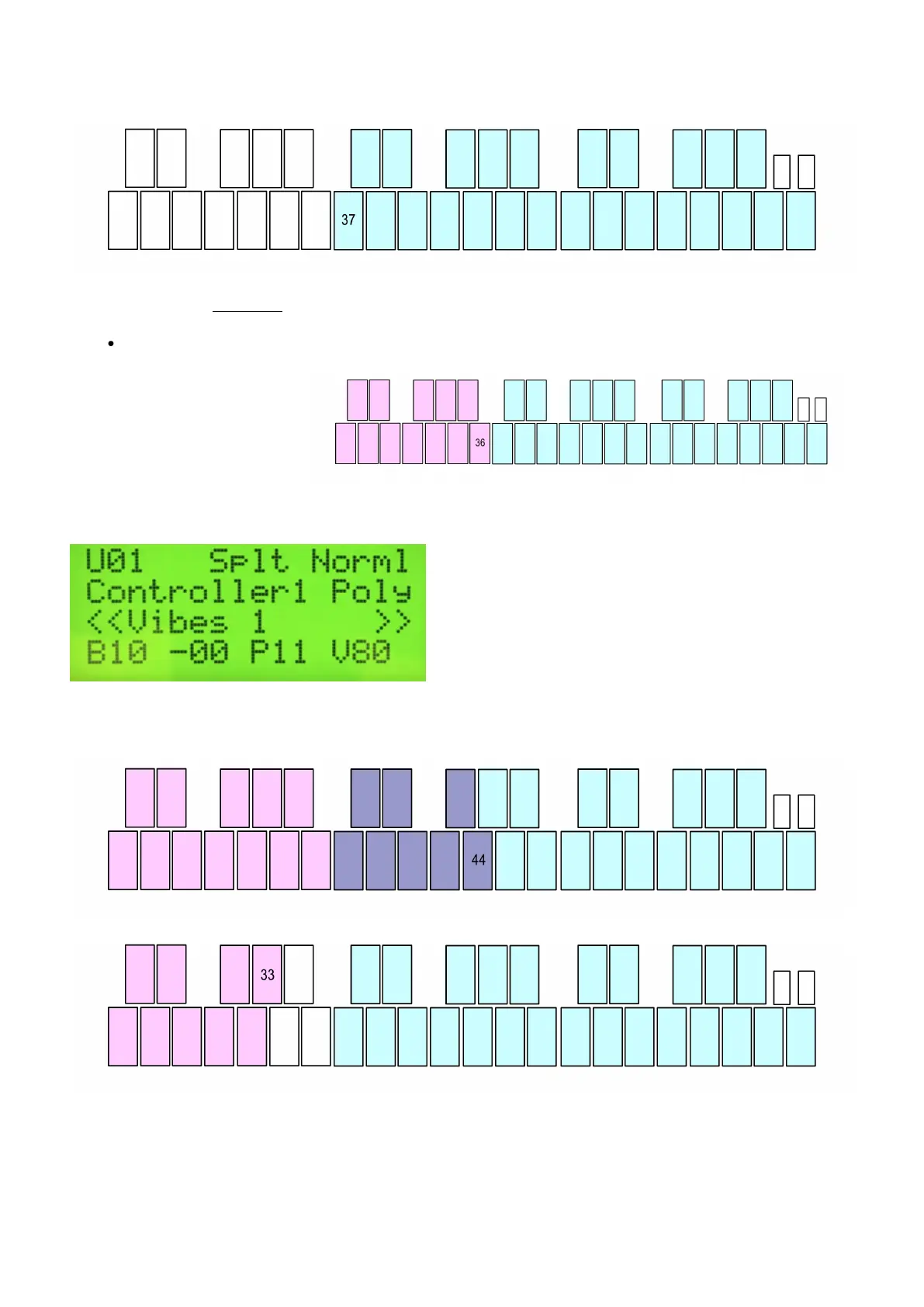
Set Controller Two high note:
Follow the same procedure you used for Controller One. The edit screen will indicate the pad number you
selected.
Release the Edit footswitch
On the User Kit “Play Mode” screen, the Layer Mode is now set to Splt (Split Mode).
Depending on where you set your Controller’s Split points, a Split can also create an overlap between Controllers
(both controllers play at the same time), or a “dead zone” between controllers (neither controller will work).
4.12. The malletKAT is Not Retaining Changes When Turned Off
37 / 109



 To Next Page