malletKAT User Manual (ver.07-17-18)
Monophonic/Polyphonic — the malletKAT can play chords (polyphonic) or will automatically dampen a note
when a new note is stuck (monophonic)
Transposition — the malletKAT can transpose itself to different keys
When you start to consider all of these possibilities, you will see the value in having 128
presets (User Kits) ready and available during your performance!
Now for the most interesting part…
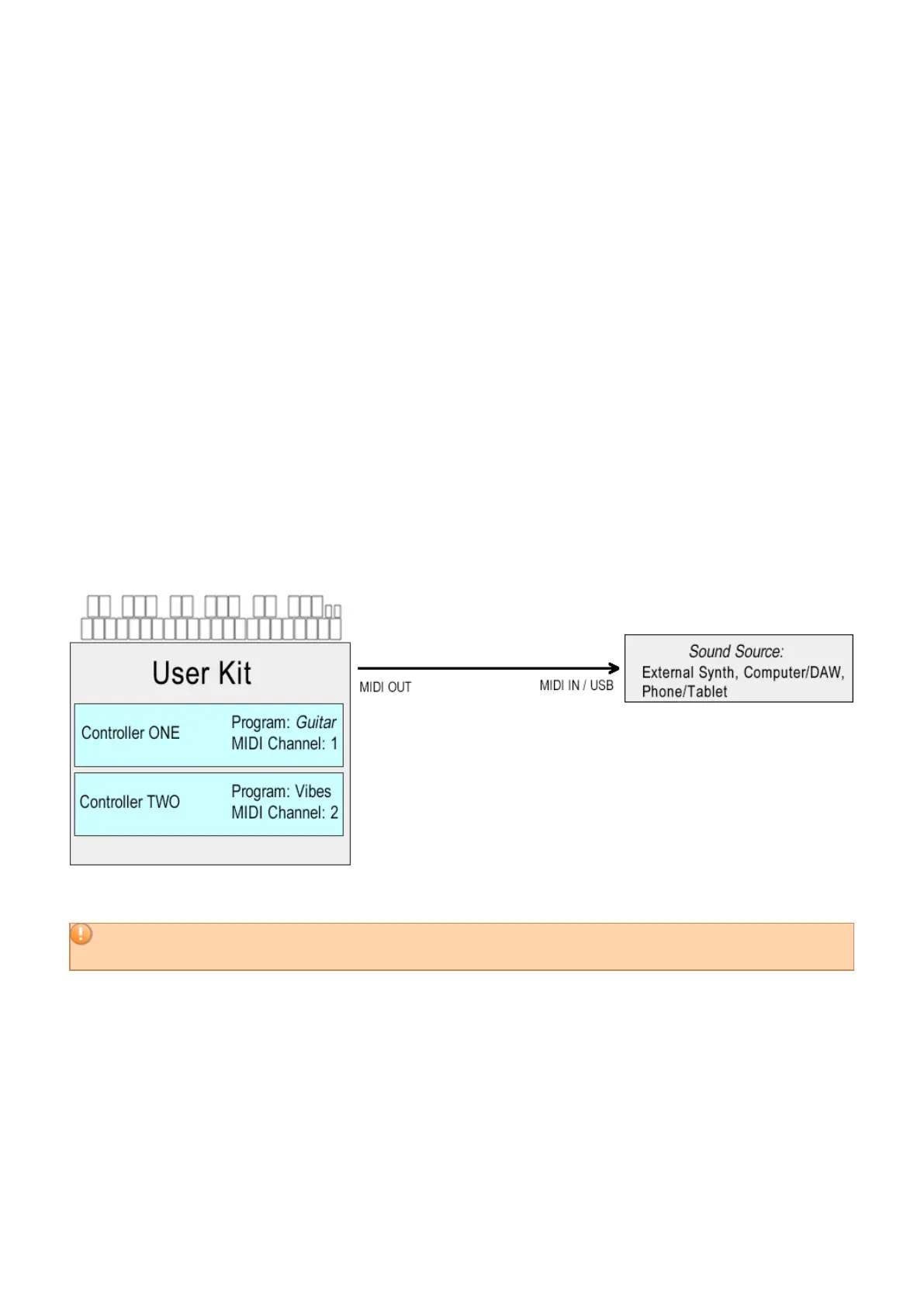
Each User Kit in your malletKAT contains TWO independent controllers.
They can have their own sounds, dynamic response, keyboard and octave range, etc. These sounds can be
toggled back and forth by stepping on a footswitch, layered so that both play, or they can be split or overlapped so
that both sounds are active at the same time.
If you have an internal sound card inside your malletKAT, remember that this sound card is a professional
synthesizer. It is treated the same as described in this section.
3.2. User Setups, Factory Setups, and Chains
When you first turn on the malletKAT, it is in “Playing Mode”. There are three different banks that this playing
mode can occupy.
15 / 109



 To Next Page