malletKAT User Manual (ver.07-17-18)
VOLUME
The initial MIDI volume is also sent when a User Kit is first selected. Establishing an initial volume level is helpful
to both “balancing” patches that may not be at equal levels, and to establish a baseline for bringing volume levels
up or down with a controller pedal.
4. Important Settings Everyone Should Know
The feature set for the malletKAT is quite deep. Throughout the years, we have seen a
pattern of common questions coming to us through phone calls, emails, and social
media. This section has those questions… and answers.
If the question and answer is not here, we hope this section points you in the direction
of where to look deeper.
4.1. How to Access & Edit malletKAT Settings
There are a few basic editing concepts that must be understood if you ever want to make any changes to the
malletKAT.
All settings on the malletKAT can be accomplished directly on the instrument without having to put down your
mallets. There is no need for any additional hardware or software. Instead, editing any settings in the malletKAT
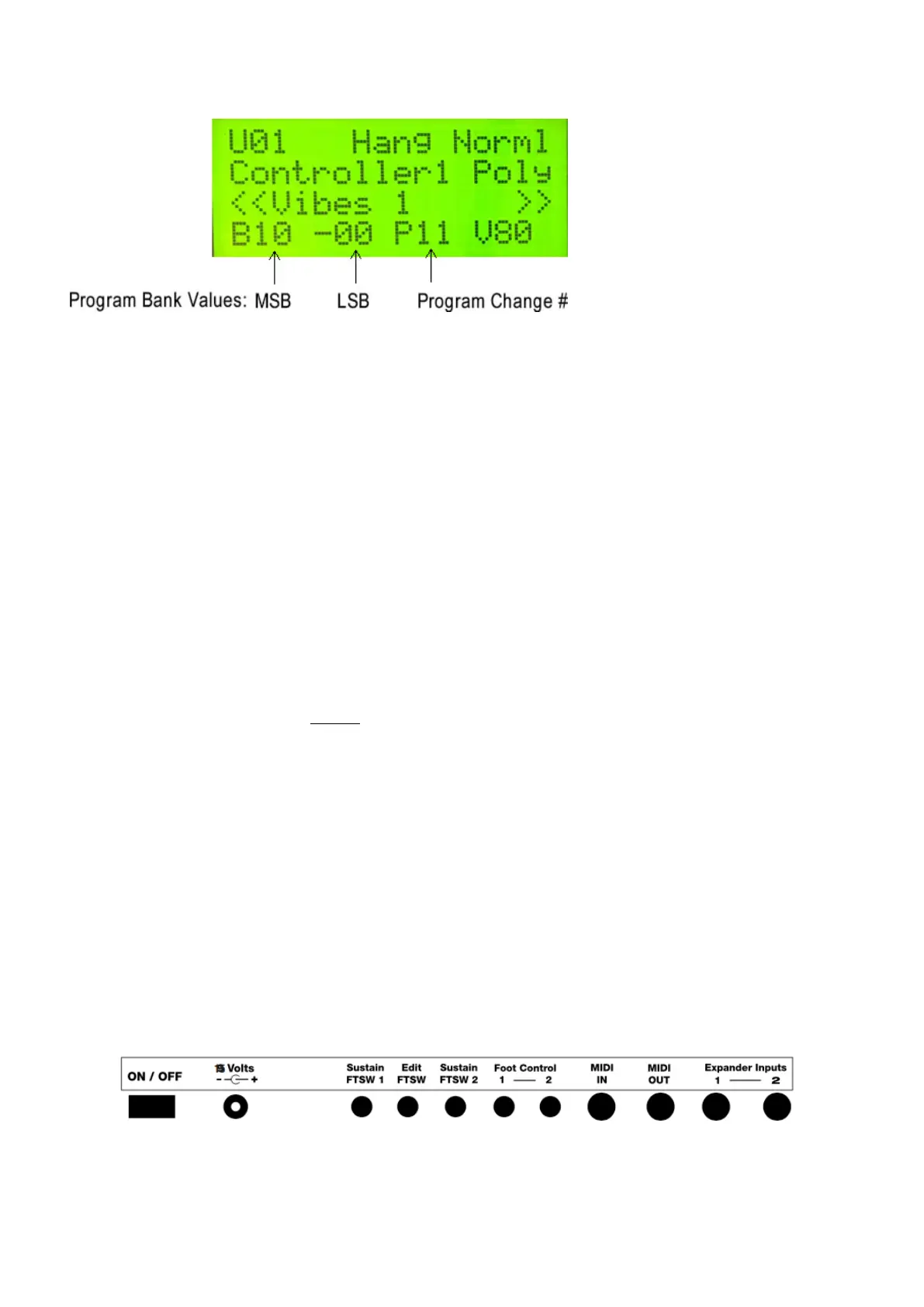
requires inserting a foot switch (or sustain pedal) into the Edit FTSW jack on the back panel:
Unless the Edit footswitch is depressed, the malletKAT is always in “performance mode”.
20 / 109



 To Next Page