malletKAT User Manual (ver.07-17-18)
Express thinks you are tapping on the third octave. That’s all there is to it!
Once you have engaged an editing function (e.g. Global Auxiliary Functions), you can let go of the sustain pedal.
On larger malletKAT’s, the “black” pads allow you to get at numbers from 1-10. This is not unfortunately not
possible on a two octave Express.
If an octave Expander is attached to the Express, then the editing functions behave as a three-octave
malletKAT.
4.2. Switching Between Factory Setups, User Setups, and Chains
Unless the malletKAT is in “Edit Mode”, meaning that the Edit Footswitch is being held down – then the
malletKAT is in “performance mode” and is ready for you to play.
There are three possibilities, or “Banks” that the malletKAT uses for performance: User Kits, Factory Kits, or
Chains(https://alternatemode.com/online-docs/malletkat/#user-kits-and-factory-kits)
.
User Kits or Factory Kits are differentiated by the “U” or “F” appearing next to the Program Number in the upper
left corner of the malletKAT screen. Chain Mode is a little more obvious.
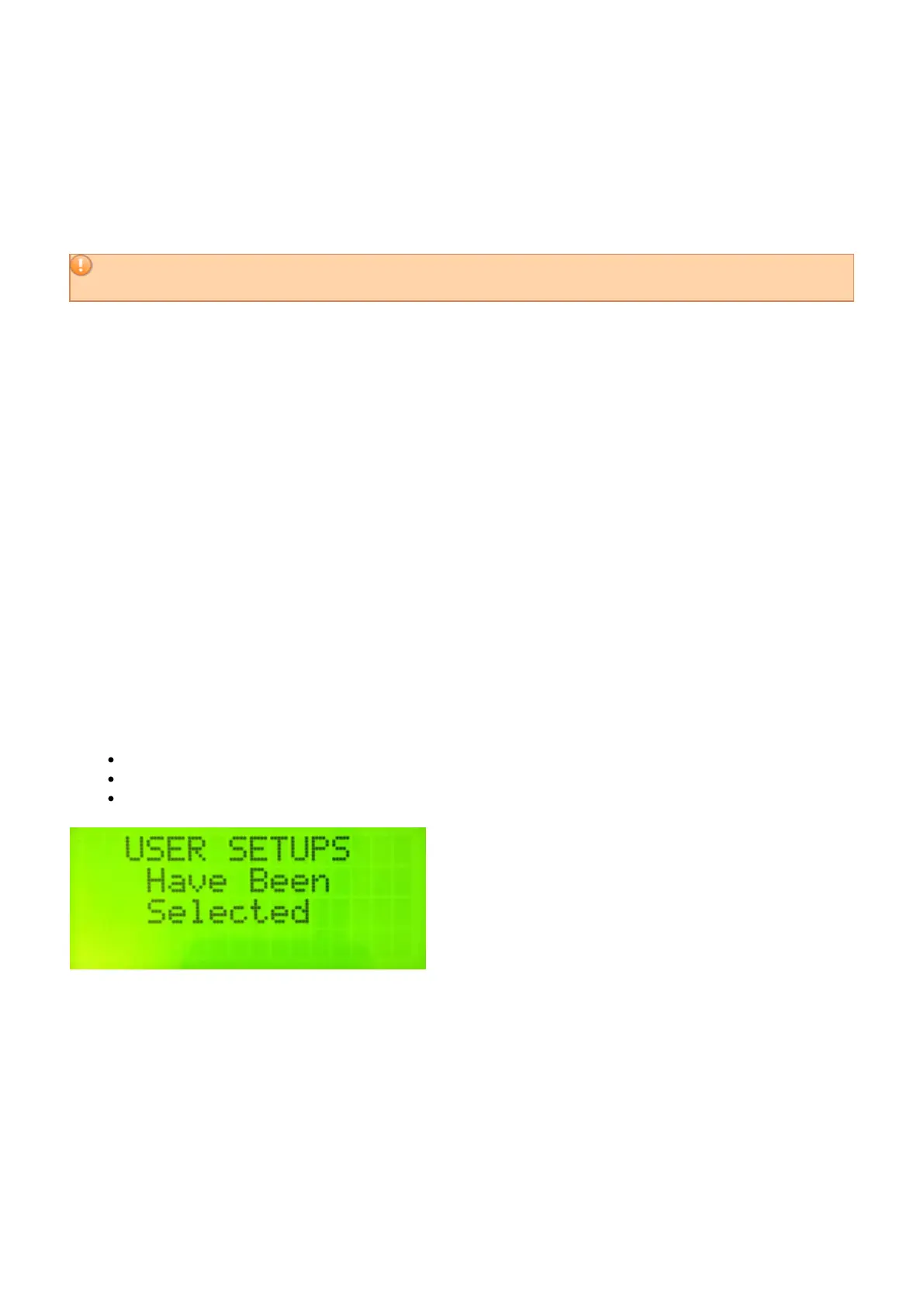
To switch between these Banks:
Step on the Edit footswtich and hold it down
Tap the BANK SELECT “white key” (F natural)
Use the Increment or Decrement pads to select the correct bank
4.3. Changing User Kits - a Shortcut!
If you have grown weary of practicing single stroke rolls to move from User Setup 23 to User Setup 95, use the
following shortcut:
24 / 109



 To Next Page