malletKAT User Manual (ver.07-17-18)
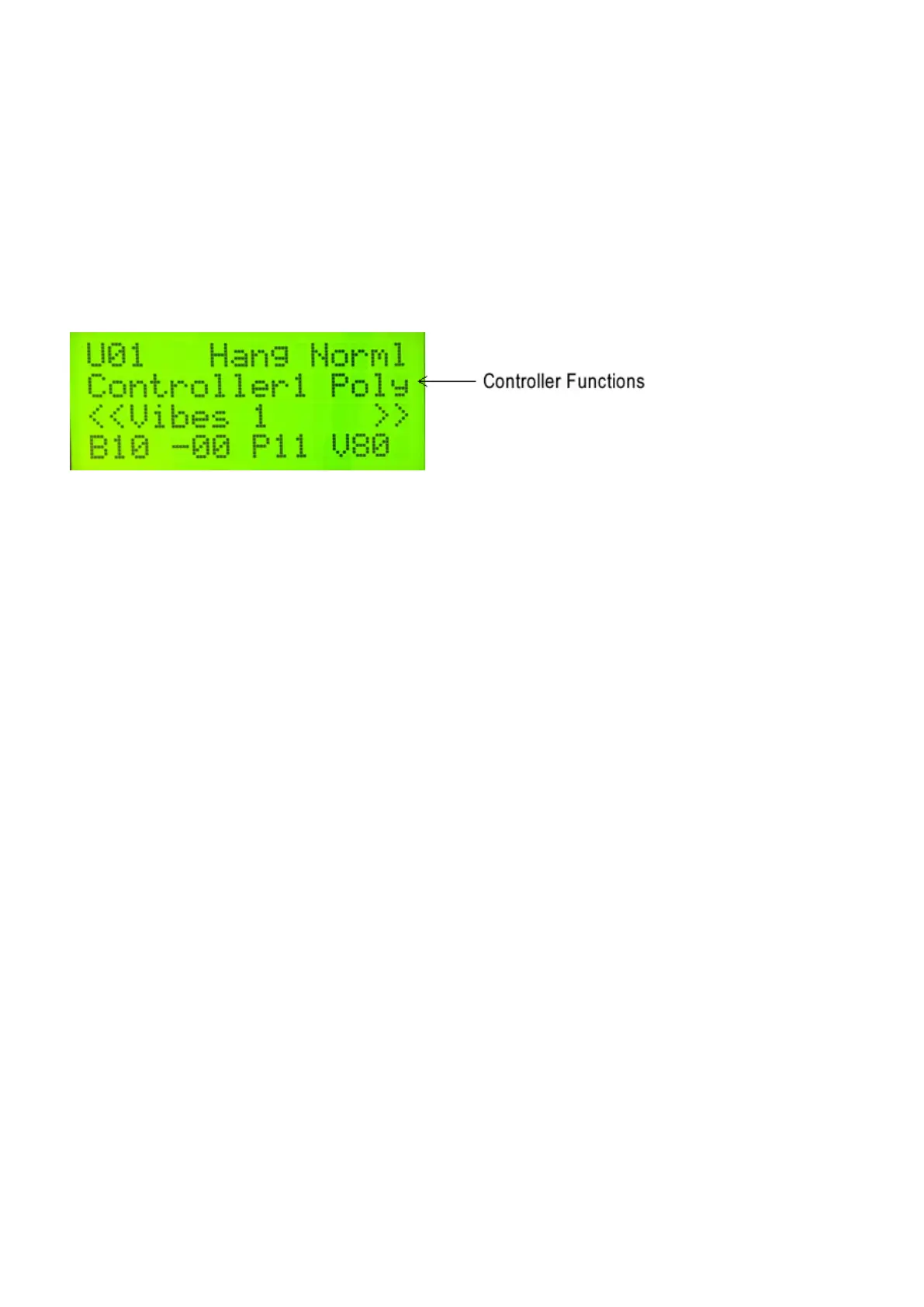
Polyphonic and Monophonic modes are two of the Controller Functions for each User Kit. The other controller
functions: RTC(https://alternatemode.com/online-docs/malletkat/#rtc-real-time-controller)
, Pitch Wheel(https://alternatemode.com/online-docs/malletkat/#pitch-wheel)
, and Virtual Control Wheel(https://alternatemode.com/online-docs/malletkat/#virtual-control-wheel)
are described in their own sections.
Polyphonic Mode is for normal polyphonic playing, and is the “standard default” Controller Function. In this
mode, you can play chords, melody, etc.
Monophonic Mode is great for lead lines, or for simulating solo line instruments like ute or trumpet. Only one
note will sound at a time in this mode.
You can switch between these modes by stepping on the EDIT footswitch, and while held down, tap the “Mono”
(F natural) or “Poly” (G natural) pads.
Adjusting the “Smoothness” of your melody line:
MONO OVERLAP setting in the User Setup’s Kit Auxiliary(https://alternatemode.com/online-docs/malletkat/#kit-
auxiliary-screens)
for setting legato control (this overlaps notes together, programmed in milliseconds).
For Polyphonic Mode, the AUTOGATE setting provides a similar function as MONO OVERLAP bay adjusting
gate times depending on your playing speed. Refer to the section Working With Gate
Settings(https://alternatemode.com/online-docs/malletkat/#working-with-gate-settings)
for more information.
5.3. Layer Modes
Layer Modes all take advantage of each User Setup’s two separate controllers(https://al
ternatemode.com/online-docs/malletkat/#how-the-malletkat-works-2)
. Typically, the two controllers are configured to trigger two different program patches,
43 / 109



 To Next Page