malletKAT User Manual (ver.07-17-18)
Global Auxiliary Shortcut #63, 17, & 18
malletKAT Express
Auxiliary Editing Screens require pressing the Edit Footswitch and Sustain 1 pedal at the same time (See Section
4.1.1(https://alternatemode.com/online-docs/malletkat/#malletkat-express-accessing-editing-functions)
)
VIRTUAL CONTROL WHEEL A,B,C CONTROLLER NUMBER
Parameters = CC#00-127
There are THREE Virtual Control Wheels (A,B,C) can be assigned a CC control number. Any one of these virtual
wheels can be assigned to a User Kit’s Controller Two. These are further described in the section Virtual Control
Wheel(https://alternatemode.com/online-docs/malletkat/#virtual-control-wheel)
Global Auxiliary Shortcut #55-58
malletKAT Express
Auxiliary Editing Screens require pressing the Edit Footswitch and Sustain 1 pedal at the same time (See Section
4.1.1(https://alternatemode.com/online-docs/malletkat/#malletkat-express-accessing-editing-functions)
)
WARP
Warp Mode gives malletKAT Controller 1 or 2 the ability to repeat any pattern in real time. The amount of repeats
is controllable, along with the tempo. Besides the echo being repeated, it is also possible to change the pitch of
each of the echo’s by plus or minus 12 semitones. This is further described in the section Warp
Mode(https://alternatemode.com/online-docs/malletkat/#warp-mode)
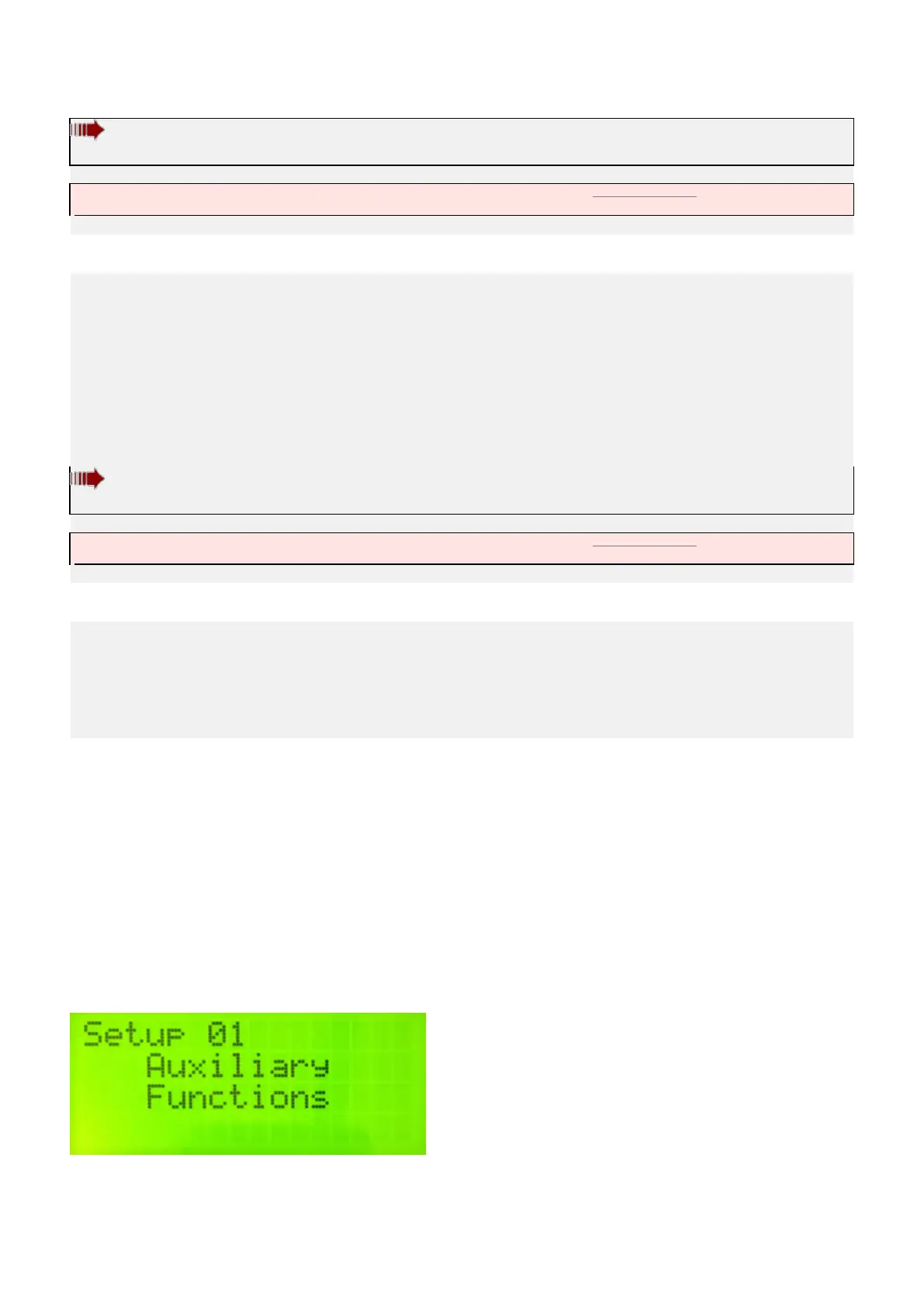
7.3. Kit Auxiliary Screens (Alphabetical)
Kit Auxiliary settings affect only the User Setup that is currently selected
To access Kit Auxiliary on your malletKAT:
Put the malletKAT into “Edit Mode(https://alternatemode.com/online-docs/malletkat/#how-to-edit-malletkat-
settings)
” by stepping on and holding down the Edit footswitch.
Tap the Kit Auxilliary pad (E natural).
You can scroll through the various customizable settings for the User Setup using the small
93 / 109



 To Next Page