malletKAT User Manual (ver.07-17-18)
Your Function Pads Can Be Adjusted, Too!
Global Auxiliary Shortcut #83,84
malletKAT Express
Auxiliary Editing Screens require pressing the Edit Footswitch and Sustain 1 pedal at the same time (See Section
4.1.1(https://alternatemode.com/online-docs/malletkat/#malletkat-express-accessing-editing-functions)
)
ADJUST THRESHOLD MARGIN FORWARD/BACKWARD FUNCTION PAD
The Function Pads F1, F2 (Backwards/Forwards) are set to a higher threshold level than the rest of the
instrument. The default setting is 45. You can adjust the threshold here by using the Increment/Decrement pads.
4.6. How to Program Controller Two to Use a Different Sound
Placing a different sound on a User Kit’s Controller Two than User Kit’s Controller One is one of the most often
asked questions. This “Two MIDI Controllers In One” feature of the malletKAT is required for all of our
unique User Setup Playing Modes(https://alternatemode.com/online-docs/malletkat/#playing-modes)
.
Working with Controller Two is very similar (if not identical) to working with Controller One. So you will find the
answers to both in the section Setting Up The Controllers(https://alternatemode.com/online-
docs/malletkat/#setting-up-the-controllers)
4.7. Shifting the Octave Range
View all pad shortcuts
(See Section 7.1(https://www.alternatemode.com/online-docs/malletkat/#editing-functions-pad-shortcuts)
)
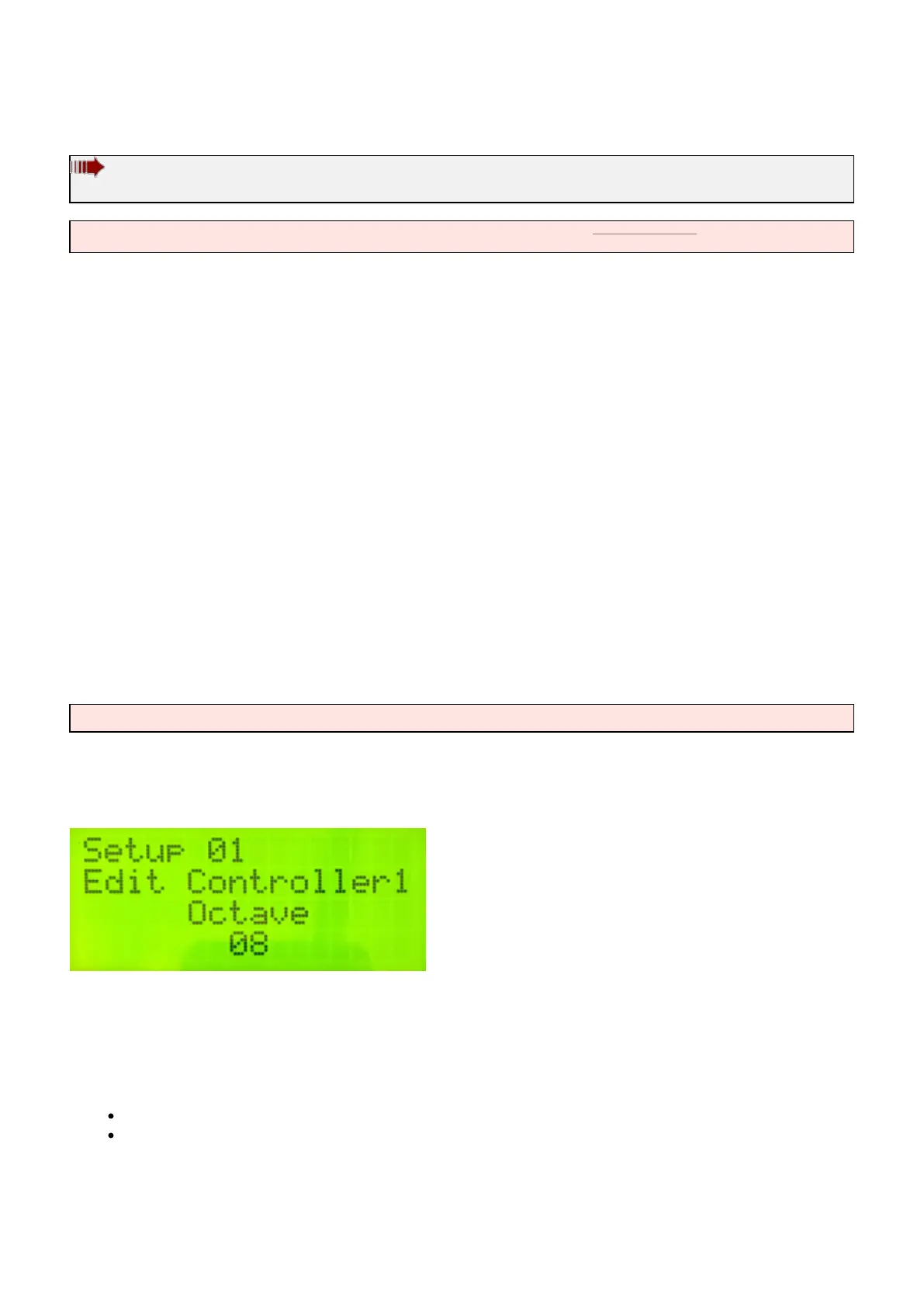
To change the playable octave range of either Controller 1 or Controller 2, use the Edit footswitch and OCTAVE
key shortcut (E natural)
Remember, Controller One and Controller Two are independent, so you can also “extend” the playing range of
your malletKAT using HANG mode! For example, if you want to access the range of a five octave marimba or an
eight octave piano…
Configure your User Kit such that:
Controller One and Controller Two are using the same sound
Controller Two is offset up or down one or more octaves
Now when you hold down the Sustain 2 pedal, your malletKAT is temporarily shifted into a different octave range!
33 / 109



 To Next Page