malletKAT User Manual (ver.07-17-18)
Make sure you have connected a MIDI cable to the REAR
MIDI OUT jack to the MIDI IN (or USB port) on
your device
Step and hold down the Edit footswitch and tap the Global Auxiliary pad shortcut
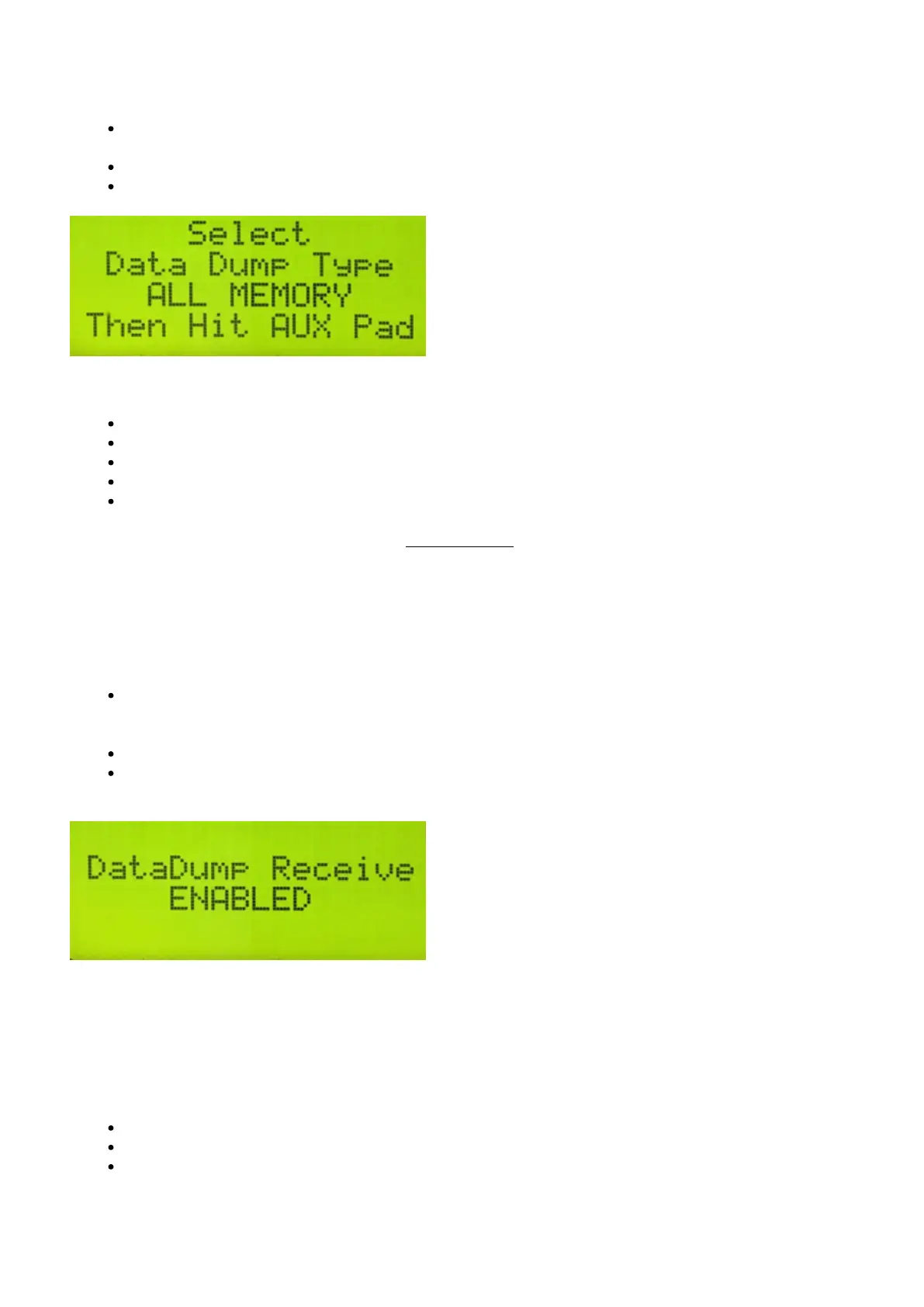
Tap the Forward function pad three times to scroll to the DATA DUMP Screen.
Use the Increment/Decrement pads to select one of the following types of Data Dumps:
Global — Dump Global Settings only
All Memory — Dump Everything
All Kits — Dump User Kits only
Chains & Reassignments — Dump Chains and Reassignment settings only
User Kits 1…127 — Dump Individual User Kits
When you have selected the Dump type, tap the Global Auxiliary pad again to transmit the SysEx file.
Restoring Your malletKAT Settings:
To receive a Data dump sysex file and restore your settings:
Make sure you have connected a MIDI cable to the MIDI IN jack to the MIDI OUT (or USB port) on your
device
(if you are using a MIDI-to-USB cable, make sure it specifies that it is bi-directional)
Step and hold down the Edit footswitch and tap the Global Auxiliary pad shortcut
Tap the Forward function pad four times to scroll to the DataDump Recieve Screen. Make sure this is set
to ENABLE
You can now send the sysex file from your device to your malletKAT
4.14. Reinitializing the malletKAT
To reinitialize the malletKAT to factory settings:
Step and hold down the edit footswitch
With two fingers, press and hold down both the small FORWARD and BACKWARD pads
The screen will tell you to hold down the A#/Bb pad next to these keys to confirm
39 / 109



 To Next Page