malletKAT User Manual (ver.07-17-18)
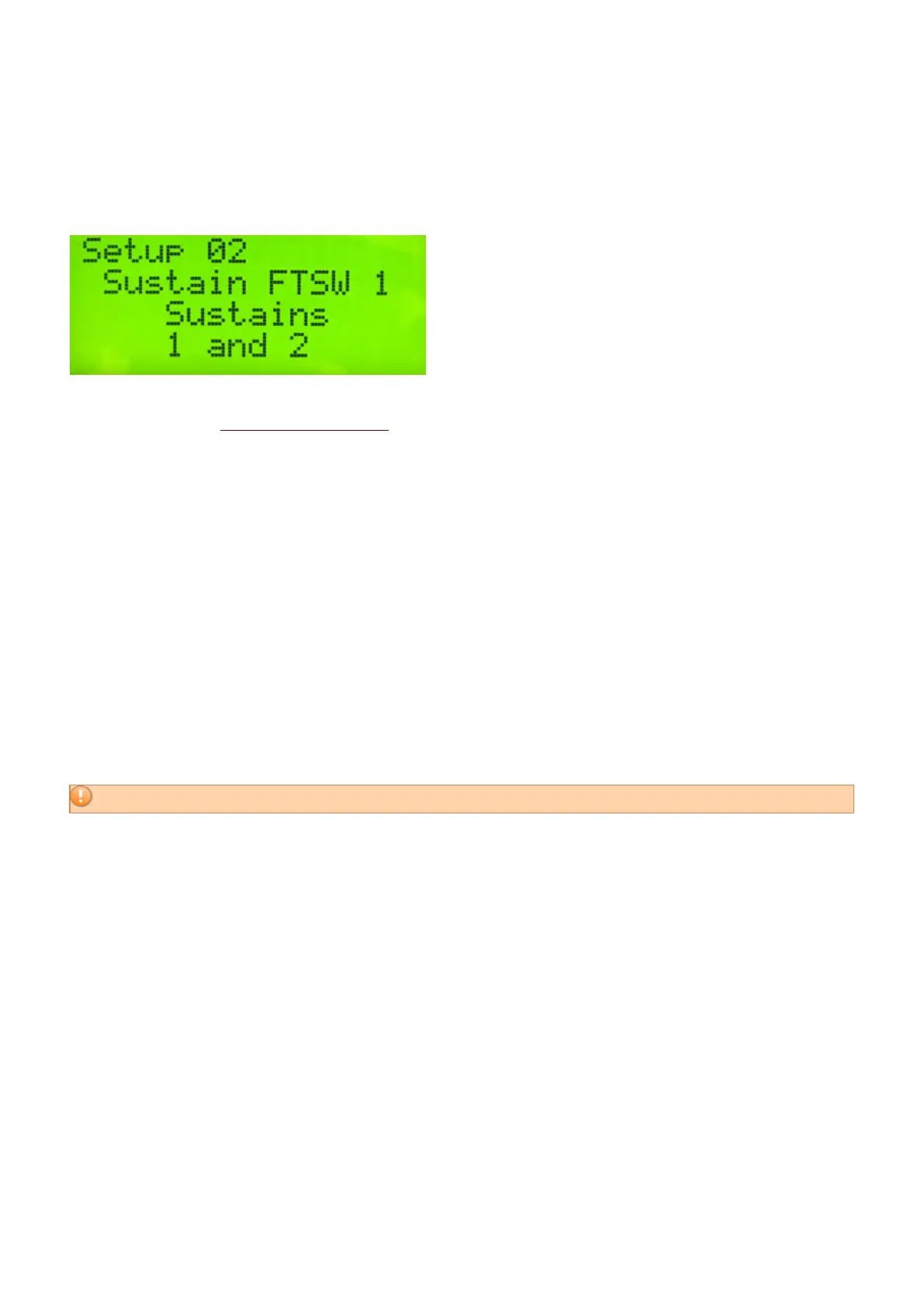
To solve this, either sustain pedal in a User Kit can be configured to sustain Controller One, Controller Two, or
Both.
Step on the Edit footswitch and the Kit Auxiliary pad. Tap the Forward function pad once or twice to configure
the sustain footswitch inputs.
Use the Increment and Decrement pads to configure either sustain input to send a Sustain command to Controller
1, Controller 2, or the Reassignment Layer (R), or a combination of some or all of these.
Since Sustain Pedal 2 has some special functions for some layer modes, “Sustain FTSW 2” can also be
configured to “No Controller”, or “none”.
For more about the Reassignment Layer, please see the section, Note Reassignments (Reassignment
Layer)(https://alternatemode.com/online-docs/malletkat/#note-reassignments)
6.3. Using the Foot Controller Inputs
Some functions we wish to control, like volume, vibrato, or pitch bend, require a special controller pedal that that
can be adjusted in small increments.
Unlike the sustain footswitch inputs that only “see” an on/off connection, the two Foot Controller jacks can accept
a either footswitch or a controller pedal. Since these two inputs are so flexible, they must be configured ahead of
time to be used properly.
By default, Foot Controller One is assigned as a VOLUME controller.
Using the Foot Controller Jacks requires three things
1) Train the malletKAT to Recognize Your Pedal:
Plug your pedal into the jack you wish to use.
In the Global Auxiliary area, find the starting training screen for Foot Controller One or Two (Short Cut = #8,9)
and tap any pad to start training.
Follow the instructions, and release the edit footswitch.
Some pedals may operate in reverse form what is intended. In these cases, train the pedals in the opposite way.
2) Globally Define the Pedal’s “Intended Use”
54 / 109



 To Next Page