malletKAT User Manual (ver.07-17-18)
What does this screen say? Refer to the Reading The malletKAT Screen(https://alternatemode.com/online-
docs/malletkat/#reading-the-malletkat-screen)
section
When editing the malletKAT, the Edit Footswitch must be held down the entire time.
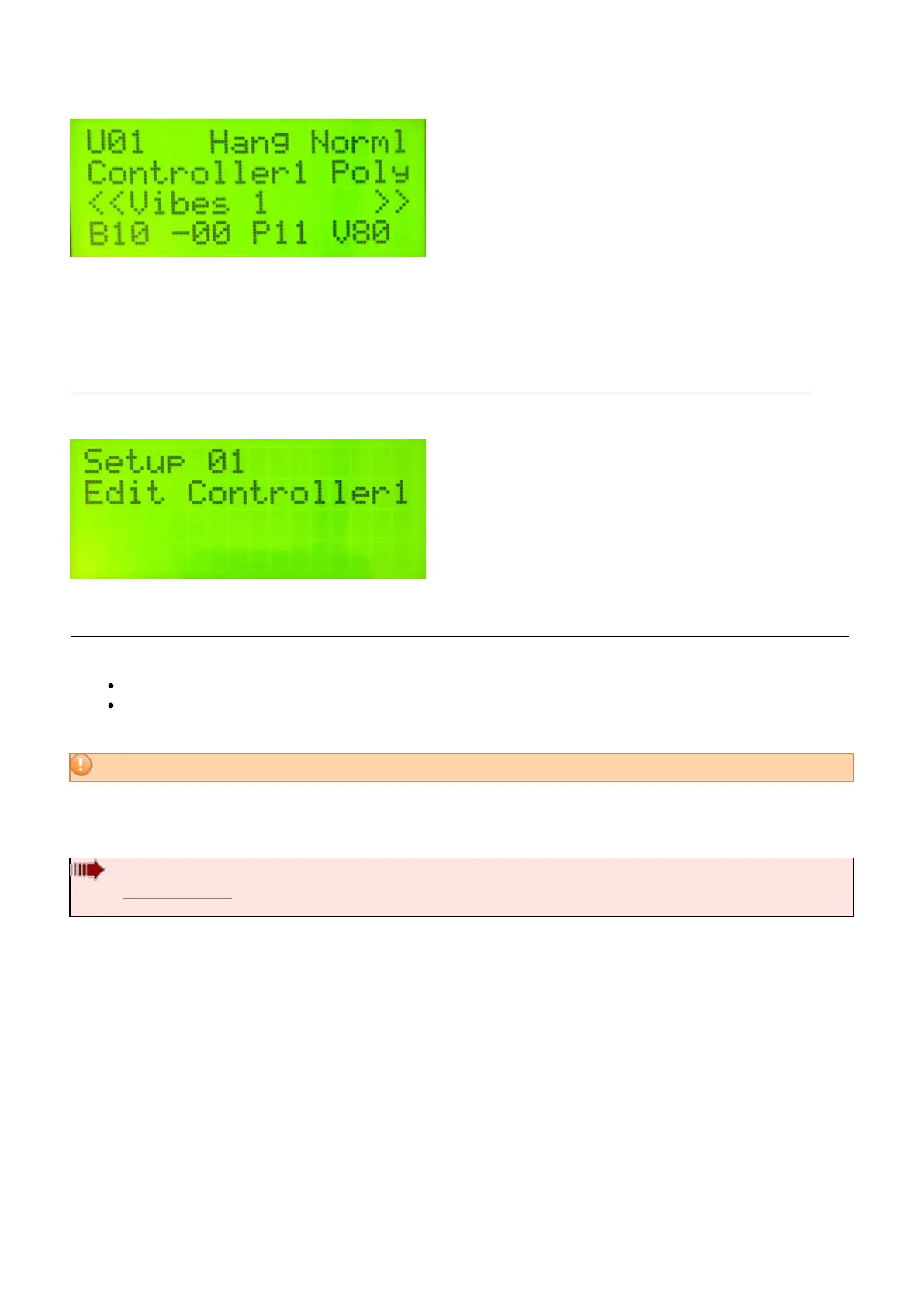
When in “Edit mode” the first screen defaults to this:
All editable parameters fall into one of two categories:
Global Settings – settings that affect everything, like pad training, chain programming, etc…
or Kit Settings – settings that apply only to the User Setup you are currently using, like MIDI channel,
MIDI volume, Min/Max Velocity settings, etc…
Remember: “Kit” is another name for “User Setup”
malletKAT Express
Since the Express is only two octaves, the lowest (3rd) octave function pads require the Edit Footswitch and Sustain
1 pedal at the same time (See Section 4.1.1(https://alternatemode.com/online-docs/malletkat/#malletkat-express-accessing-
editing-functions)
)
The most commonly accessed editing parameters/settings appear underneath the “white keys” across
three octaves on malletKAT.
These white keys contain functions and settings like OCTAVE, CHANNEL, SETUP, VOLUME, etc, etc. When you
step on the Edit Footswitch and hit one of these pads, you are now editing that function.
All of these functions are discussed in the section Editing Functions – Pad
Shortcuts(https://alternatemode.com/online-docs/malletkat/#editing-functions-pad-shortcuts)
21 / 109



 To Next Page