malletKAT User Manual (ver.07-17-18)
In MIDI terms, it is the amount of time between a NOTE ON command and a NOTE OFF command.
Proper control over gate times is essential in creating expressive nuances in your playing without melody notes
being too short or “choppy” sounding, or too long and bleeding into each other.
Adjusting Controller One/Two Gate Time
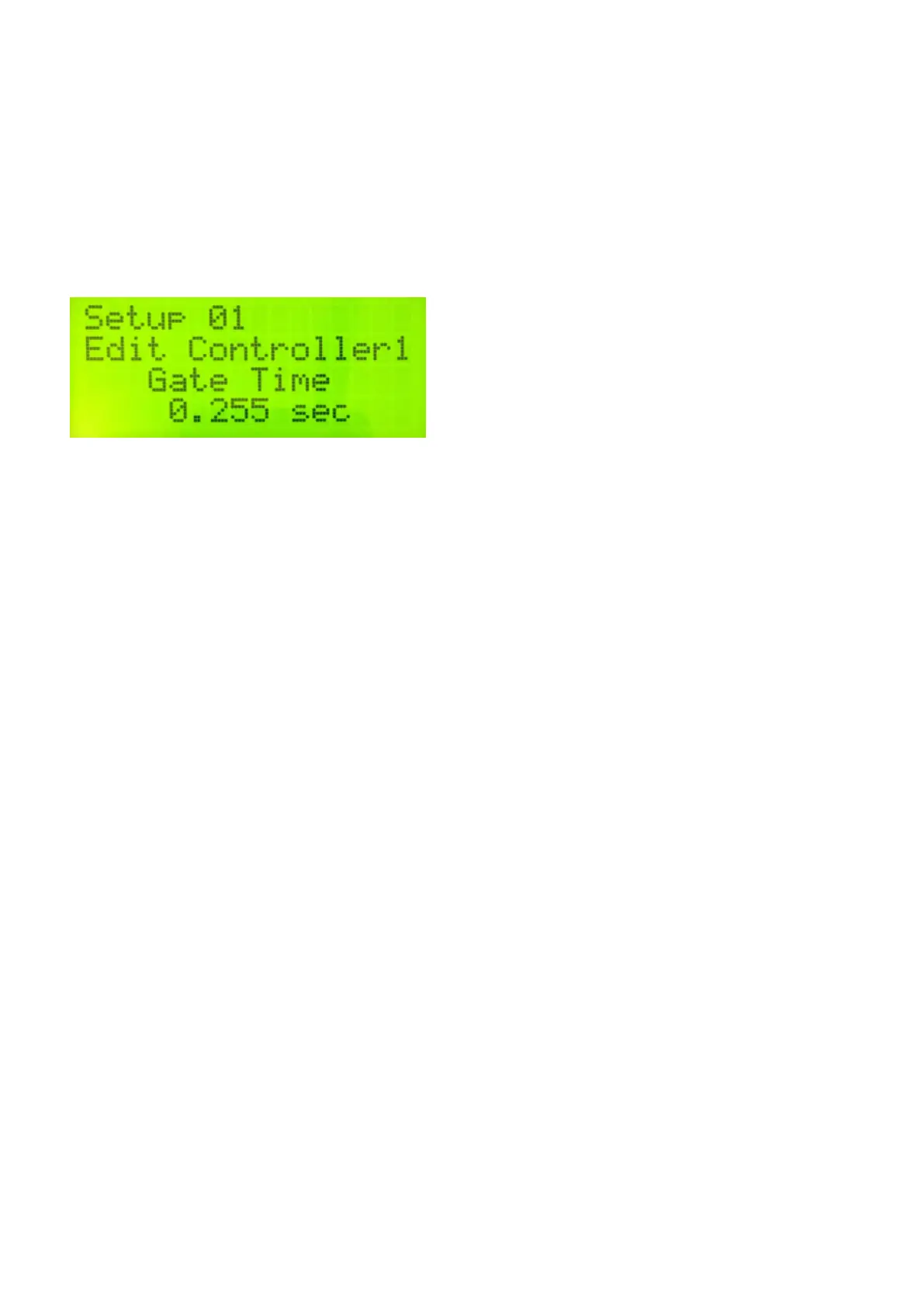
To edit the Gate Time of a Controller, step on the edit footswitch and tap the “Gate” pad (D natural).
Using the INCREMENT/DECREMENT Pads, the gate time can be adjusted from 10 milliseconds to 6.1 seconds.
Special Gate Time Modes
There are also the following Gate Time modes that are available when scrolling through this edit screen to the
lower (10mS) or upper (6.1S) limits:
VELOCITY Gate
You can control the Gate Time of a sound by how hard you hit the pad.
After setting the Gate Time to VELOCITY, hit the RIGHT FUNCTION PAD (Forward) Twice to get to the
Minimum/Maximum Velocity Settings. The range of the Velocity Gate time is .10 to 6.100 seconds.
You can also set these Min/Max values in reverse (the harder the hit, the smaller the gate time).
FC Gate
The Gate Time of a sound can also be controlled by the position of a controller pedal.
After setting the Gate Time to GATE FC1 or GATE FC2, hit the RIGHT FUNCTION PAD (Forward) Twice to get
to the Minimum/Maximum Velocity Settings. The range of the FC Gate time is .10 to 6.100 seconds.
You can also set these Min/Max values in reverse.
INFINITE Gate
This setting is specifically for Controller 2 when using HANG mode. When the gate time is set to INFINITE,
the Sustain 2 pedal acts like a “Gate Toggle Switch”. When the Sustain 2 is held down, the notes from Controller
57 / 109



 To Next Page