Settings
AMADRILL+ BAH0040-9 01.19
27
6.2 Displaying / altering the working width
1. Press .
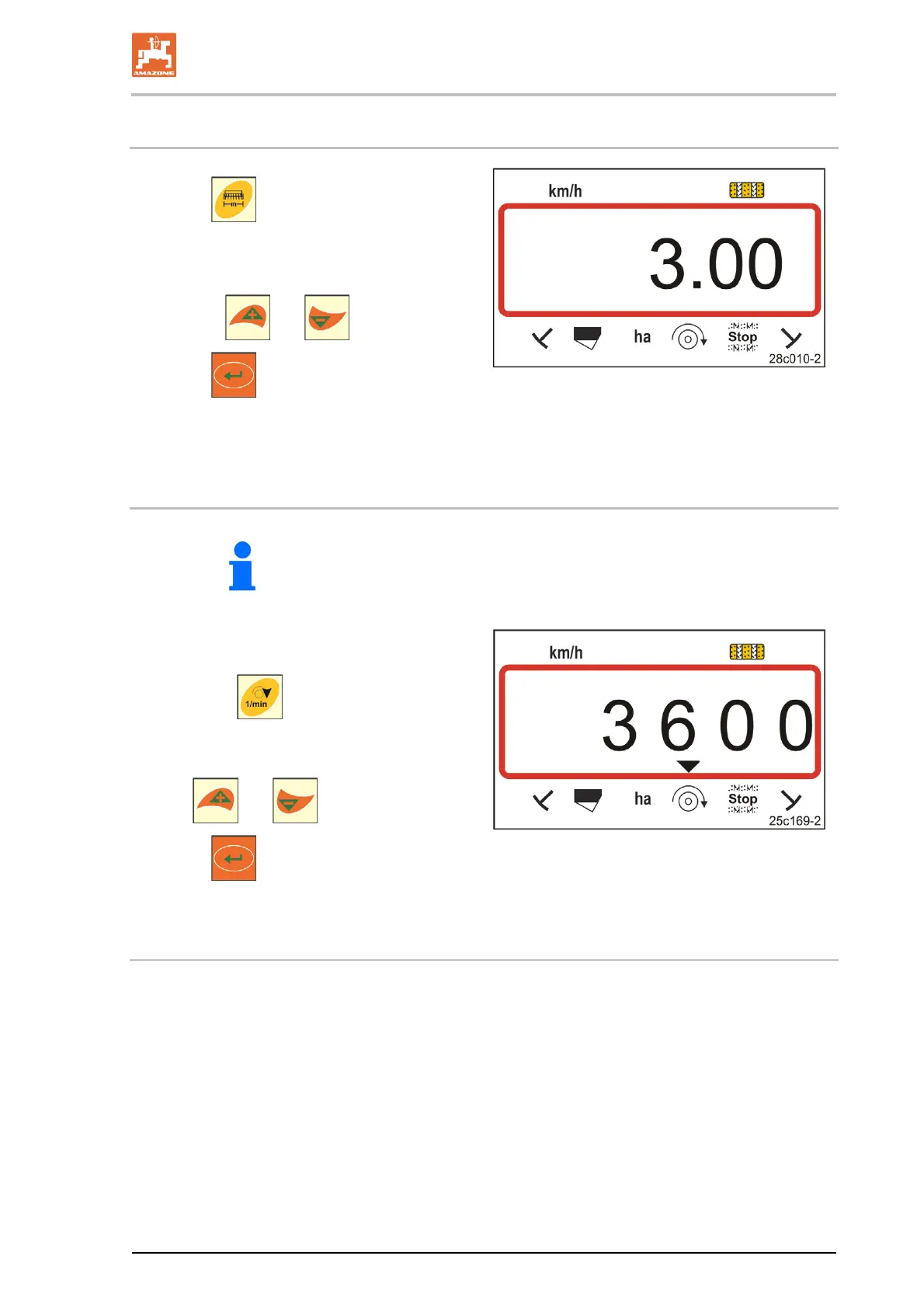
Display: Stored working width [m],
e.g. 3.0 m (Fig. 21).
2. Change the working width [m]
with the
and buttons.
3. Press
.
Save the selected value.
Fig. 21
6.3 Displaying / altering the target blower fan speed (during standstill)
Switching off blower fan speed monitoring (see below)
on single grain seed drills ED with micropellet spreader.
This setting is only possible for pneumatic seed
drills.
1. Press the
button (yellow).
Display: Target blower fan speed [rpm.].
2. Change the target blower fan speed with
the
and buttons.
3. Press
.
Store the selected value.
Fig. 22
Switching off the blower fan speed monitoring
Switch off the blower fan speed monitoring
on single grain seed drills ED with micropellet spreader:
set the target blower fan speed to "1".
on pneumatic seed drills:
blower fan monitoring cannot be switched off.



 To Next Page