Work commencement
42
AMADRILL+ BAH0040-9 01.19
7 Work commencement
1. Place machine in starting position (standstill).
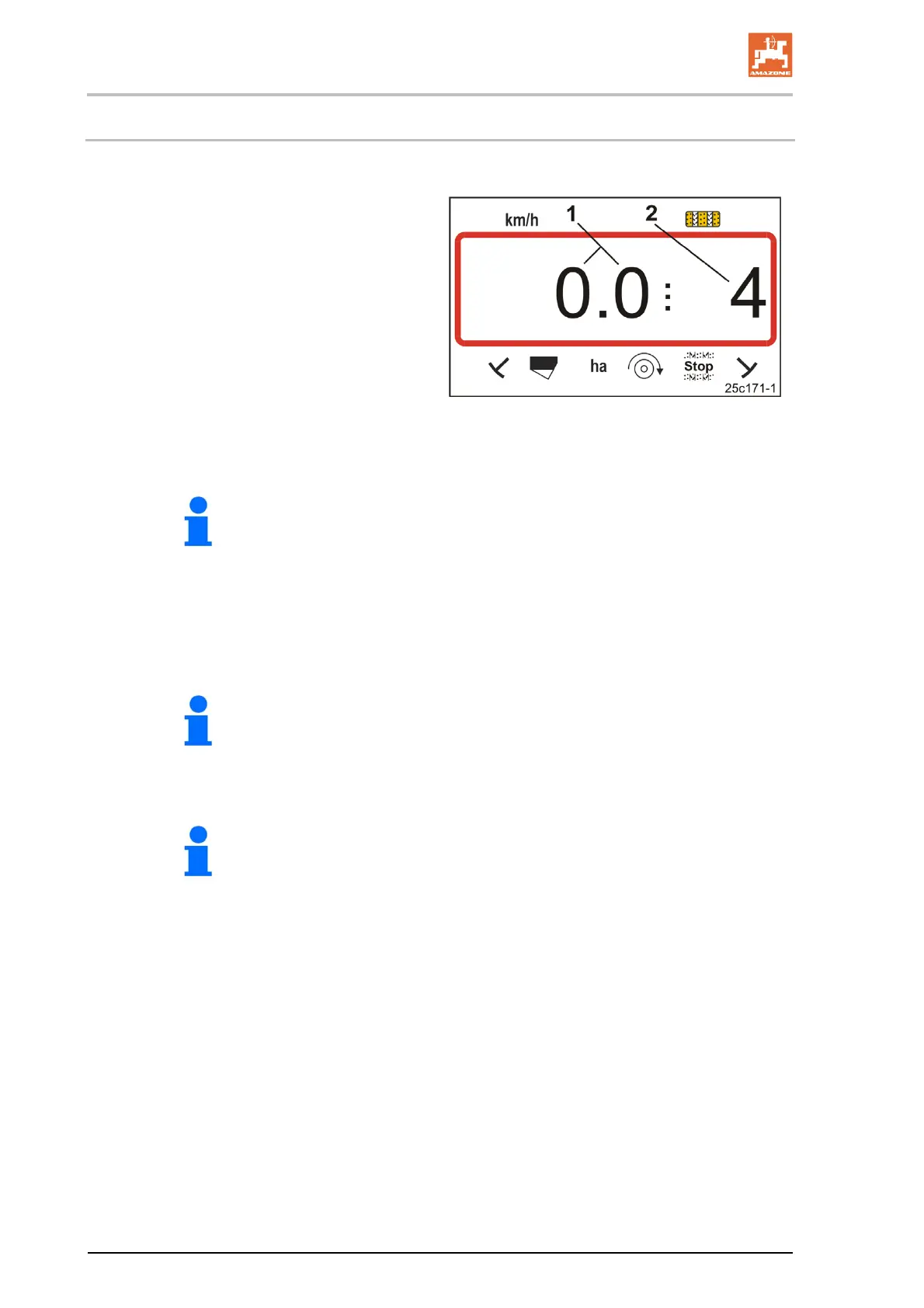
Display at standstill:
Digit 1 (Fig. 32/1) shows the
travel speed (0 km/h).
Digit 2 (Fig. 32/2) shows the
tramline counter 4
Fig. 32
2. Lower the correct track marker (see seed drill operating manual).
The tramline control can be coupled with the track marker control.
The tramline counter can continue counting when the track marker is
actuated.
3. Set the tramline counter (see Chap. „Setting the tramline counter“, Seite 43).
4. Delete the part area memory (see Chap. „Erasing the part area memory“, Seite 44).
It is not mandatory to delete the part area memory.
5. Activate pre-metering (see section "Activate pre-metering", Seite 41).
It is not mandatory to activate pre-metering. This function, however, is
only possible with full metering.
6. Observe a waiting period after activating the pre-metering process.
7. Start.



 To Next Page