Work commencement
44
AMADRILL+ BAH0040-9 01.19
7.2 Worked area
7.2.1 Displaying the worked part area
Press .
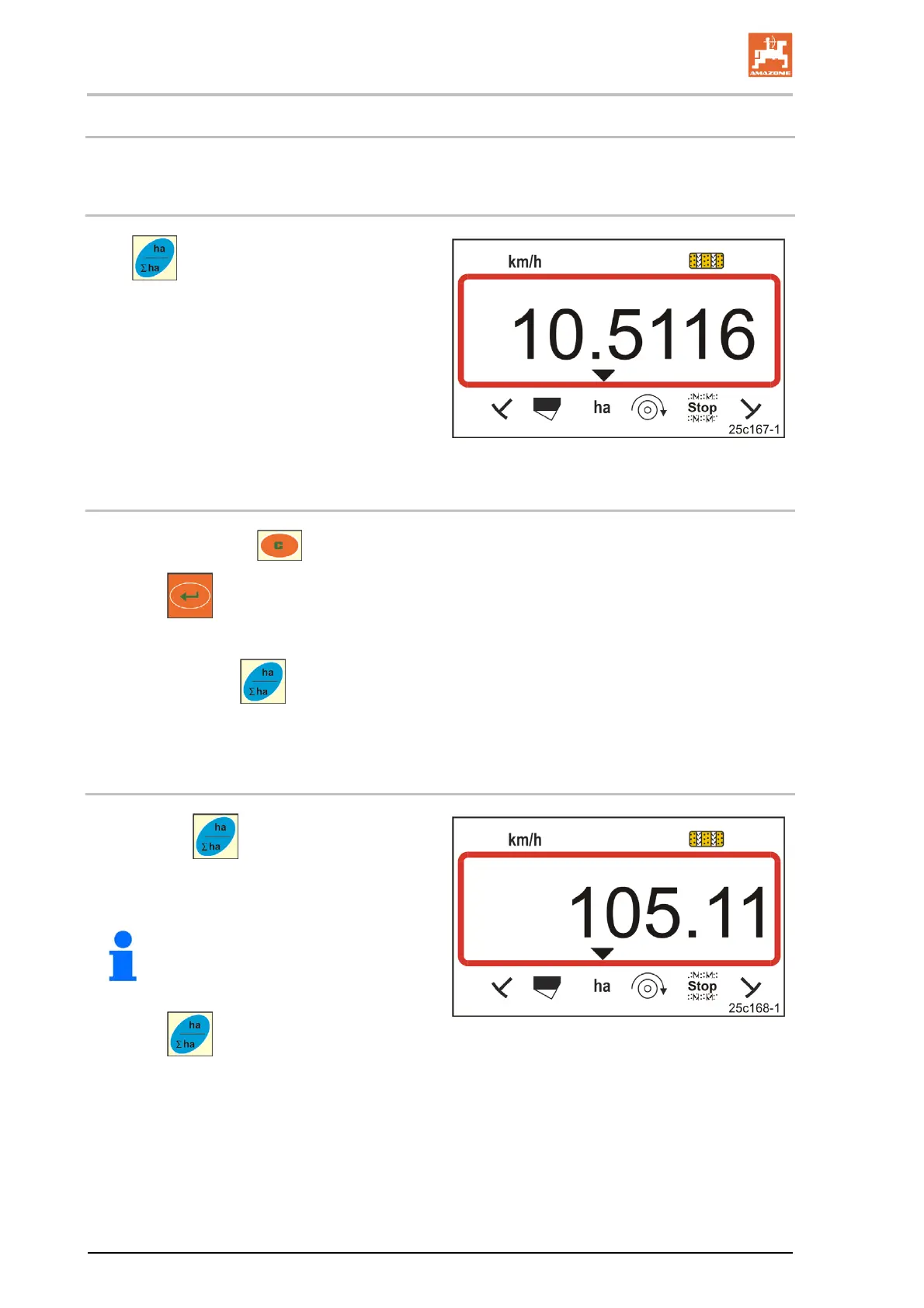
Display (Fig. 34)
worked part area (e.g. 10.5 ha).
Fig. 34
7.2.2 Erasing the part area memory
1. Press and hold the button.
2. Press
.
The part area memory is set to 0 [ha].
3. Press the button
Back to the work display (Fig. 36 or Fig. 37).
7.2.3 Display the total area
1. Press the button twice.
Display (Fig. 35):
total worked area (e.g. 105.1 ha).
Fig. 35
The data cannot be deleted.
2. Press .
Back to work display
(Fig. 36 or Fig. 37).



 To Next Page