Commissioning
qTOWER
3
/ qTOWER
3
G Edition 03.19 27
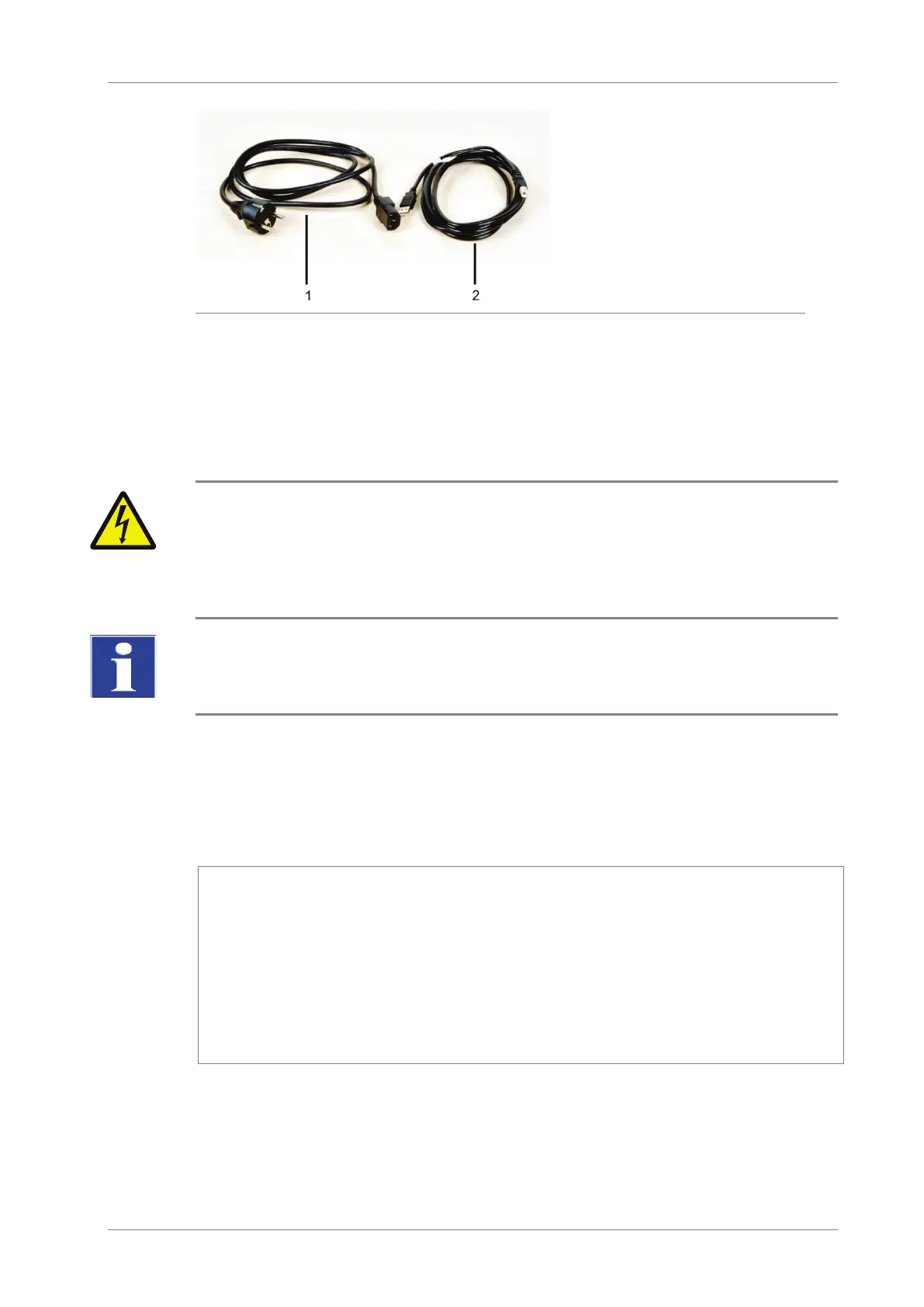
2 USB cable for PC connection
Fig. 8 Mains and connection cable
Use only the supplied mains cable or a mains cable with the same specifications.
6.2 Setting up the qTOWER
3
WARNING! Risk of electric shock! Do not touch!
Check that the mains connection conditions match those on the type label on the device
backplate.
Before connecting the device to the mains network set the correct operating voltage at the
voltage switch on the underside of the device.
NOTICE
Unsuitable packaging material may cause damage to the device! Keep the original packag-
ing for subsequent transports.
The following steps are required during the installation of the qTOWER³:
Assemble the color modules (unless installed)
Connect the device to the mains and the PC
Install the qPCRsoft program on the PC
1. Remove the qTOWER³, connection cable and operating manual with the installa-
tion CD or the USB memory stick from the transport packaging. Wait until the de-
vice has reached room temperature.
2. Verify that the delivery is complete. Check the device and accessories for
transport damage.
3. If the color modules are not installed yet, assemble the color modules in accord-
ance with section "Installing color modules" p. 34.









 To Next Page