Maintenance and care
qTOWER
3
/ qTOWER
3
G Edition 03.19 35
Proceed as follows:
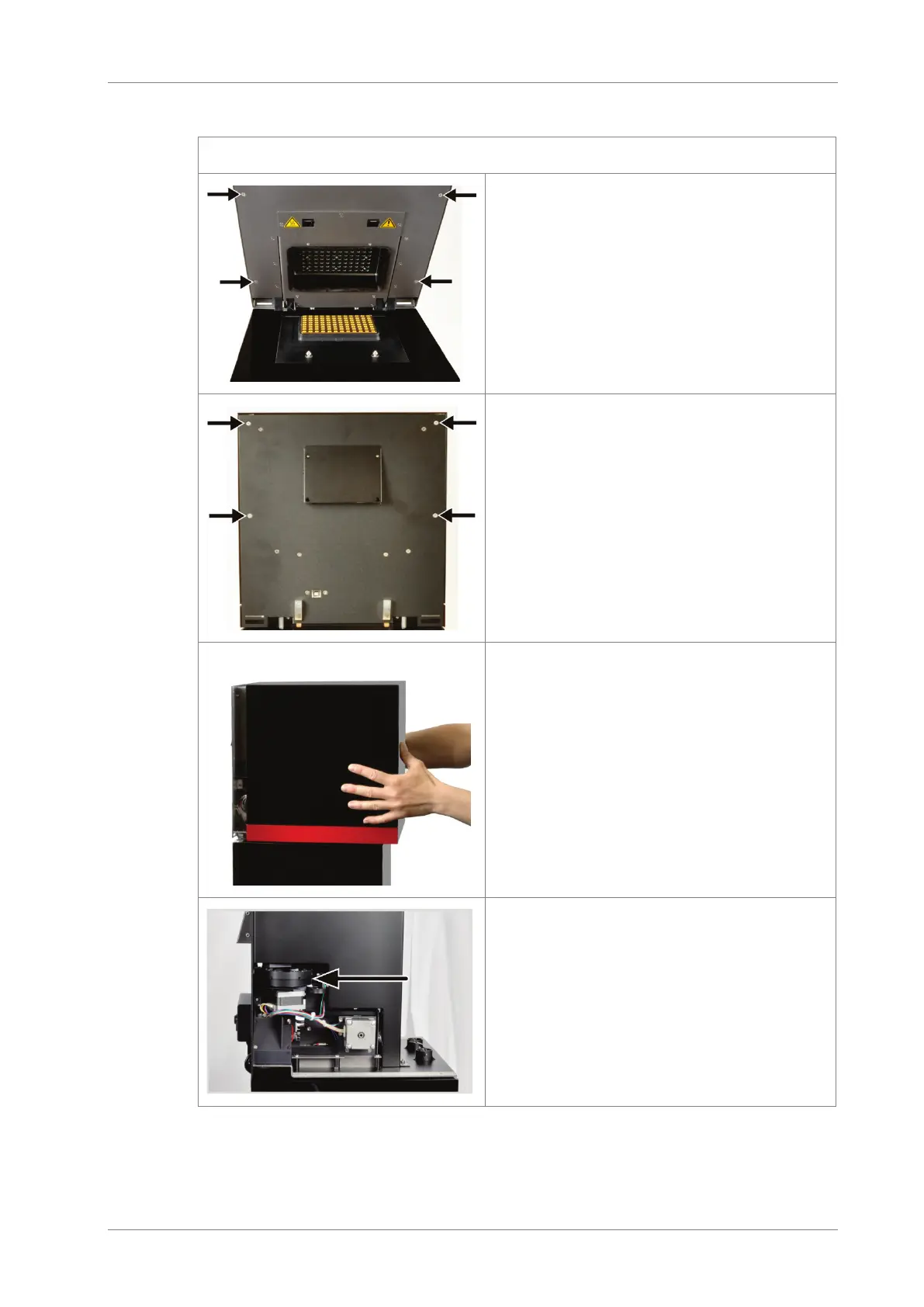
1. Switch off the qTOWER³
2. Open the lid. Remove the four external
screws on the inside of the lid.
3. Close the lid.
4. On the device backplate remove the
four external screws at the upper part
with which the hood is attached.
5. Pull the hood slightly forward and lift it
off the device. Leave the hood in a se-
cure place.
The pivotable holder for the
color modules is now accessi-
ble.









 To Next Page