- 11 -
Installation and Wiring Instructions
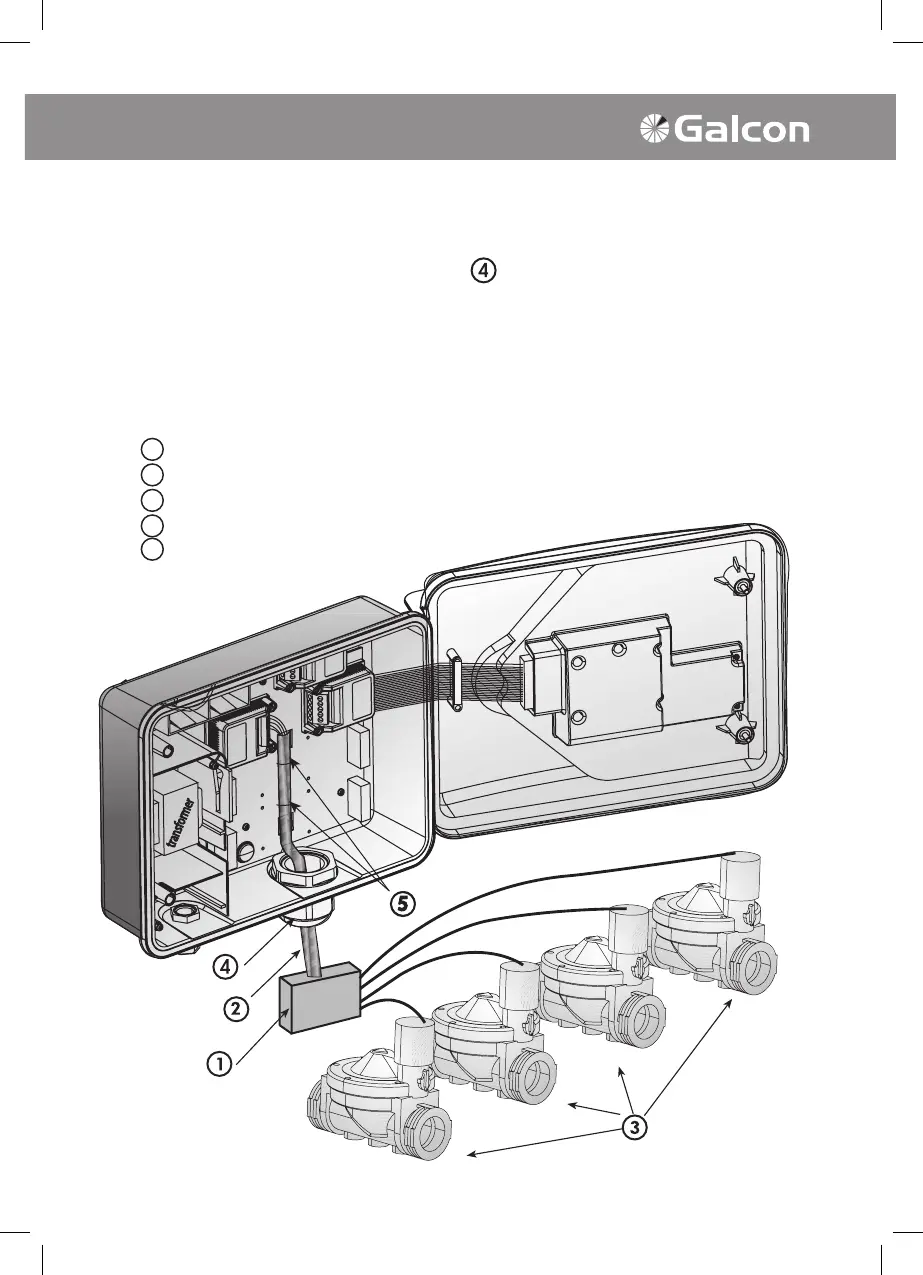
Connecting Extension cable
1. Open the controller panel by opening the screws at the left side of the controller. (See diagram)
2. Insert the cable through the large cable protector
.
Connect the wires to the terminal block. Every module has a “com” connection point.
Note the colors and positions of the connecting wires for your reference.
3. Connect the free end of the cable to the connection box adjacent to the valves,
according to the color and number key you marked down previously.
4. Connect the valves to the connection box.
- Connection box
- Extension cable
- Valves
- Cable protector
- Cable tie
1
2
3
4
5



 To Next Page