2 I
I – 1 Introduction to Wizard 411
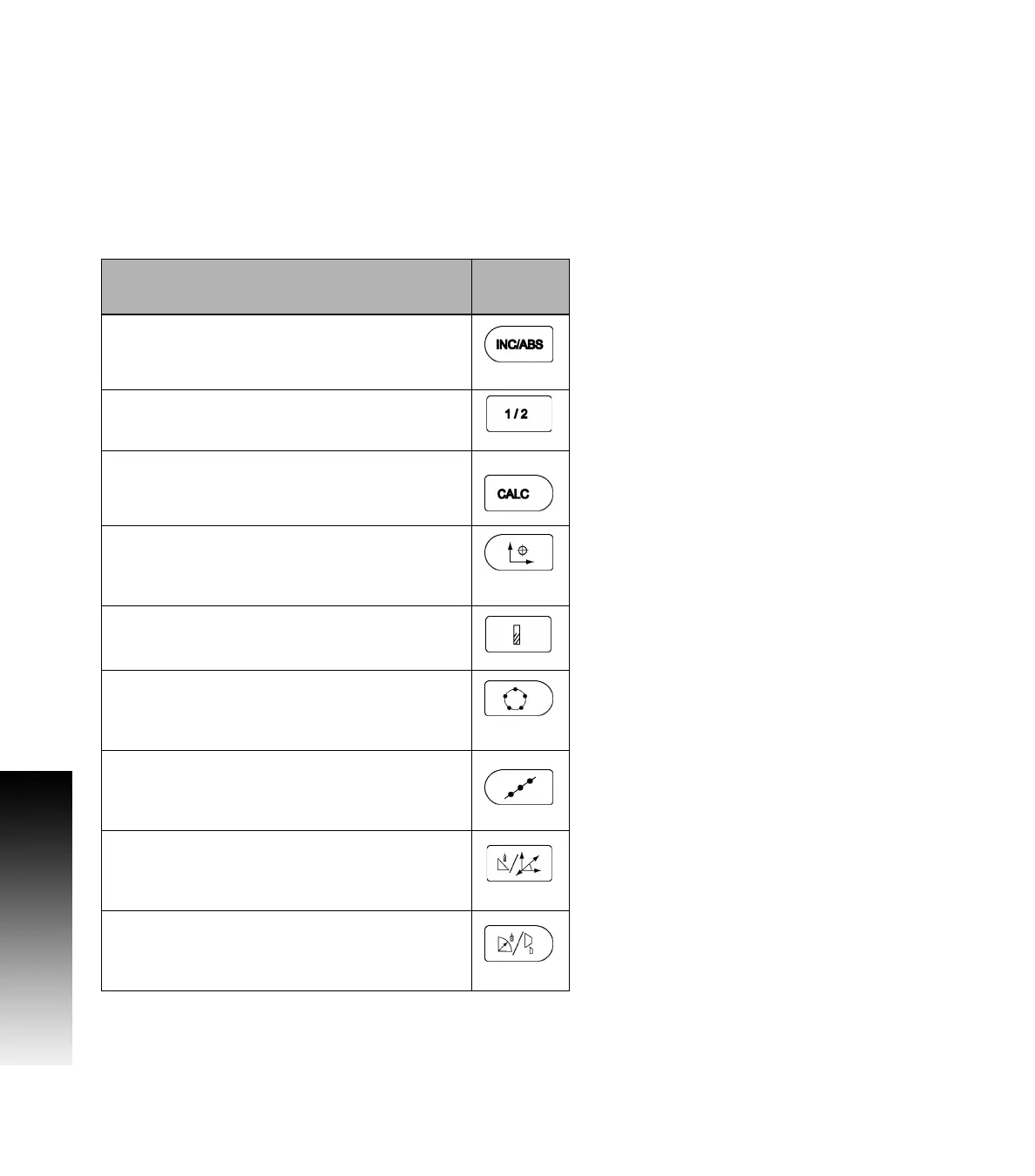
Wizard 411 Hard Keys
Hard keys on the Wizard 411 readouts vary depending on the number
of axis the readout includes. A one axis readout will only have the first
three hard keys shown below. A two, or three axis readout will have
all the hard keys shown below.
The last two keys are specific to a Wizard 411 readout that is either for
milling or turning. The first symbol applies to a milling readout, and the
second symbol applies to a turning readout.
Hard Key function Hard Key
Symbol
Switches display between operating modes:
Distance-To-Go (Incremental) / Actual Value
(Absolute) (see page 3
).
Used to divide the current position by two (see
page 13
).
The
CALC hard key opens the Calculator functions for
standard math, trigonometry, RPM and Taper (Turning
only) functions (
see page 23).
The DATUM hard key opens the Datum form to set
the datum for each axis (for Milling see page 8, for
Turning see page 22).
The TOOL hard key opens the Tool Table (for Milling
see page 7, for Turning see page 20).
The CIRCLE PATTERN hard key (Mill only) opens the
Circle Pattern form. This calculates the hole
positions (page 13).
The LINEAR PATTERN hard key (Mill only) opens the
Linear Pattern form. This calculates the hole
positions (page 13).
The INCLINE MILLING hard key (Mill) or the
VECTORING hard key (Turn) opens the Incline milling
forms (page 16), or the Vectoring form (page 24).
The ARC MILLING hard key (Mill) or the TAPER CALC
hard key (Turn) opens the Arc milling forms (page
18), or the Taper Calc form (page 23).



 To Next Page