6 I
I – 1 Introduction to Wizard 411
Language
The Wizard 411 supports multiple languages. To change the language
selection:
8 Press the LANGUAGE soft key until the desired language selection
appears on the soft key and the form.
8 Press ENTER to confirm your selection.
Import/Export
Job and Installation Setup parameters can be imported or exported
over the “Regular Type B” USB port.
8 Press the IMPORT/EXPORT soft key in the Setup screen.
8 Press IMPORT to download operating parameters from a PC.
8 Press EXPORT to upload the current operating parameters to a PC.
8 To exit, press the C key.
Set/Zero Soft Key Details
The SET/ZERO soft key is a key that determines the effect of pressing
an Axis key. This key is a toggle key, switching the functionality
between Set and Zero. The current state is indicated in the Status Bar.
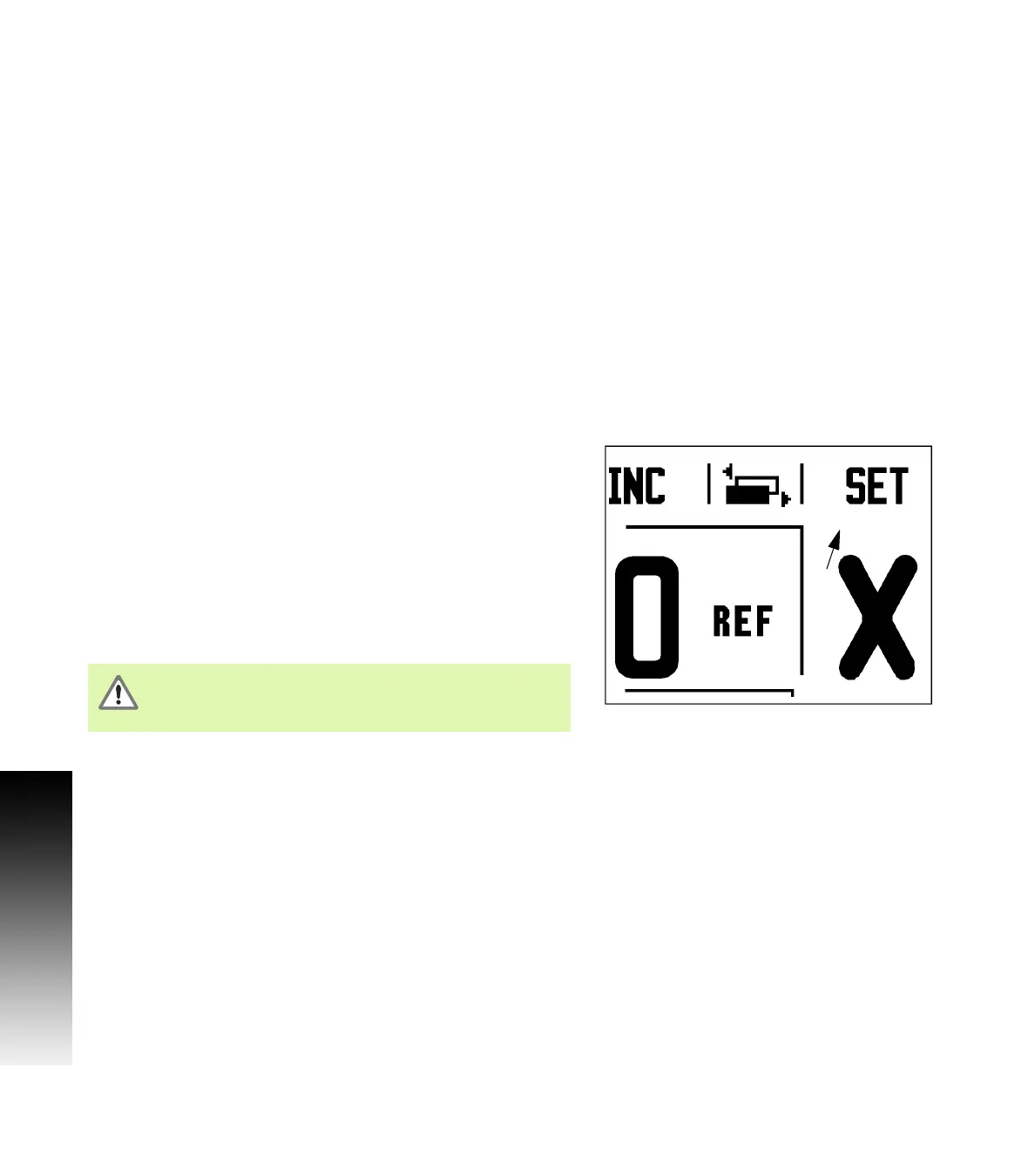
When the state is Set, see Fig. I.5, and the Wizard 411 is in Actual
Value mode, selecting an Axis key opens the Datum form for the
selected axis. If the Wizard 411 is in Distance-To-Go mode, a Preset
form opens.
When the state is Zero, and the Wizard 411 is in Actual Value mode,
selecting an Axis key sets the current datum for that axis to zero at the
current position. If it is in Distance-To-Go mode, the current Distance-
To-Go value is set to zero.
Fig. I.5 Set Zero Indicator
If the Wizard 411 is in Actual Value mode and the state of
Set/Zero is zero, pressing any Axis key resets the current
datum to zero at the current location for that axis.



 To Next Page