Wizard 411 3
I – 1 Introduction to Wizard 411
Operating Modes
The Wizard 411 has two operating modes: Distance-To-Go
(INCREMENTAL) and Actual Value (ABSOLUTE). The Distance-To-Go
feature enables you to approach nominal positions simply by
traversing to display value zero. When working within the incremental
mode you can enter nominal coordinates as either incremental or
absolute dimensions. The Actual Value feature always displays the
current actual position of the tool, relative to the active datum. In this
mode, all moves are made by traveling until the display matches the
nominal position that is required.
While in the ABSOLUTE (Actual Value) mode, if the Wizard 411 is
configured for Milling applications, only the tool length offsets are
active. Both the diameter and length offsets are used in the
INCREMENTAL (Distance-To-Go) mode to calculate the amount of
“distance-to-go” required to get to the desired nominal position
relative to the edge of the tool that will be doing the cutting.
If the Wizard 411 is configured for turning, all tool offsets are used in
both the ABSOLUTE and INCREMENTAL modes.
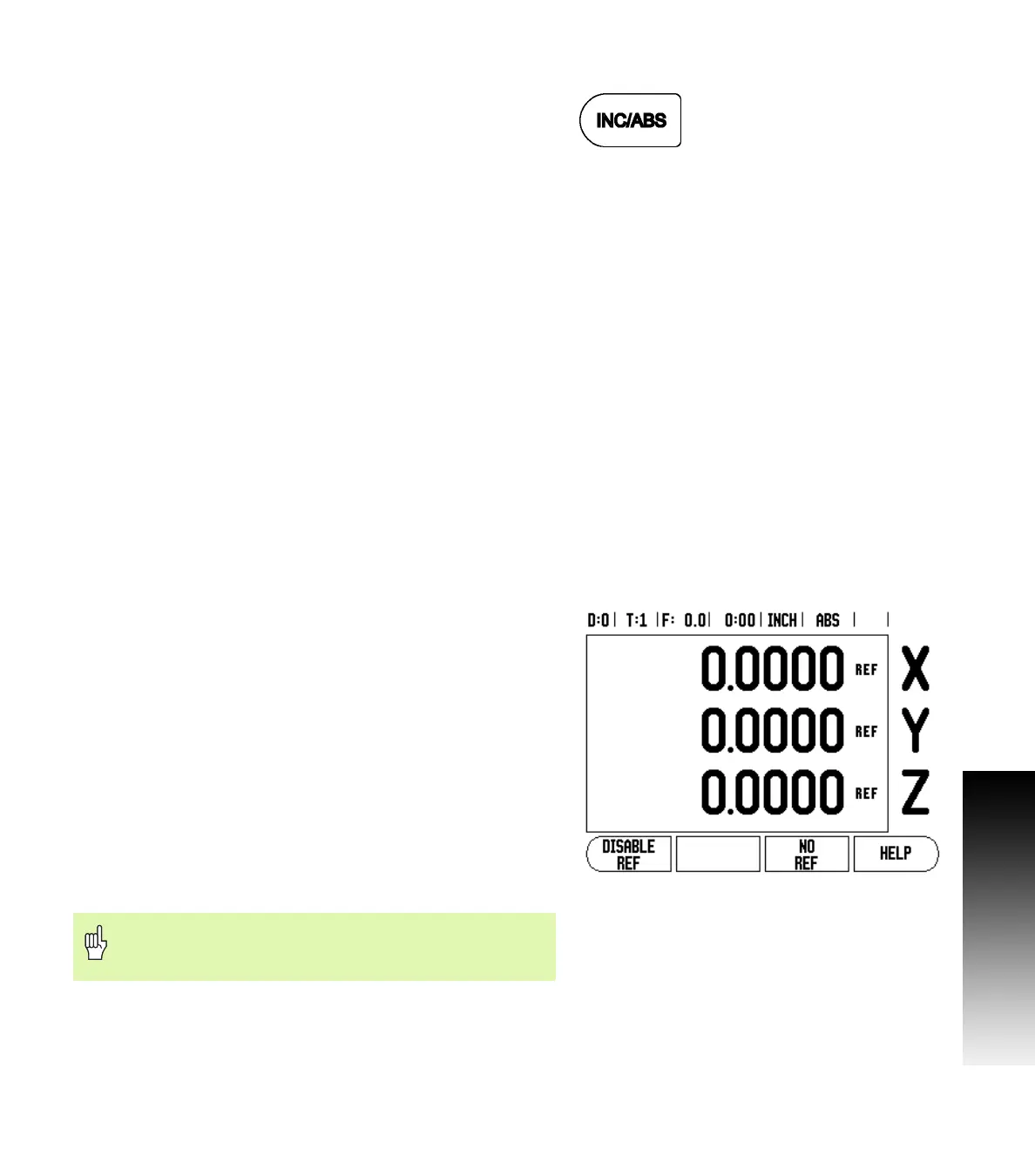
Press the ABS/INC hard key (see Fig. I.1) to toggle between these two
modes. To view other soft key functions in either ABSOLUTE or
INCREMENTAL mode, use the LEFT/RIGHT arrow keys.
The turning application provides a quick method for coupling the Z
axes position on a 3 axis system. For more information, see "Coupling"
on page 26.
Reference Mark Evaluation
The Wizard 411 reference mark evaluation feature automatically re-
establishes the relationship between axis slide positions and display
values that you last defined by setting the datum.
For each axis with an encoder that has reference marks the REF
indicator will flash for that axis (see Fig. I.2). After crossing over the
reference marks, the indicator will stop flashing and change to a non-
flashing “REF”.
Working without reference mark evaluation
You can also use the Wizard 411 without crossing over the reference
marks. Press the NO REF soft key to exit the reference mark evaluation
routine and continue.
You can still cross over reference marks at a later time if it becomes
necessary to define a datum that can be re-established after a power
interruption. Press the ENABLE REF soft key to activate the position
recovery routine.
Fig. I.1 Distance-To-Go (INCREMENTAL) / Actual Value
(ABSOLUTE) Hard key
Fig. I.2 Screen for establishing Ref Marks
If an encoder is setup without reference marks, then the
REF indicator will not be displayed, and a datum set from
any axis will be lost once power is turned off.



 To Next Page