26 II
II – 1 Installation Setup
Display Configuration
The DISPLAY CONFIGURATION form is where the operator
determines which axes are displayed and in what order.
Se
8 Scroll to the desired display and press ENTER.
8 Press the ON/OFF soft key to turn the display on or off. Press the Left
or Right arrow key to select the axis label.
8 Scroll to the INPUT field.
8 Scroll to the DISPLAY RESOLUTION field. Press the COARSER or
FINER soft keys to select the display resolution.
8 Scroll to the ANGLE DISPLAY field if the encoder type is set to
ROTARY. Press the ANGLE soft key to display the position as 0° - 360°,
± 180°, ± infinity, or RPM.
Coupling
8 Press the numeric keys associated with the encoder input on the
back of the unit. Press the + or - soft keys to couple a second input
with the first. The input numbers are displayed next to the axis label
indicating that the position is a coupled position (i.e. “2 + 3”). See
Fig. II.4.
Z Coupling (turning applications only)
The Wizard 411 Turning application provides a quick method for
coupling the Z
0
and Z axis position on a 3 axis system. The display can
be coupled in either the Z or Z
0
displays. See Fig. II.3.
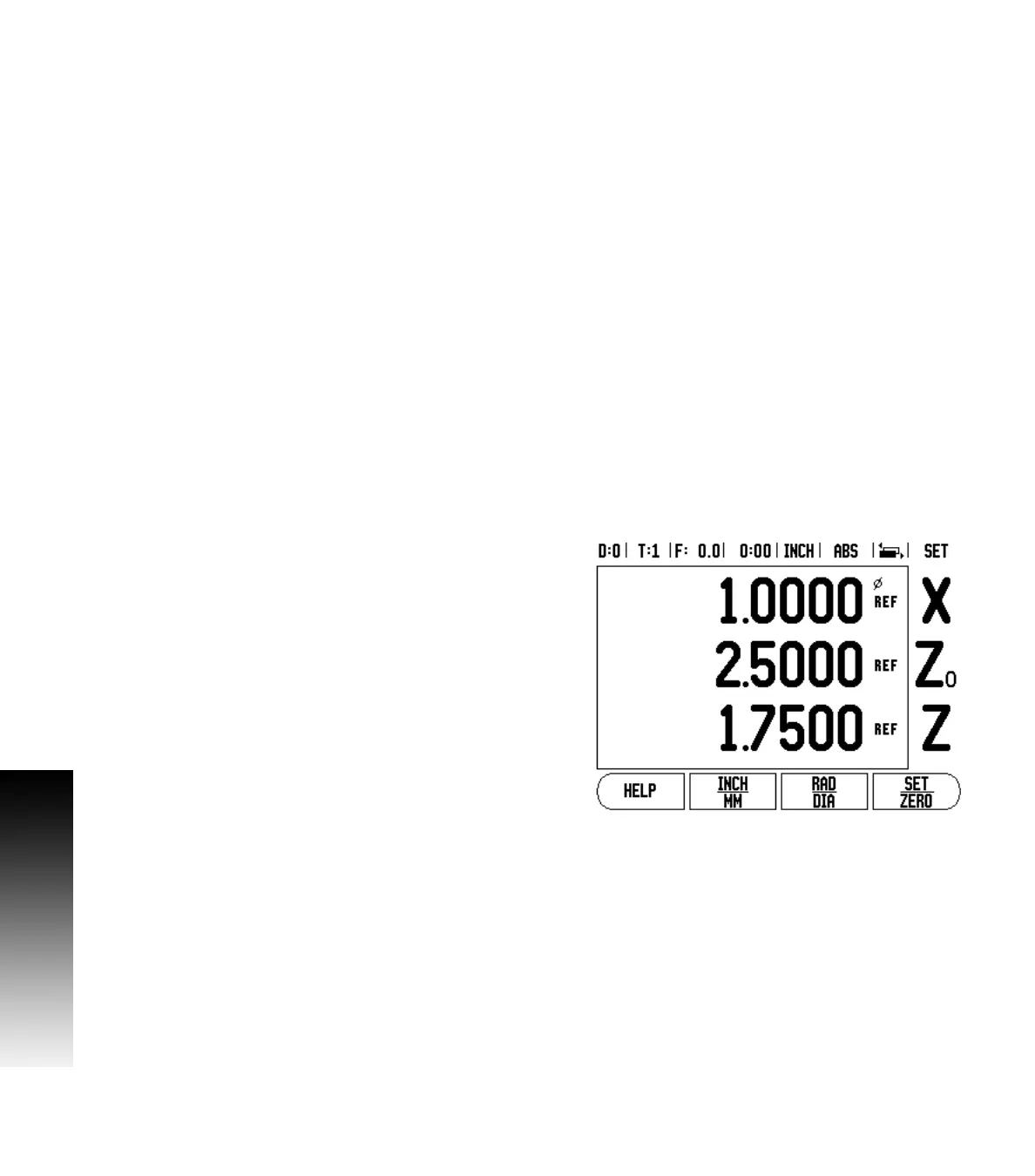
Fig. II.3 Normal Display form



 To Next Page