Wizard 411 11
I – 2 Milling Specific Operations
Preparation:
8 Select the tool with the appropriate tool data.
8 Pre-position the tool to an appropriate location (such as X = Y = -1”).
8 Move the tool to milling depth.
Press the SET/ZERO soft key so that you are in Set mode.
Press the Y axis key.
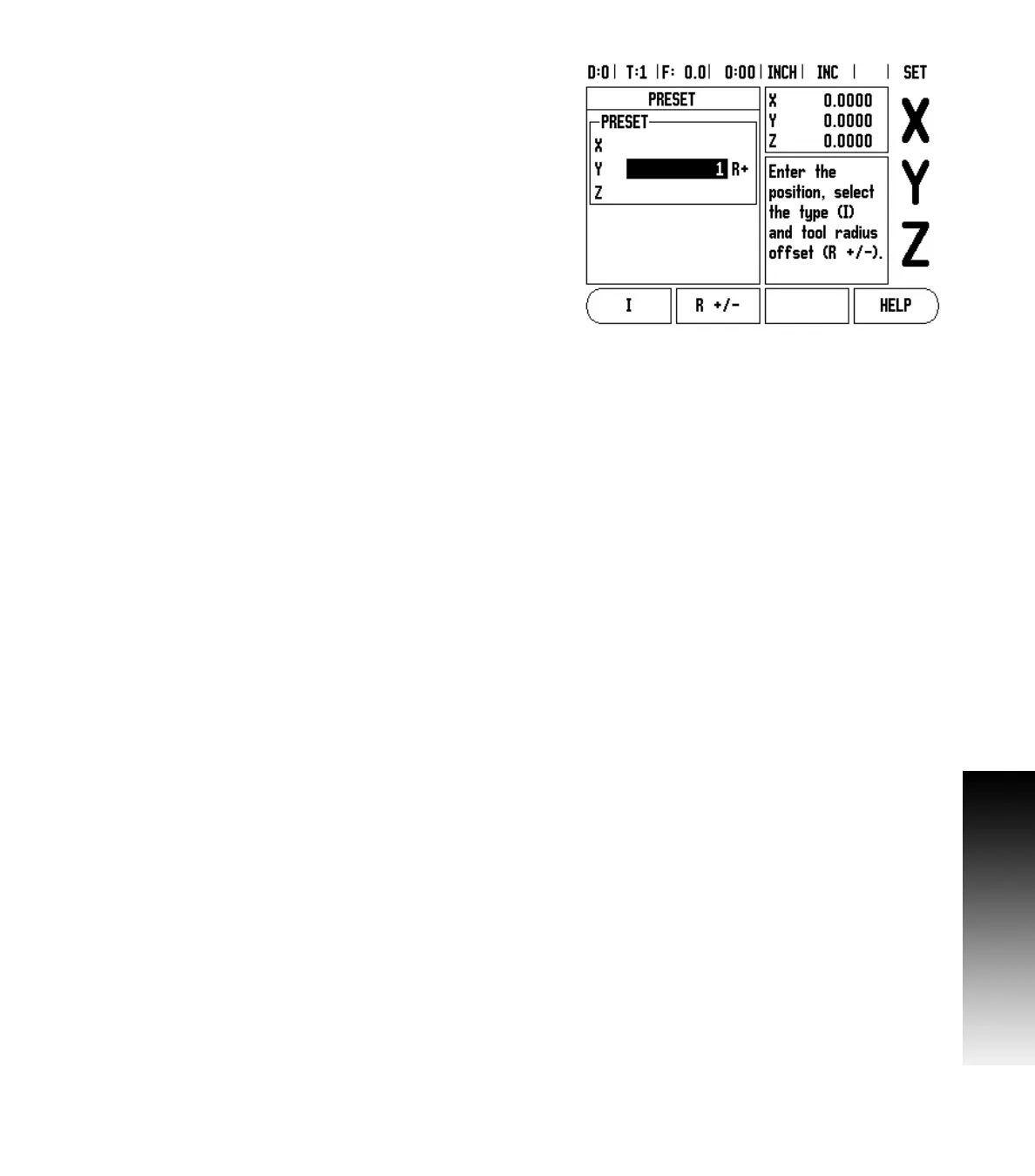
Enter nominal position value for corner point 1: Y = 1” and select tool
radius compensation R + with R+/- soft key. Press until R+ is shown
next to axis form.
Press ENTER.
Traverse the Y axis until the display value is zero. The square in the
near zero warning is now centered between the two triangular marks.
Press the SET/ZERO soft key so that you are in Set mode.
Press the X axis key.
Enter nominal position value for corner point 2: X = +1.5”, select tool
radius compensation R – with R+/- soft key. Press twice until R- is
shown next to axis form.
Press ENTER.
Traverse the X axis until the display value is zero. The square in the
near zero warning is now centered between the two triangular marks.
Presets can be entered in the same manner for corners 3 and 4.
Fig. I.15 Preset screen



 To Next Page