Wizard 411 v
Introduction
Software Version
The software version is shown on the initial power up screen.
Wizard 411
DRO axis availability.
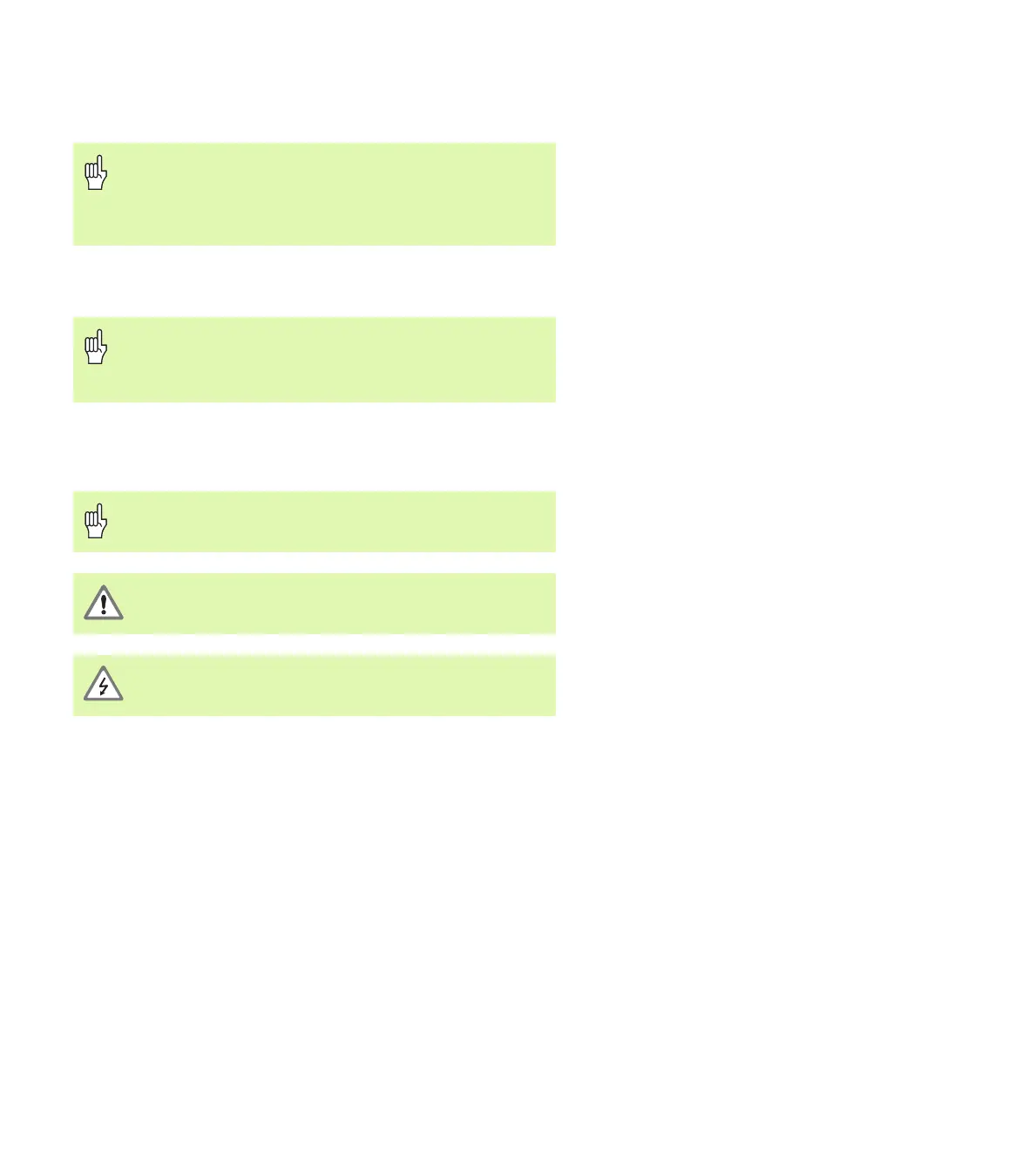
Symbols within Notes
Every note is marked with a symbol on the left indicating to the
operator the type and/or potential severity of the note.
Wizard 411 Fonts
The chart below shows how the different variables (soft keys, hard
keys) are represented within the text of this manual:
Soft keys - SETUP soft key
Hard keys - ENTER hard key
This User's Manual covers the functions of the Wizard 411
for both milling and turning applications. Operational
information is arranged in three sections: General
Operations, Mill Specific Operations and Turn Specific
Operations.
The Wizard 411 DRO is available in one, two, and three
axis form. The 3 axis Wizard 411 DRO is used through
out this manual for illustration and description of function
keys.
General Information
e.g. on the behavior of the Wizard 411.
Warning
e.g. when a special tool is required for a function.
Caution - Risk of electric shock
e.g. when opening a housing.



 To Next Page