SECTION 5 BASIC OPERATION PROCEDURE
5-5
Press Menu On/Off key
Fig. 5-4
Press Menu On/Off key to return to previous screen.
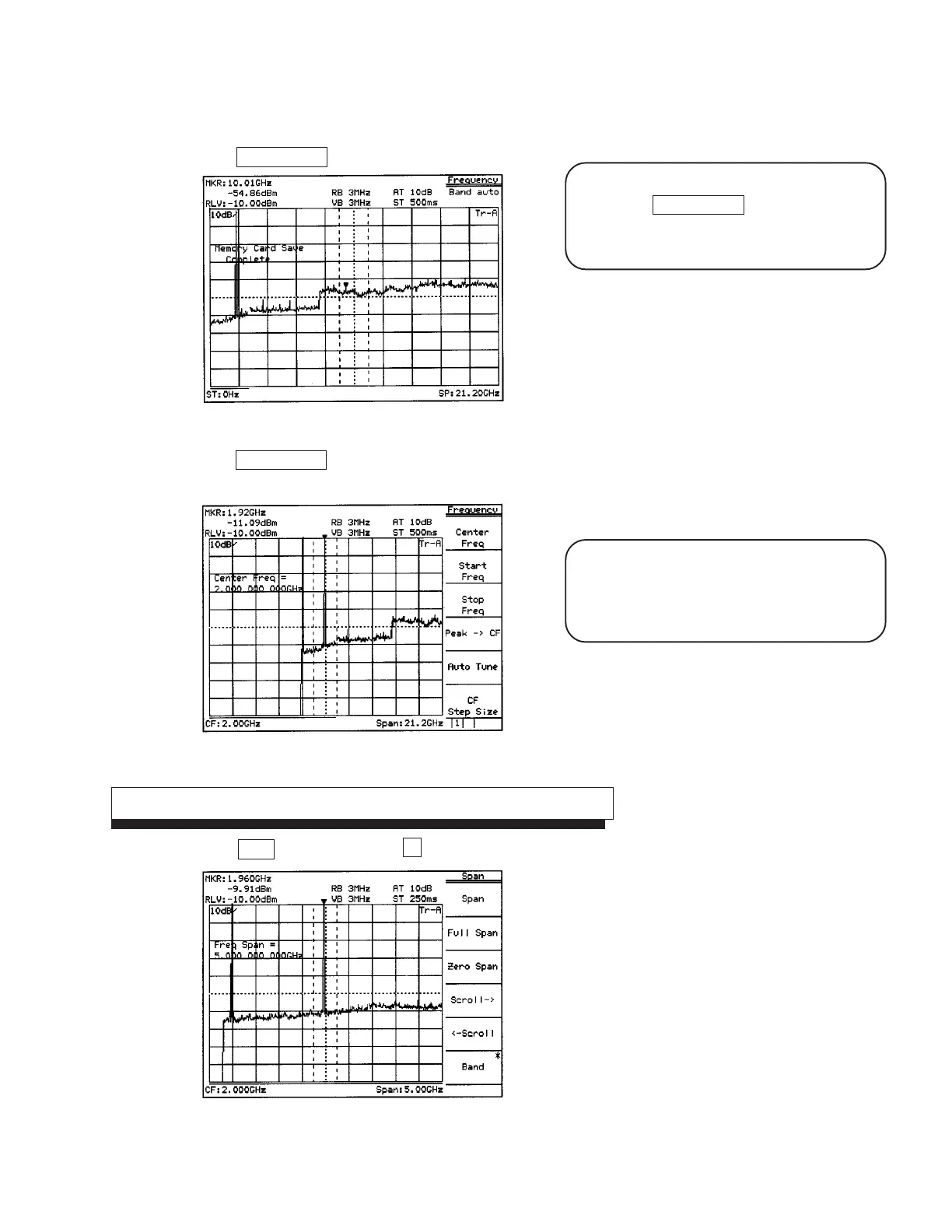
Use the ten-key pad (numeric keys) to enter 2 GHz.
Fig. 5-5
The display of the soft key menu can be switched
on/off using Menu On/Off key. When the menu
disappears, the scale is enlarged. Also, when the
menu is displayed, the scale is reduced.
The following three methods to input numeric
values to parameters are provided: direct input
by the ten-key pad (numeric keys), up/down keys,
and rotary knob.
Enlarge and display the signal
Press Span key , then press the V down key several times to enlarge the signal display.
Fig. 5-6












 To Next Page