SECTION 2 PREPARATIONS BEFORE USE
2-11
Precaution for Handling Memory Card
See para. 1.3 for the memory card to be used.
When a new memory card used to save any file, format it beforehand to MS-DOS.
When saving data to a memory card; confirm that the write-protect switch of the card is set at the NOT-
PROTECTED side, and then install it to this instrument. (For the setting method, see the operation manual of
the card.)
• Installing Memory Card
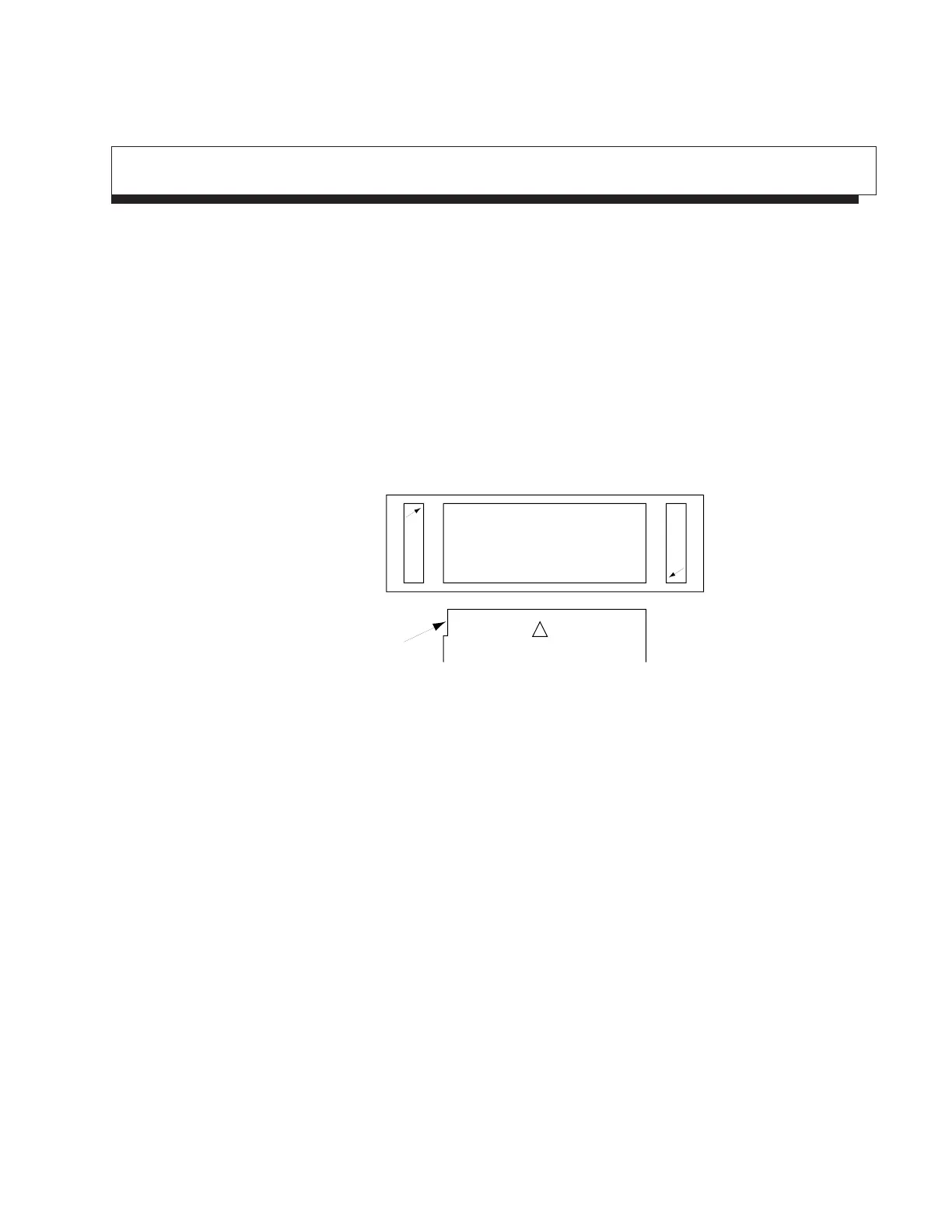
Install the memory card to this instrument, with the cutout of the card at the position as shown below. Two
card can be installed at the upper and lower sides.
Memory Card
M CCutout
• Removing Memory Card
Push the left eject button to remove the memory card at the upper side.
Push the right eject button to remove the memory card at the lower side.
• Replacing Battery of Memory Card
Memory card has a battery. When the battery life ends, the saved data is erased. Replace the battery before
the life end. (For the battery life and replacing method, see the operation manual of the card.)












 To Next Page