SECTION 6 PERFORMANCE TESTS
6-20
(4) Procedure
(a) Resolution bandwidth accuracy
Step Procedure
1 Press the [Preset] key.
2 Perform all calibration.
3 Set the spectrum analyzer as shown below:
Center Freq............................................100 MHz
Span...........................................................5 MHz
RBW (MANUAL) ....................................1 MHz
Scale ............................................LOG 1 dB / div
4 Press the [→ RLV] key and match the peak of the signal trace to the top line (REF LEVEL)
on the screen.
5 Press the [Single] key to execute a single sweep,
then check that the single sweep has been
completed.
6 After pressing the Measure key, operate Occ
BW Measure and Setup and display the setup
menu of occupied frequency bandwidth mea-
surement.
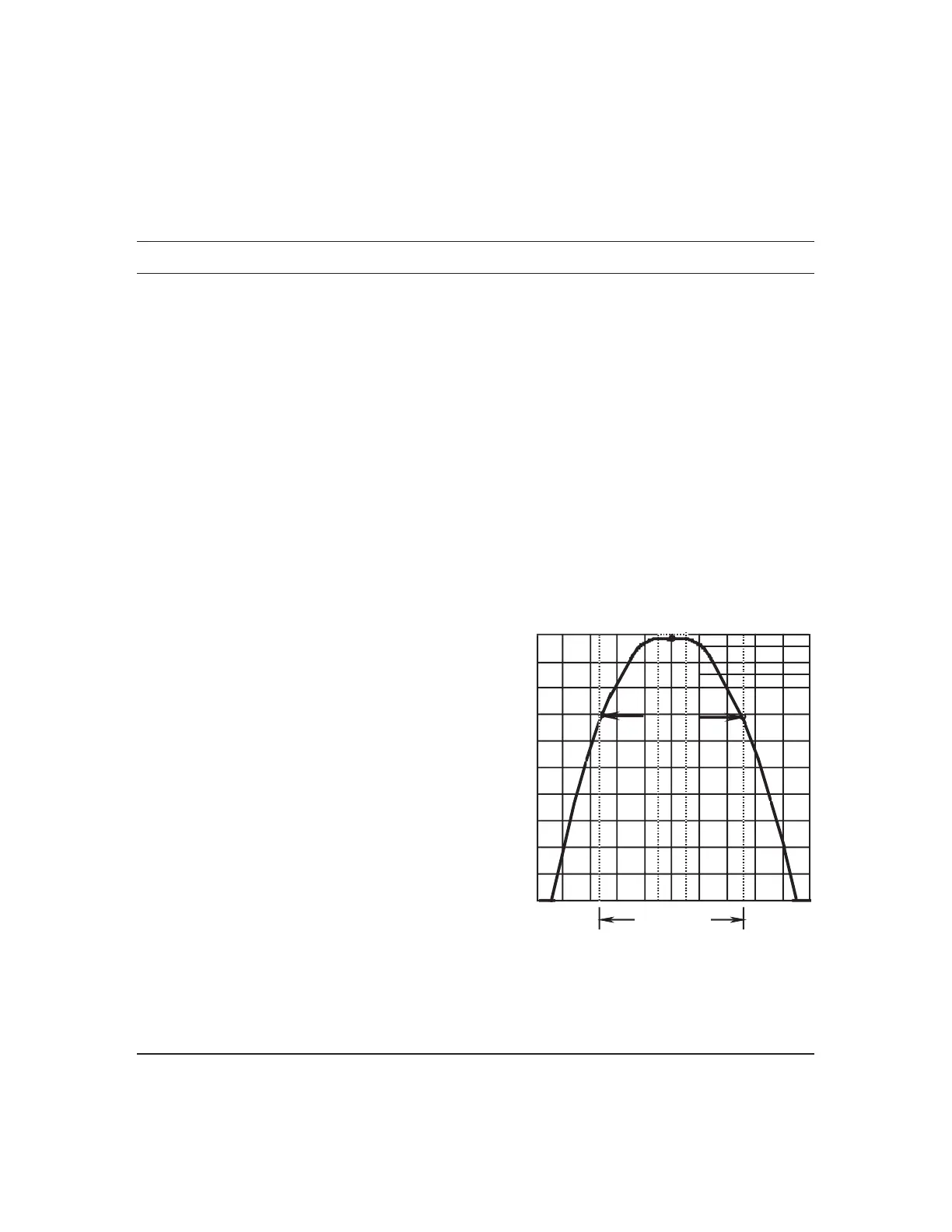
7 Select X dB Down and set it to 3 dB.
8 Press Return to return to the Occ BW Measure
menu, and then press Execute.
9 The 3 dB resolution bandwidth value is displayed
in the upper left-hand corner of the screen.
Fill in this value in the table on the next page.
10 Repeat steps 3 to 9 for the frequencies other than
the resolution bandwidth 1 MHz and the fre-
quency span 5 MHz according to the combina-
tions of resolution bandwidth and frequency span
shown in the table on the next page.
3 dB
bandwidth
Bandwidth Measurement












 To Next Page