SECTION 6 PERFORMANCE TESTS
6-28
(4) Procedure
Step Procedure
1 Press the [Preset] key.
2 Set the 69269A to 500 MHz and –10 dBm.
3 Set the spectrum analyzer as shown below:
Center Freq............................................500 MHz
Span.......................................................... 50 kHz
4 Press the [Measure] key and set to Frequency Count. Press Setup and set Resolution to 1 Hz.
Then, press the Return key and set to Count On.
5 Confirm that the FREQ reading at the upper-left of
the screen is the RF INPUT frequency 500 MHz ±
1 Hz or less.
6 Change the counter resolution to 10 Hz and confirm
that the Freq reading is 500 MHz ±10 Hz or less.
7 • Change the counter resolution to 100 Hz and
confirm that the Freq reading is 500 MHz ±100
Hz or less.
• Change the counter resolution to 1 kHz and
confirm that the Freq reading is 500 MHz ±1
kHz or less.
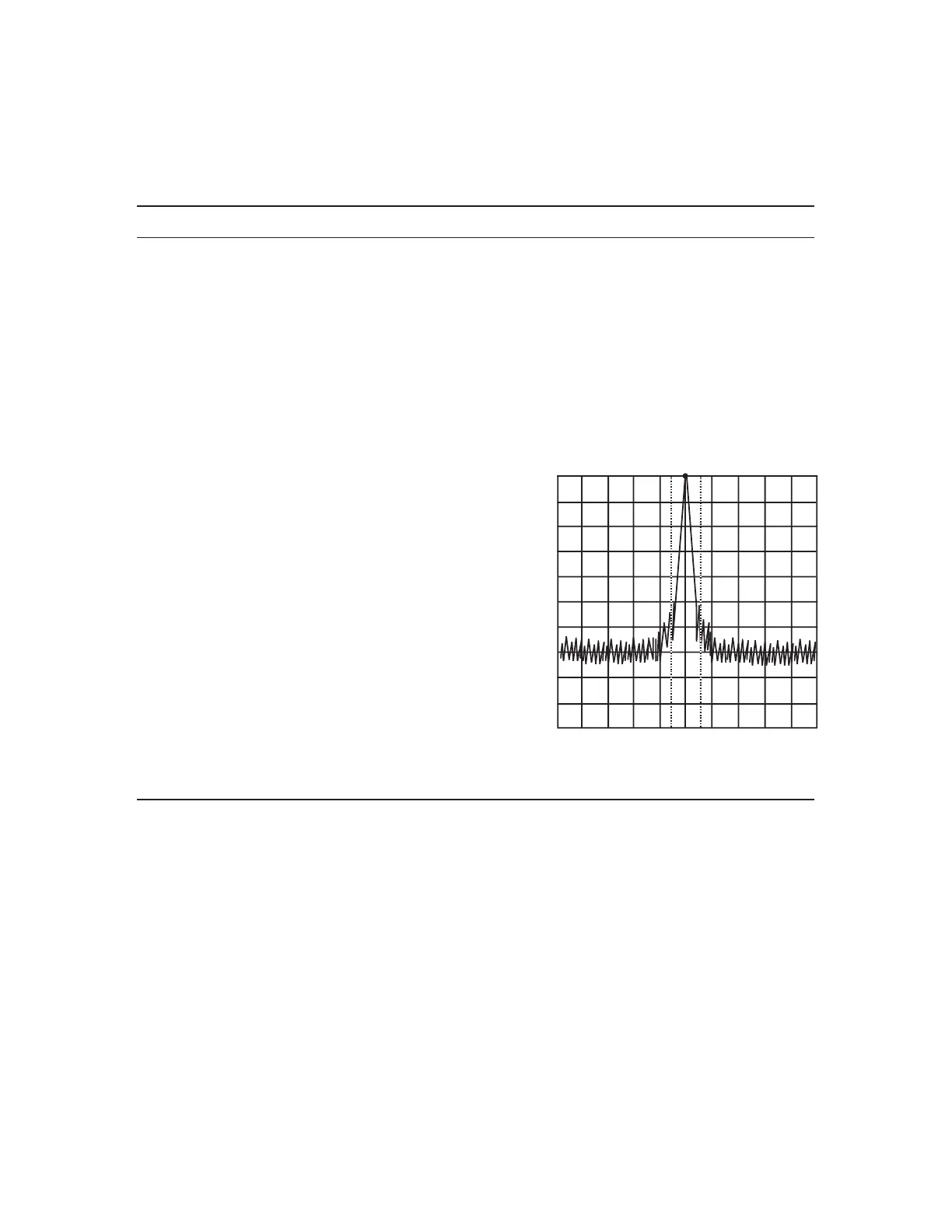
Frequency Measurement
CF : 500MHz
Span : 50kHz












 To Next Page