SECTION 6 PERFORMANCE TESTS
6-49
Step Procedure
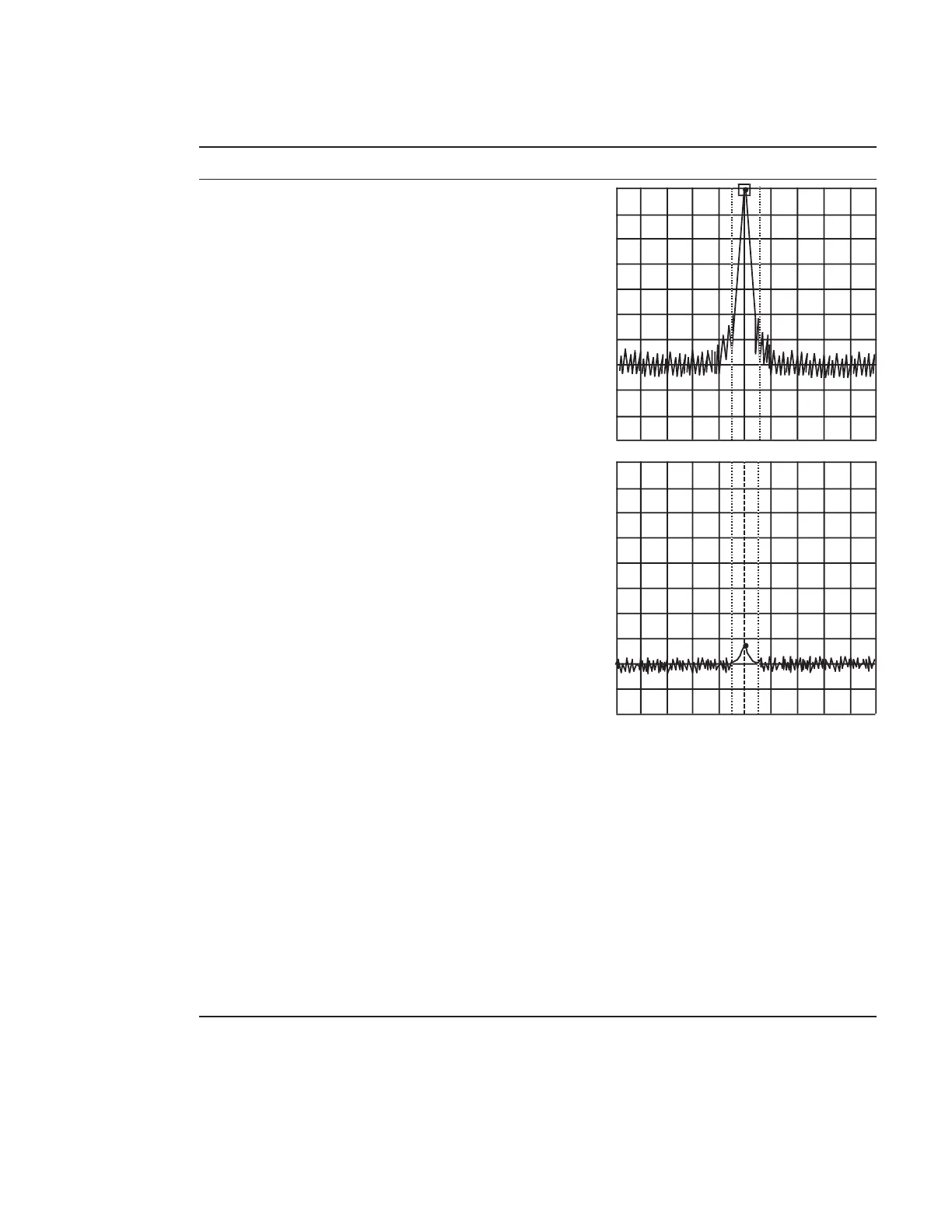
7 Move the marker to the peak of the spectrum
waveform and make the marker the ∆ marker.
8 Set the center frequency to twice the fundamental
wave frequency to display the second harmonic on
the screen.
The ∆ marker reading indicates the level difference
between the fundamental wave and the second
harmonic.
If the level difference is 80 dB or more, set the REF
LEVEL to –50 dBm. Confirm that the ATT set
value is 0 dB.
9 Set the LPF cut-off frequency to approx. 1.2 GHz.
10 Set the SG as follows:
OUTPUT FREQ........................................ 1 GHz
OUTPUT LEVEL ................................. –30 dBm
11 Set the spectrum analyzer as follows:
Center Freq................................................ 1 GHz
Span.......................................................... 10 kHz
Reference Level .................................... –30 dBm
Attenuator..................................................... 0 dB
12 Repeats steps 6 to 8.












 To Next Page