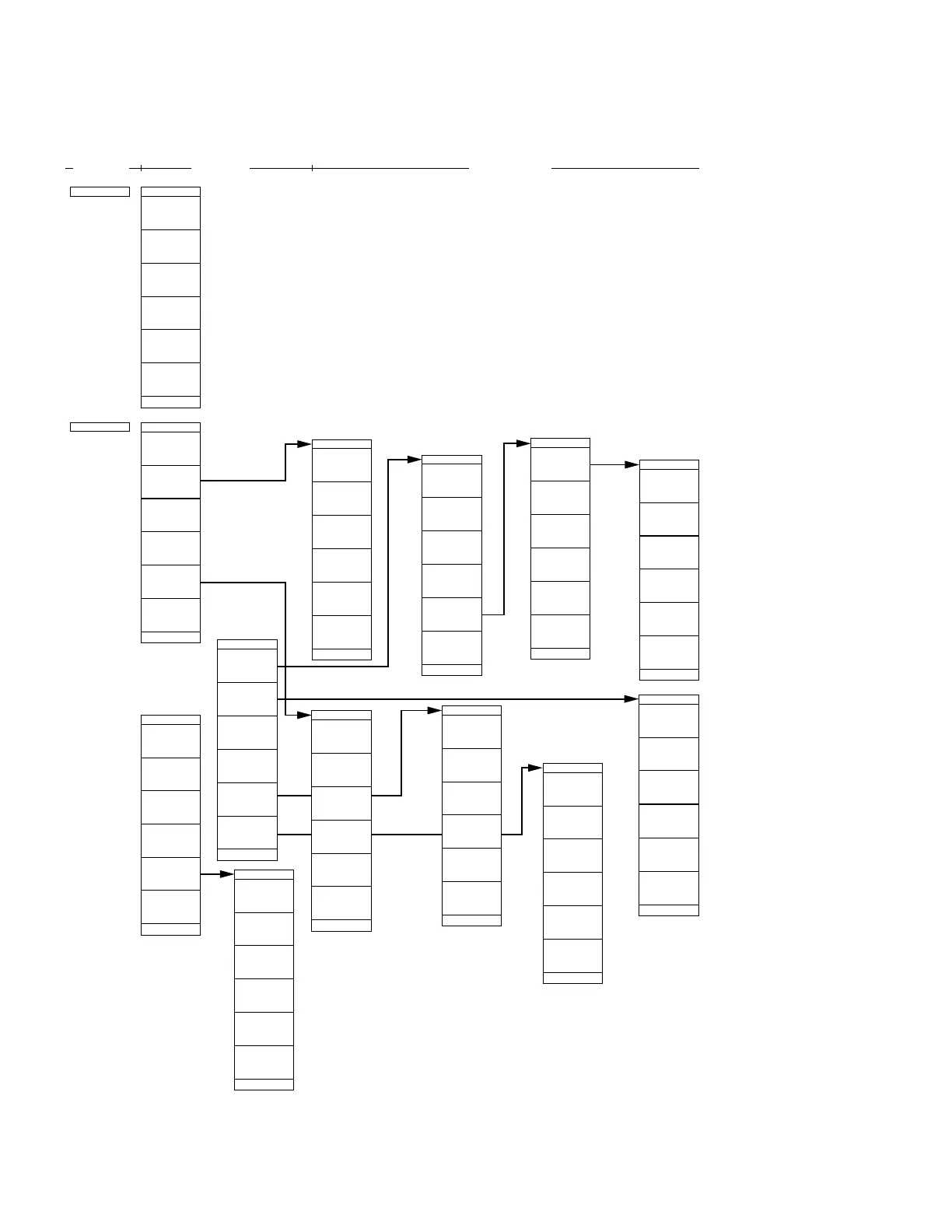
SECTION 4 SOFT-KEY MENU
4-26
Sound
System
Narrow FM
Wide FM
AM
Off
Sound
Color
Pattern3
Color
Pattern4
Color
Pattern1
Color
Pattern2
return
*
Define
User Color
Change clr
Red
15
Green
15
Blue
15
*
Copy Color
Ptn from
return
Define Clr
MS2665C Menu Tree (19 /25)
Panel Key
Top menu Lower menues
*
Display
*
Power On
State
|1|
|
System
#1
#2
Display
Parameter
Type-1
Common
Couple
Independnt
Hi-Lvl-Acc
Auto SWT
Fast
Warm up
Erase
Message
Volume
6
| | |3|
System
Digital
Zero Span
Analog
Count
Unlock
20
Memory No
Recall
1
Lock
FreqDomain
Unlock
*
Set Date
*
Set Time
*
Change
Color
*
LCD
Brightness
|
|2| |
System
Item
Select
BackGround
Color
Pattern3
Color
Pattern4
Color
Pattern1
return
Copy from
Color
Pattern2
Clock Disp
v/m/d
return
Display
return
Pon State
Recall
Memory
Before
Power Off
Fixed
State
2
3
1
4
return
Off
Brightness
Minute
Second
Hour
return
Set Time
Month
Day
Year
return
Set Date
#1 Sets whether the coupled settings for RBW, VBW, etc., in
frequency and time domain, independent or common.
#2 Changes screen color pattern.
• Demodulate the received signal and monitor-output it from
the speaker. Select AM, Narrow FM, Wide FM, TV (voice)
and Volume.
• Set various modes of systems of this device.
Set Couple, Display, Color Pattern, Define User Color, Time Sweep, Power On State, etc.
return
Composite
PAL
Normal
NTSC
*
Composite
Mode












 To Next Page