4-2 Managing Files File Management
4-4 PN: 10580-00251 Rev. T MS2712E/13E User Guide
Change Save Location
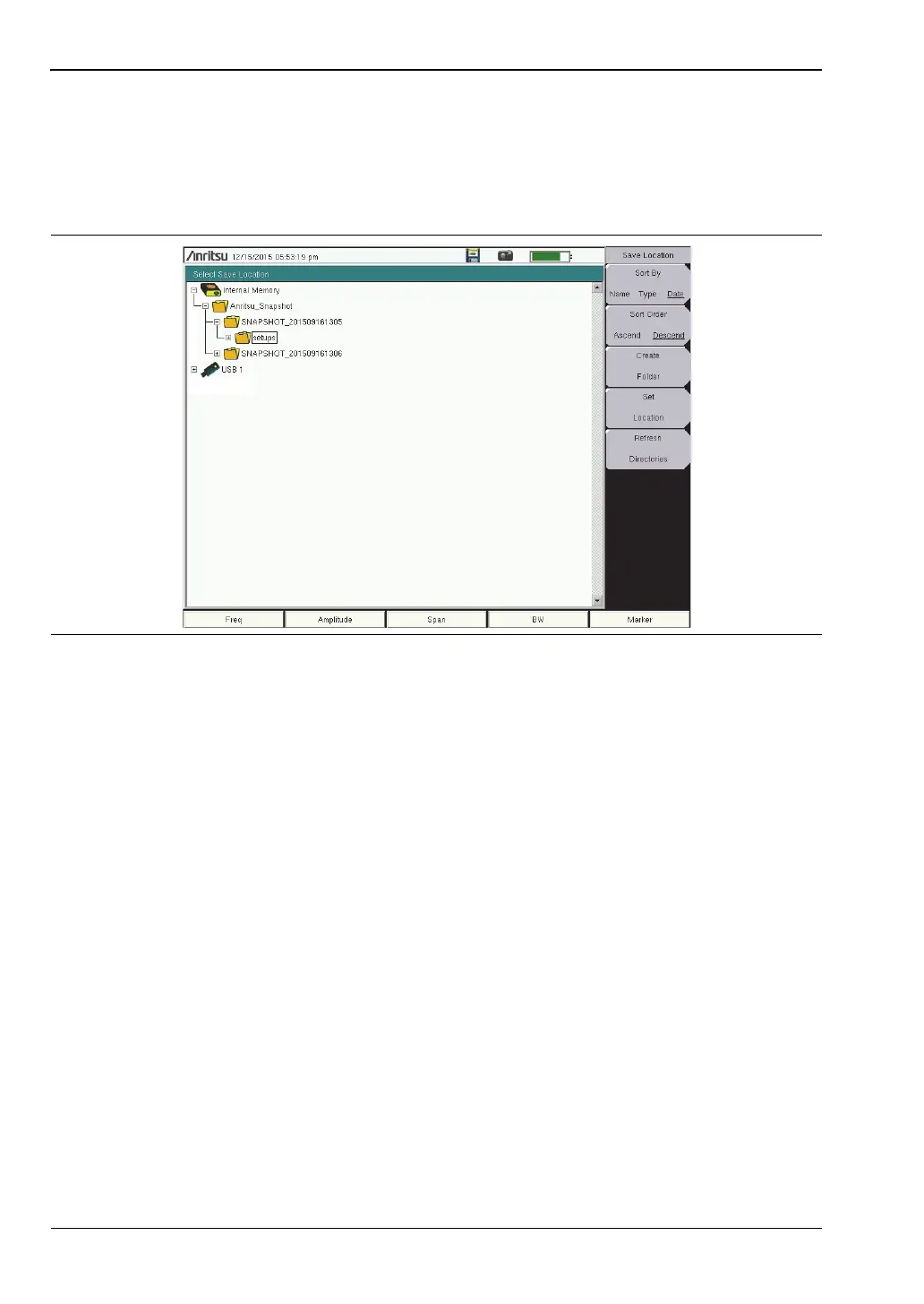
You can save files to internal memory or to an external USB flash drive. To change the
destination location of the saved file, press the Change Save Location submenu key under the
Save menu. Figure 4-4 illustrates the directory structure of the instrument’s internal memory
and external USB drive or drives, if connected. Only folders are listed, not files.
Use the touch screen, the Up/Down arrow keys, or the rotary knob to select a folder from the
list. To expand a folder and view its subfolders, press Enter or the Right arrow key. Press
Enter again or the Left arrow key to collapse the folder. To create a new folder, press the
Create Folder submenu key.
After selecting the folder, press the Set Location key to store the save location. Refer to
“Save Location Menu” on page 4-11 for a description of the submenu keys.
Save On Event
This menu is not available in all modes of operation. The menu is used to automatically save
measurement data to the current save location after a selected event type. Refer to
“Save On... Menu” on page 4-12.
Figure 4-4. Save Location Screen














 To Next Page