55
55EN
R7
- OPERATING INSTRUCTION
NOTE: The images shown on the monitor by the camera are only
temporarily saved. To permanently save the images, connect the camera
to a PC that complies to standard IEC 60950 which has a USB 2.0 HIGH
SPEED port and image software program.
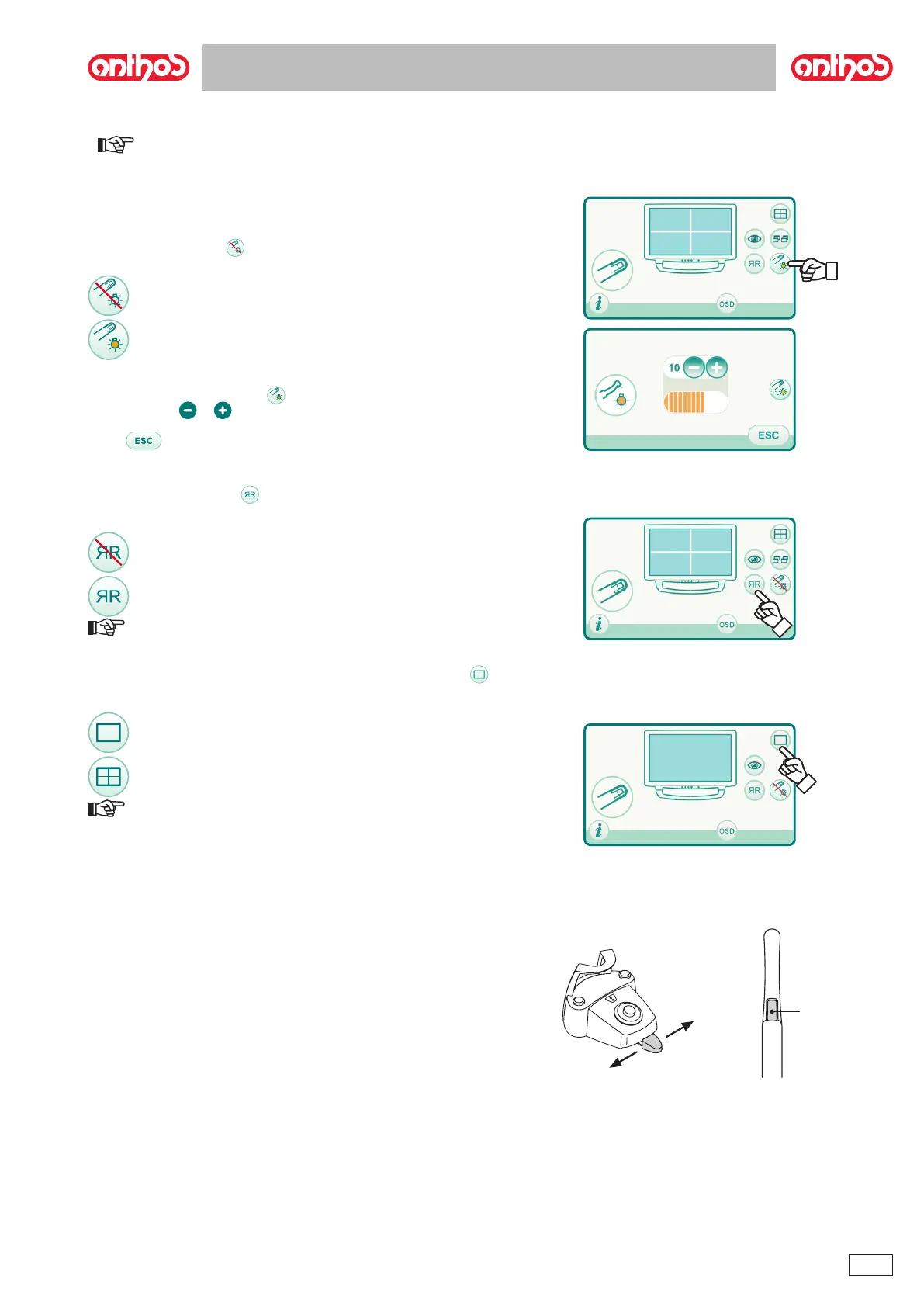
Camera LED on.
or .
.
MIRROR function.
NOTE: This function can only be used in LIVE mode.
Setting operation in single image or multiple image mode.
NOTE: activation of multiple image mode is also indicated on the
display by a dedicated icon in the top right corner.
g



 To Next Page